Title: VirtualBox 1.6.4 on Debian [MULTIPLE SHOTS 1600x1280]
Post by: mdriftmeyer on August 21, 2008, 07:01:48 PM
Post by: mdriftmeyer on August 21, 2008, 07:01:48 PM
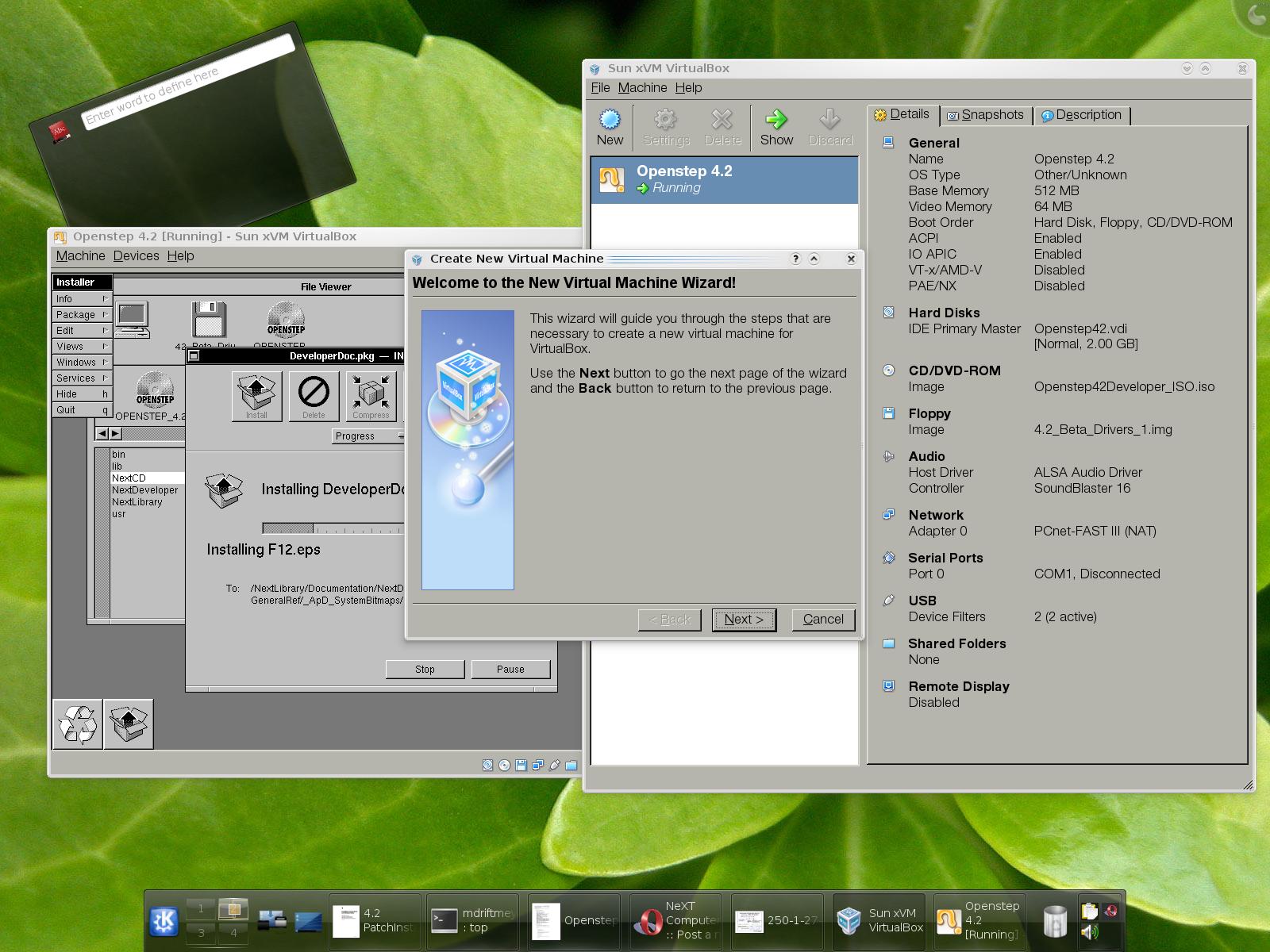
SYSTEM:
BRAND: Asus Vintage V2-PH1
CPU: Pentium D 940
RAM: 4GB
HDD: 320GB SATA II WD 3200
GPU: XFX 8600GTS 256MB
OS: Debian Sid 2.6.26-1-openvz-amd64
VIRTUALBOX: 1.6.4 Sun Release for amd64 Debian (Debian only hosts 1.6.2-ose)
VIRTUALBOX SETUP:
General:
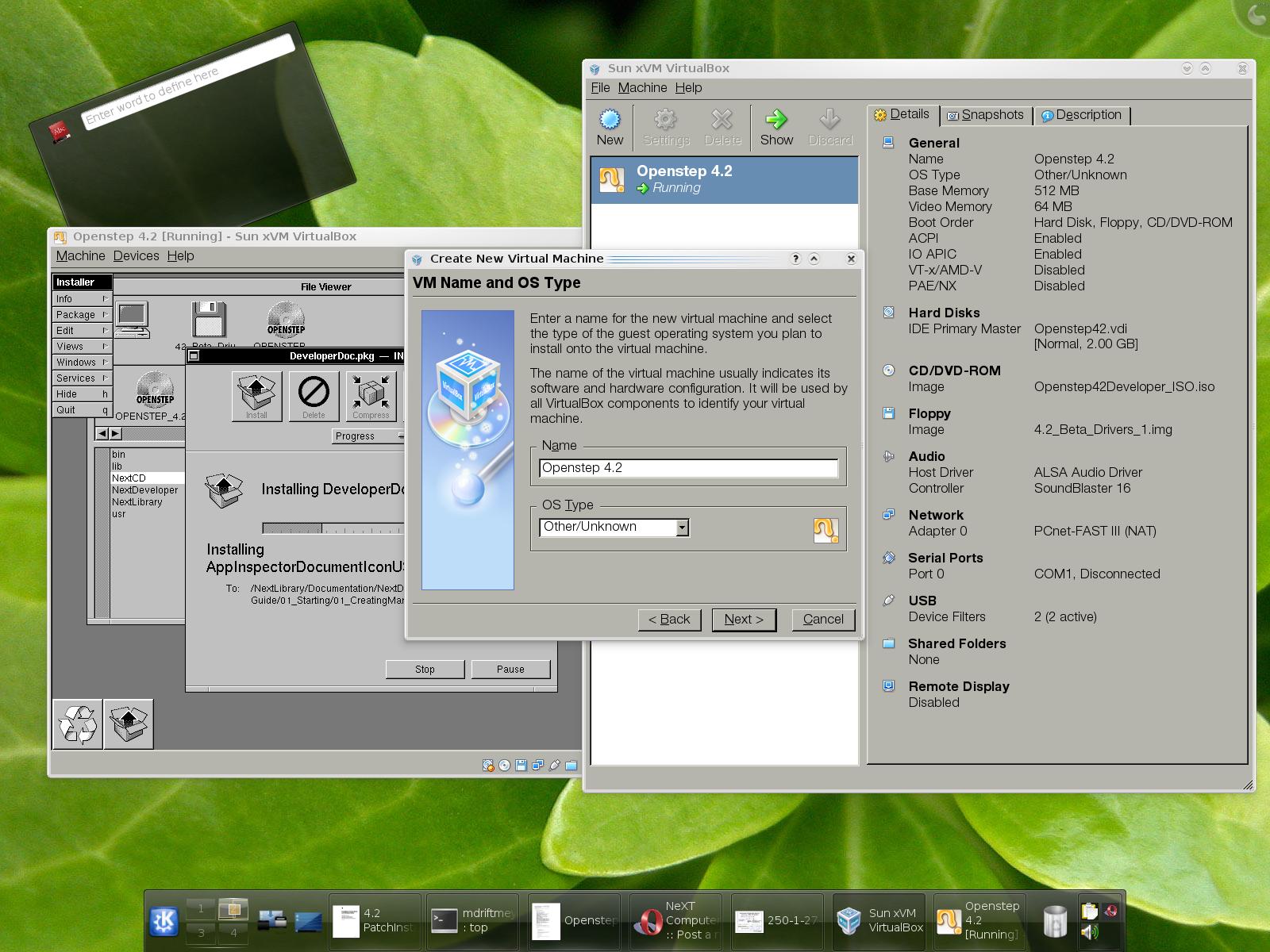
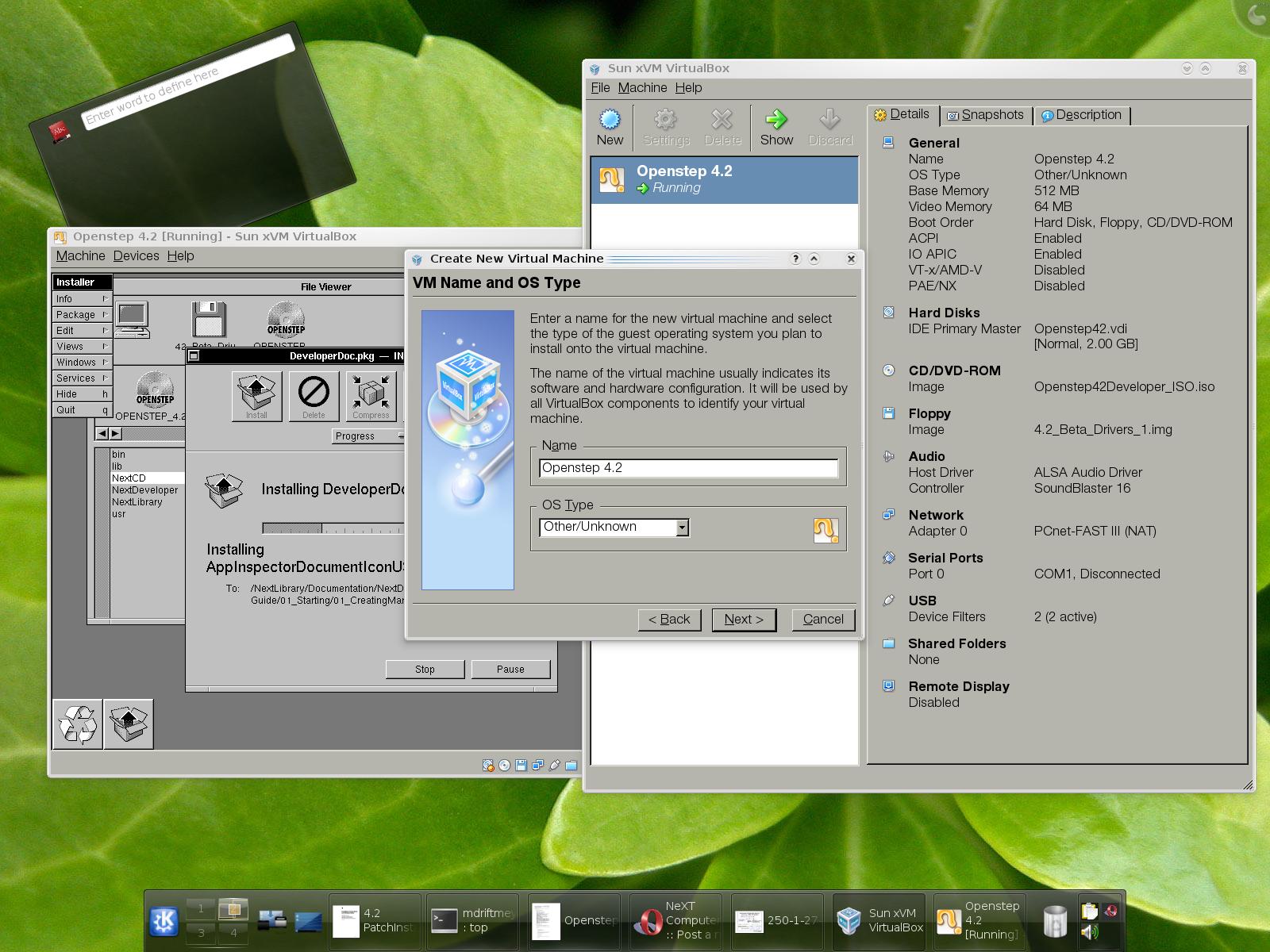
Name :: Openstep 4.2
OS Type :: Other/Unknown
Base Memory :: 512 MB
Video Memory :: 64 MB
Boot Order :: Hard Disk, Floppy, CD/DVD-ROM
ACPI :: Enabled
IO APIC :: Enabled
VT-x/AMD-V :: Disabled
PAE/NX :: Disabled
Hard Disks:
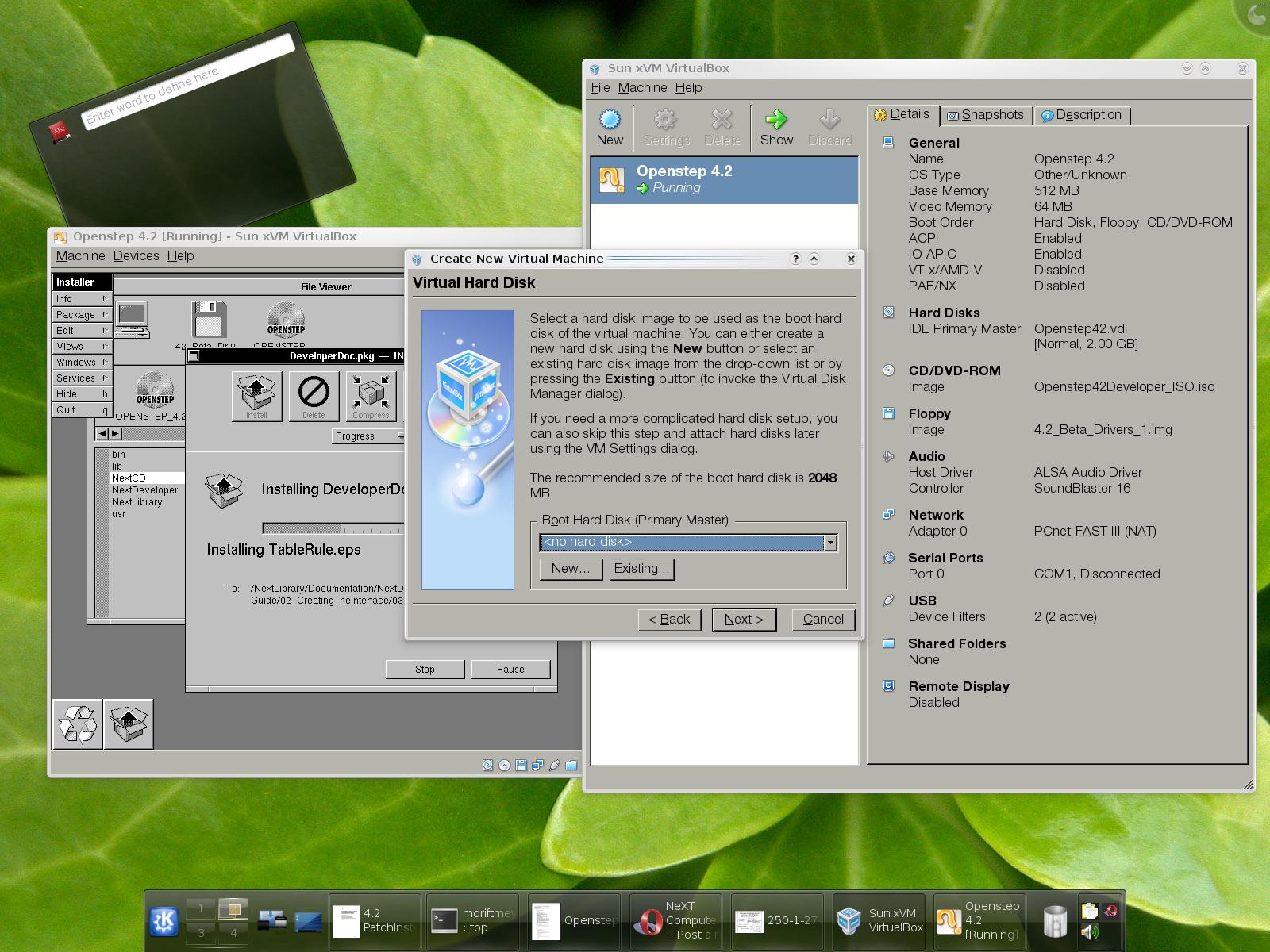
IDE Primary Master :: Openstep42.vdi [Normal, 2.00 GB]
CD/DVD-ROM:
Image :: Openstep42Developer_ISO.iso
Floppy:
Image :: 4.2_Beta_Drivers_1.img
Audio:
Host Driver :: ALSA Audio Driver
Controller :: SoundBlaster 16
Network:
Adapter 0 :: PCnet-FAST III (NAT)
Serial Ports:
Port 0 :: COM1, Disconnected
USB:
Device Filters :: 2 (2 active) [Apple Wired Aluminum Pro Keyboard, Kensington 3-button Mouse]
Shared Folders:
None
Remote Display:
Disabled
STEPS TO PREPARE FOR OPENSTEP INSTALLATION:
1: Download the Floppy Disk images from Apple:
http://docs.info.apple.com/article.html?artnum=71921
2: Copy the .floppyimage to .img correspondingly, for the Install, Driver, Beta 1 and Beta 2 disks. [You may or may not use the Beta 2 disk]
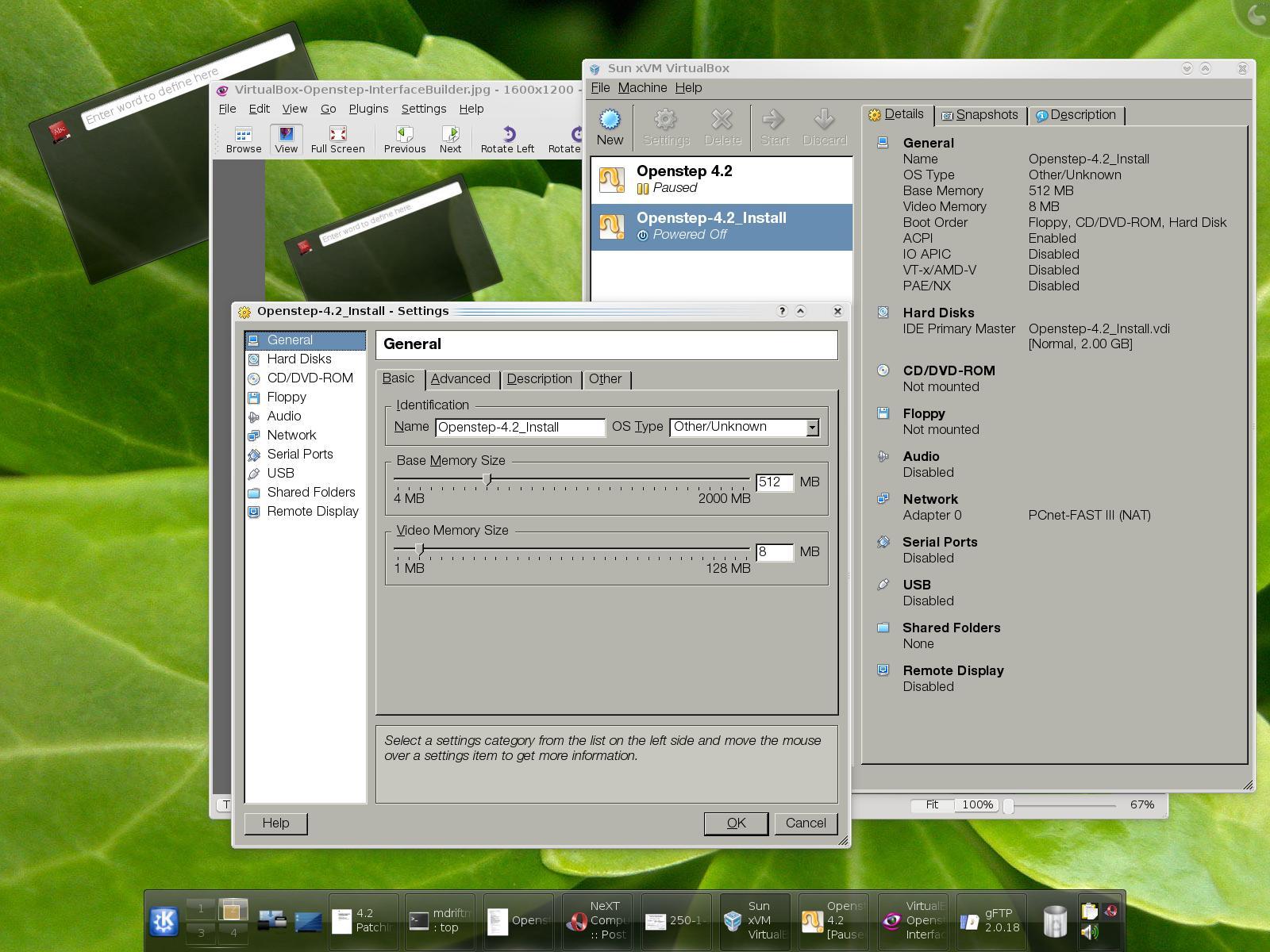
3: Create the Virtual Image for Openstep
3a: Fixed Disk Selection [2GB default]
3b: Video Memory [8MB min up to 128MB]
3c: RAM [64MB min up to 2GB--system dependent]
Picture Steps:
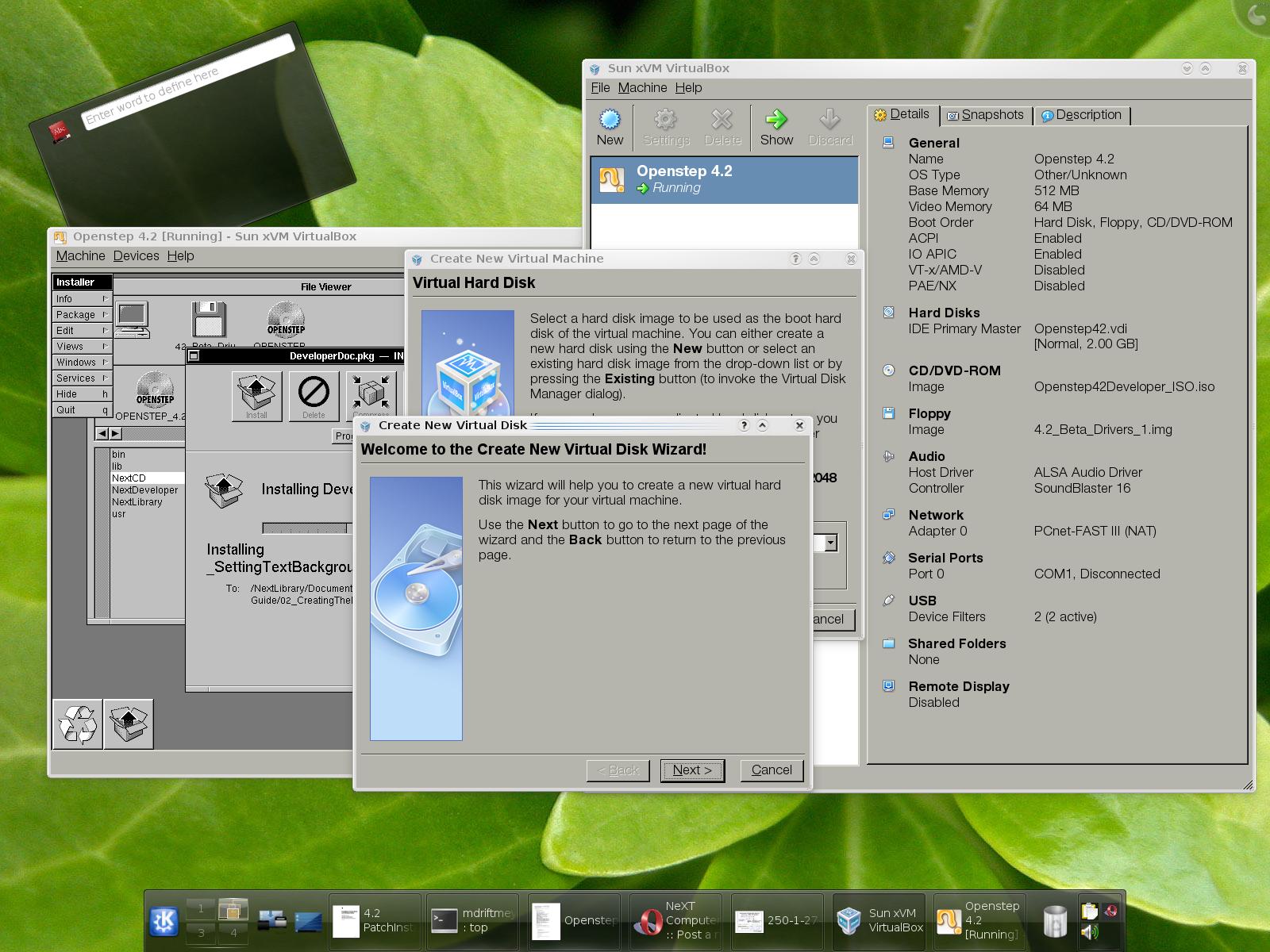
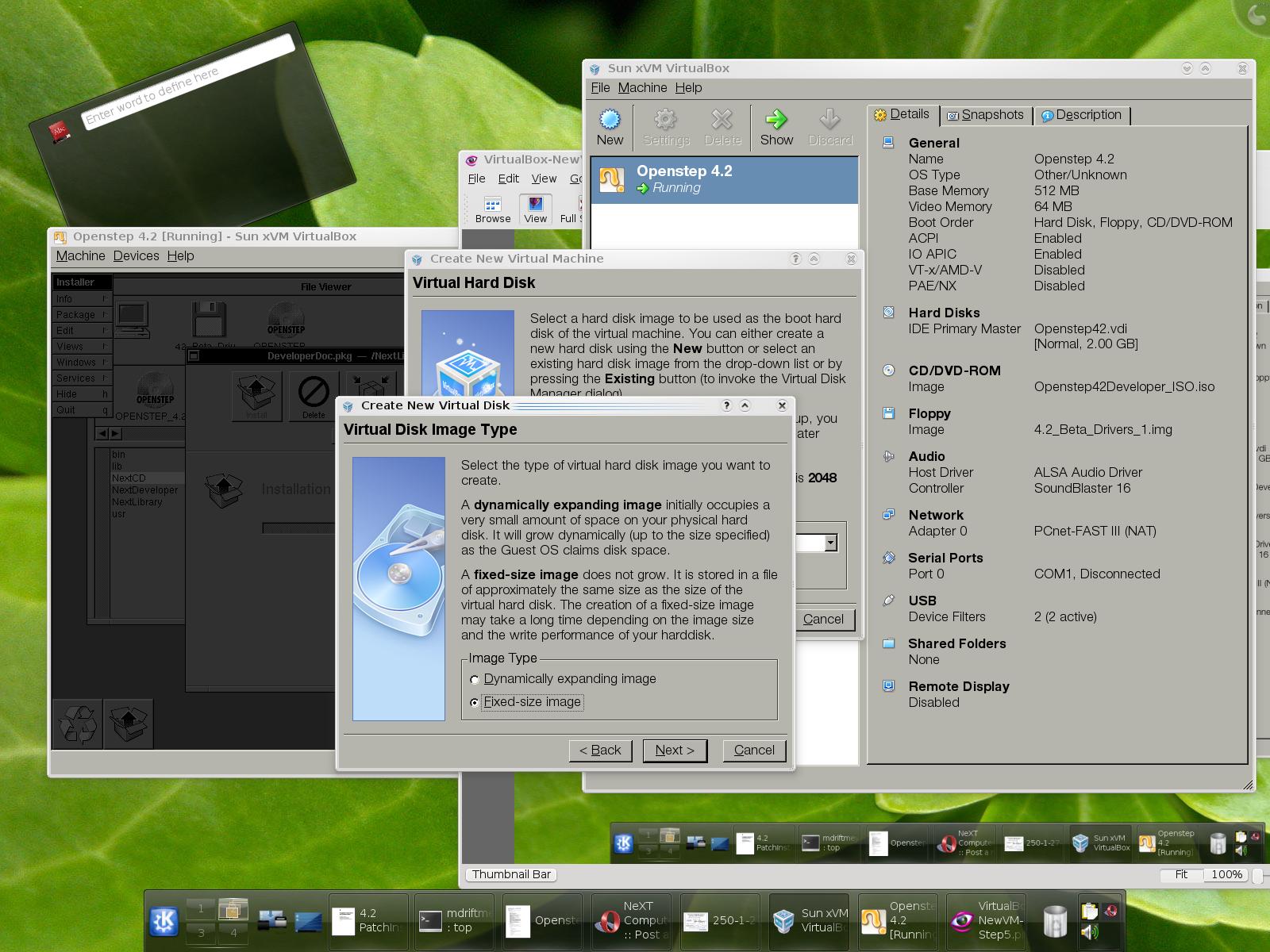
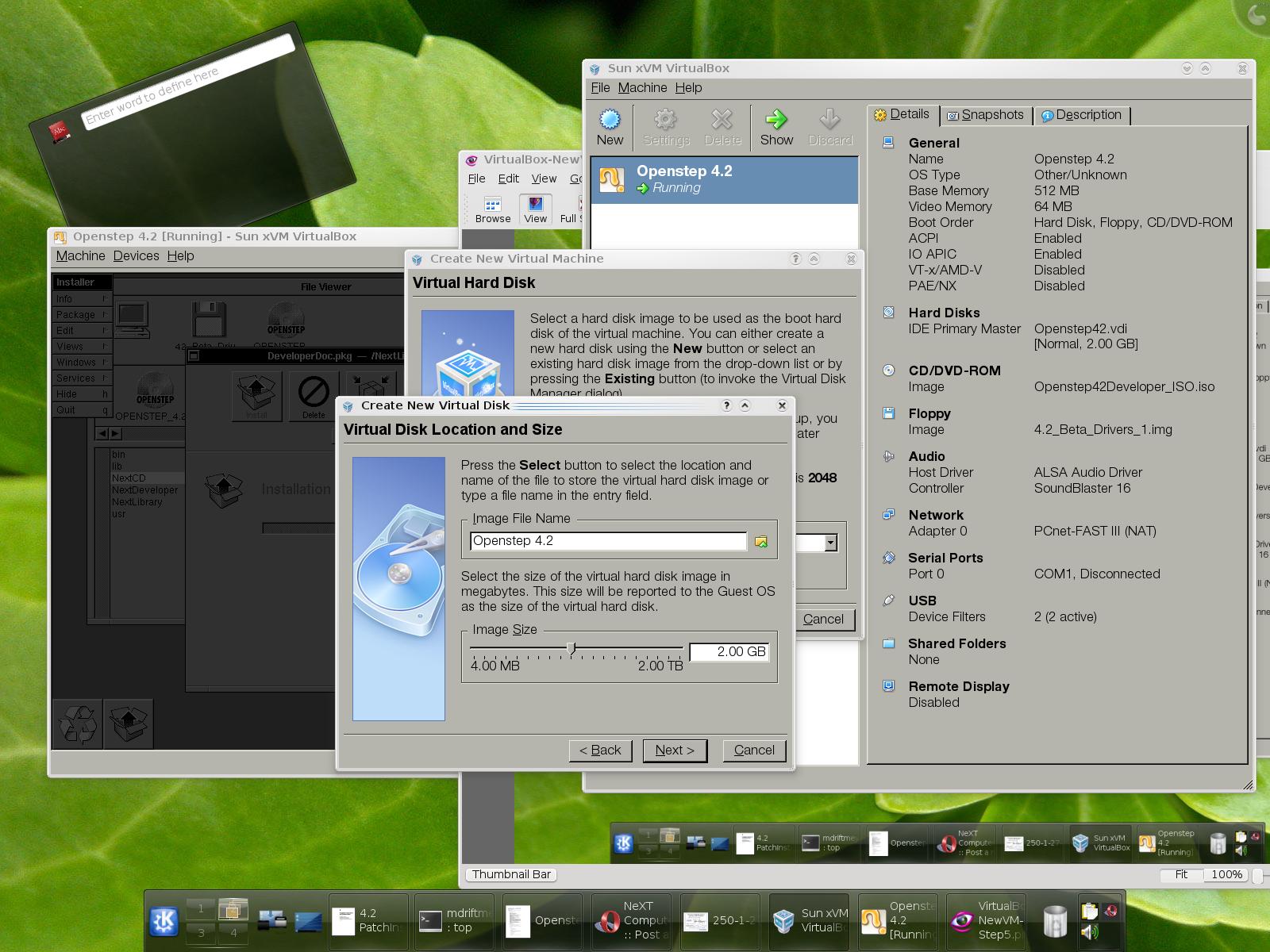
ISO IMAGE CD/DVD SUPPORT:
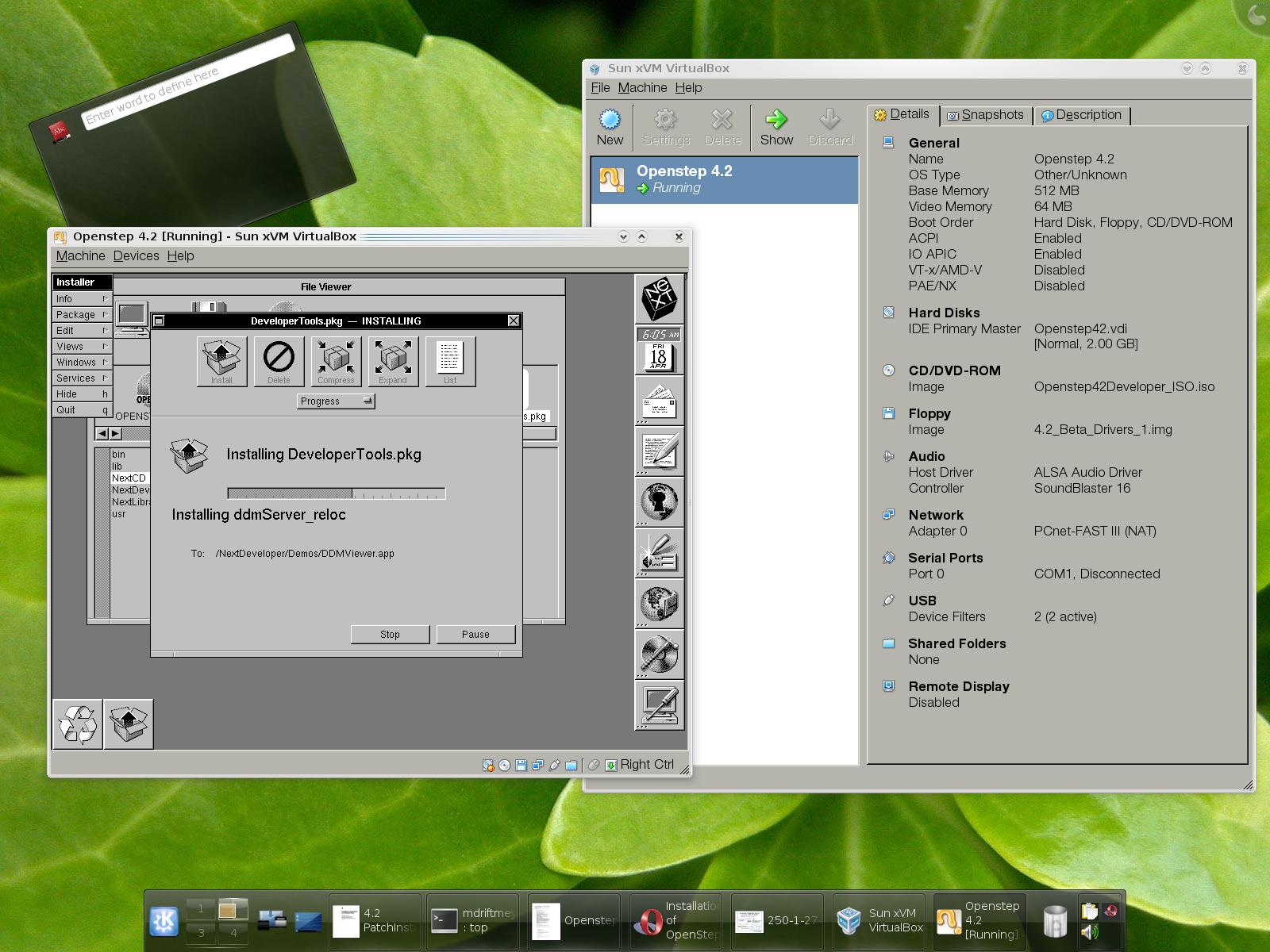
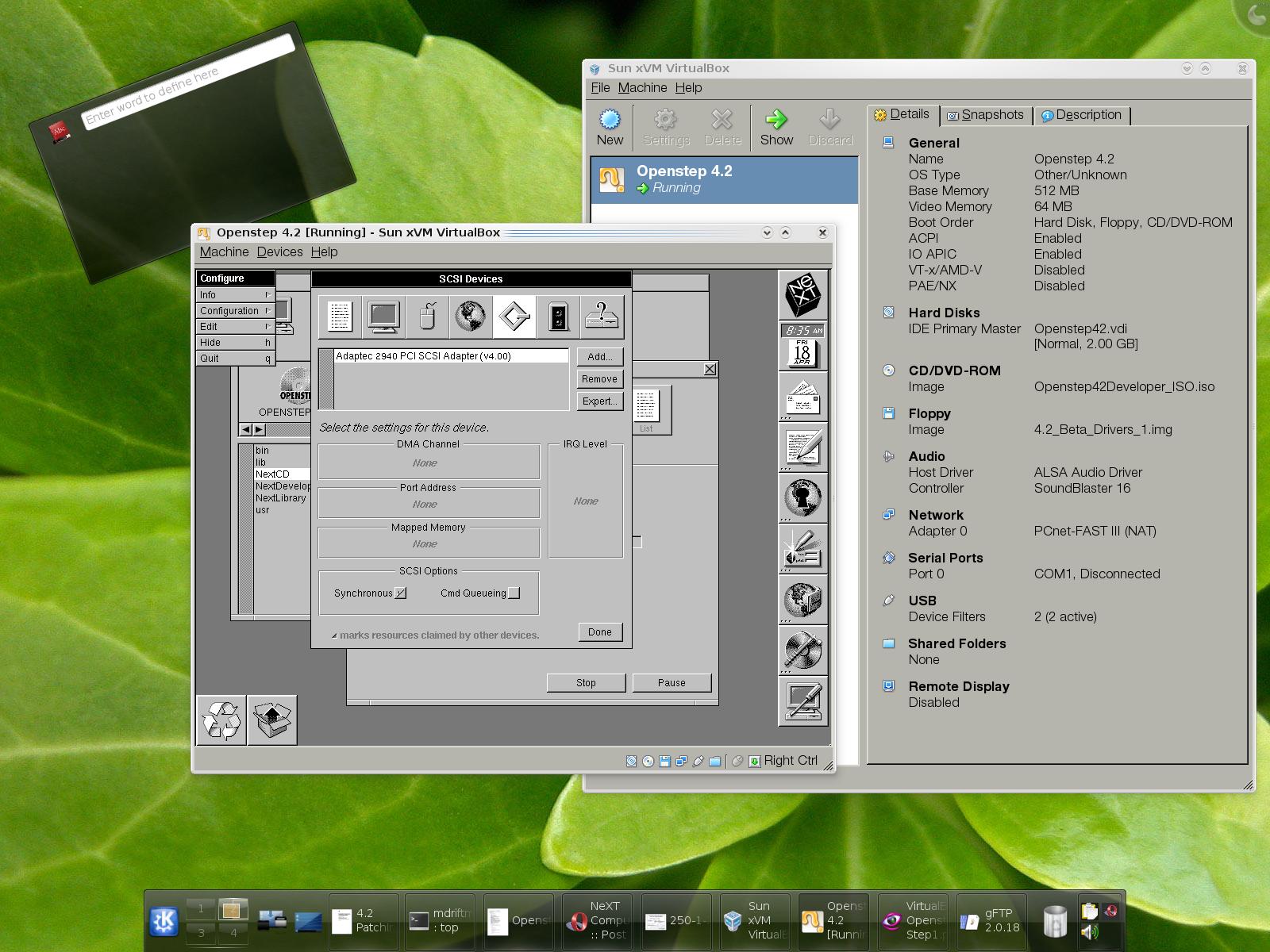
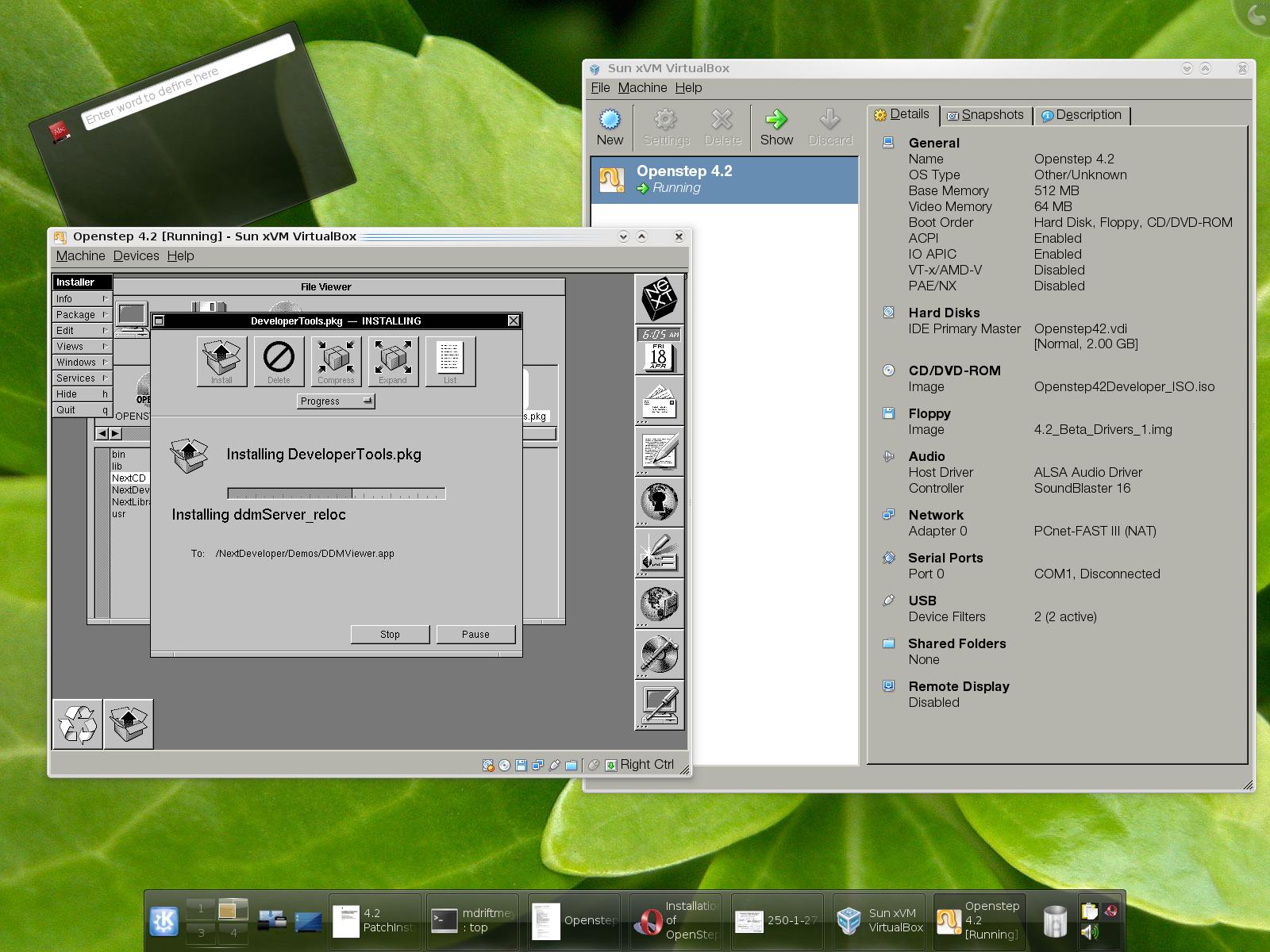
Developer Tools being installed because of setting up the necessary Virtual Driver for CD/DVD--SCSI Device driver.
I chose: ADAPTEC 2940 SCSI
DEVICE DRIVERS:
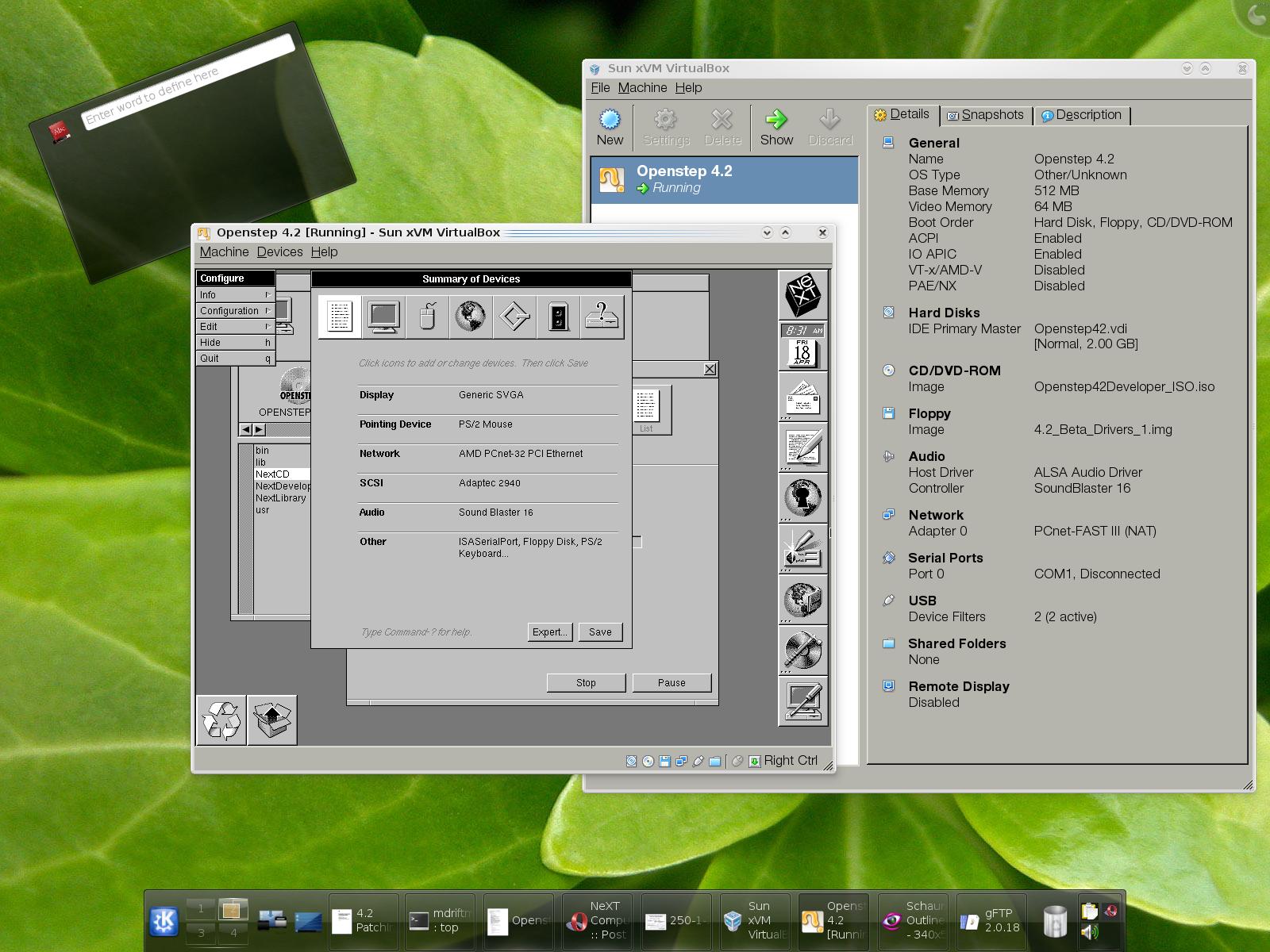
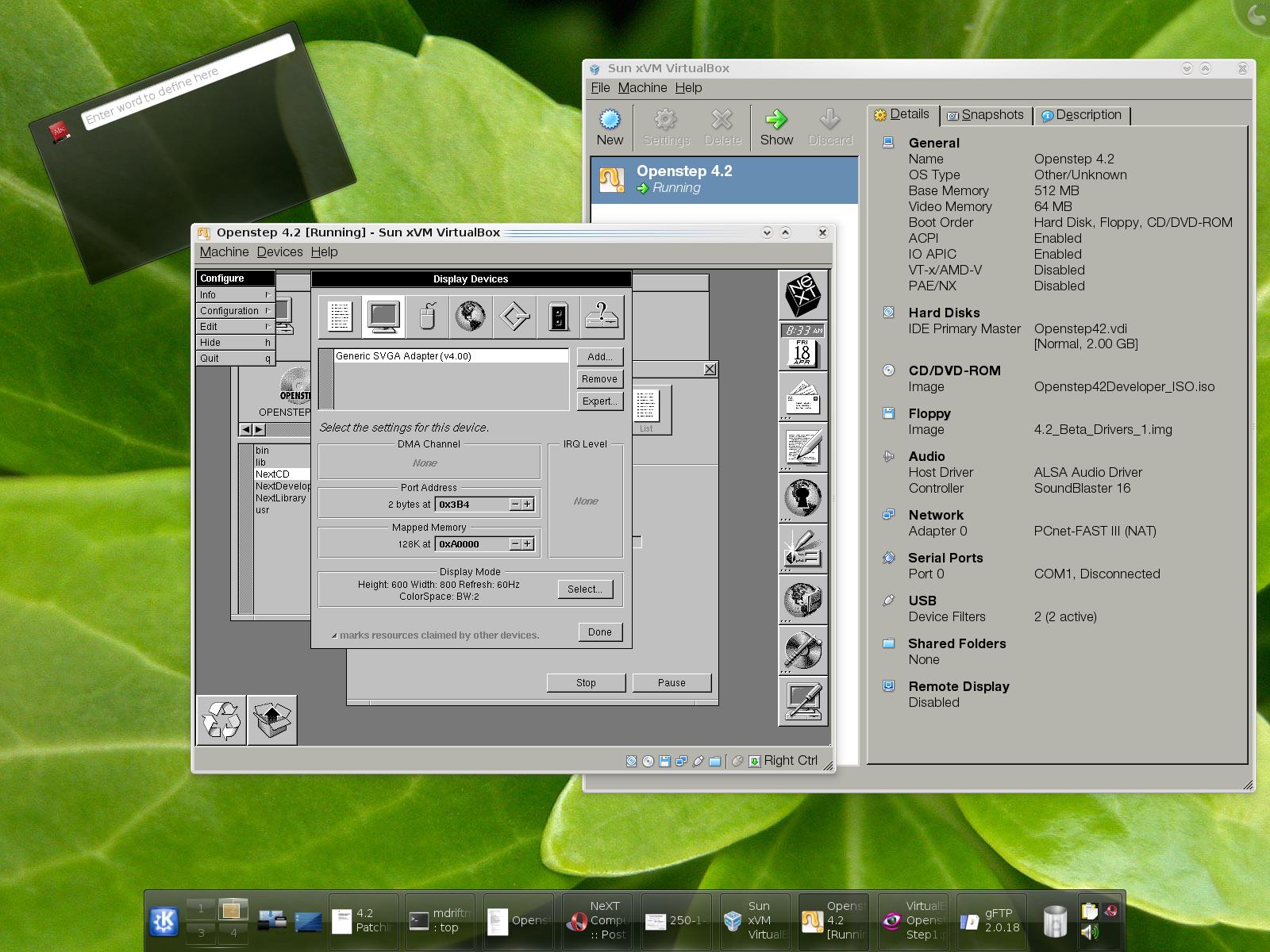
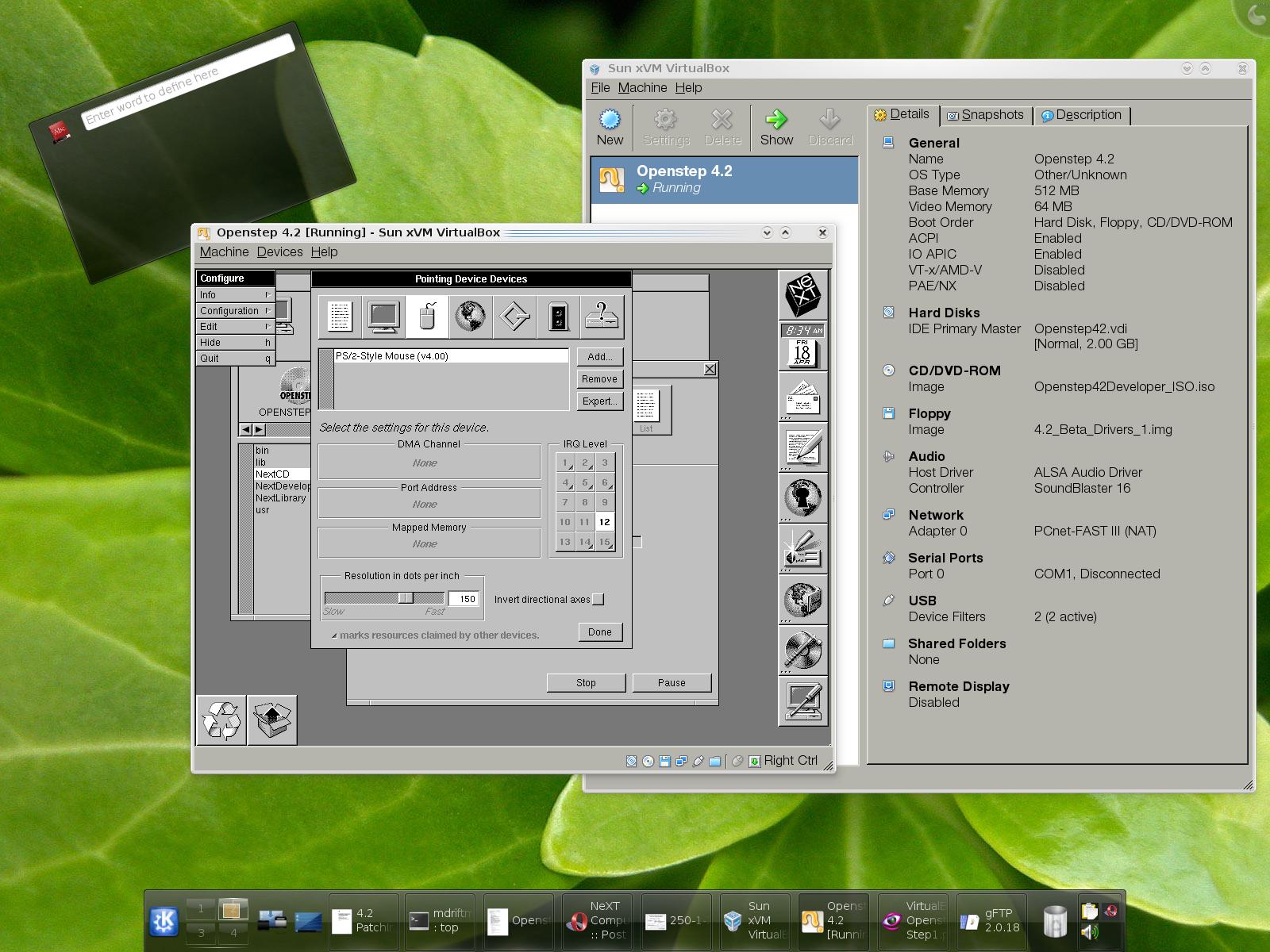
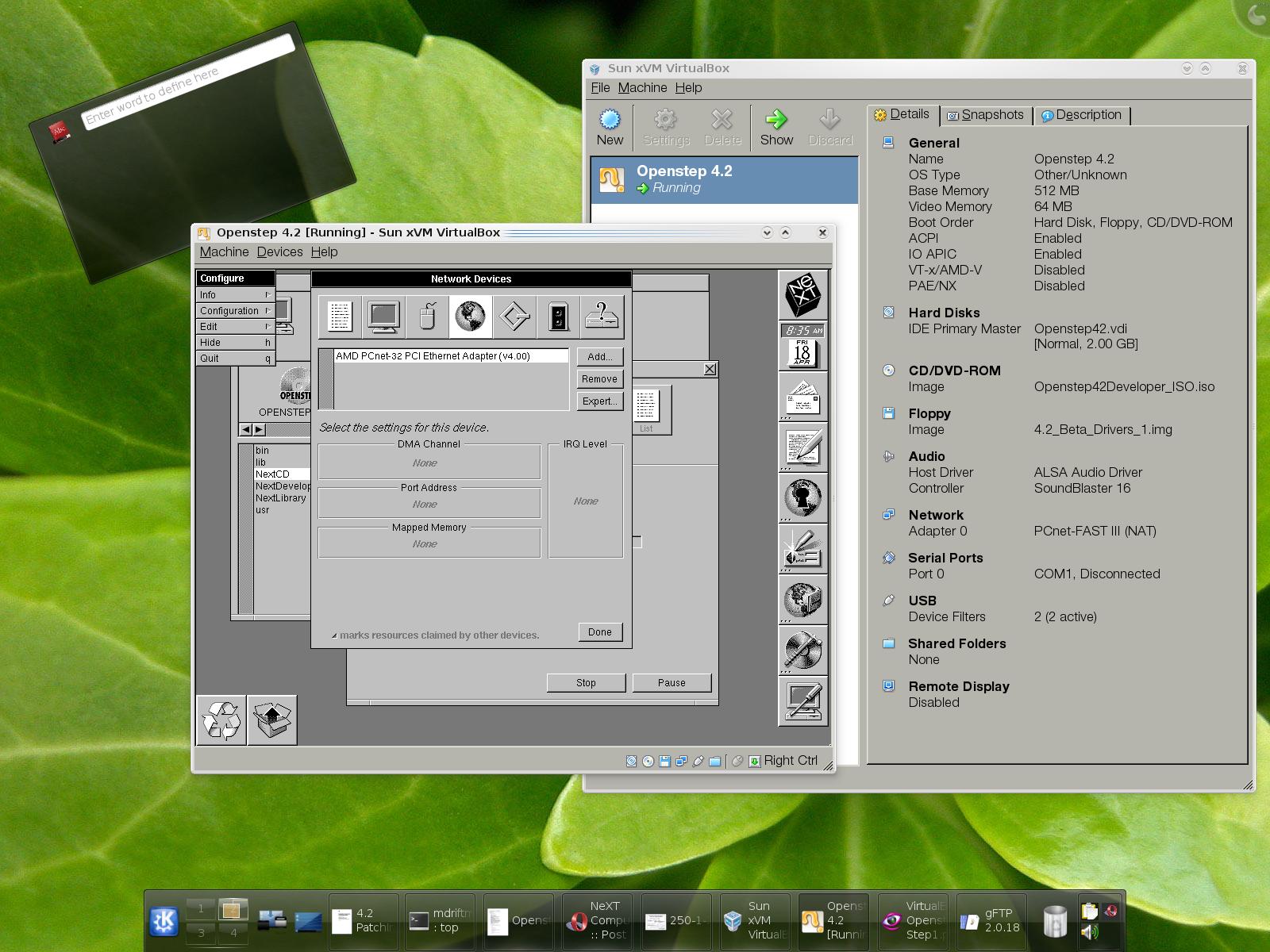
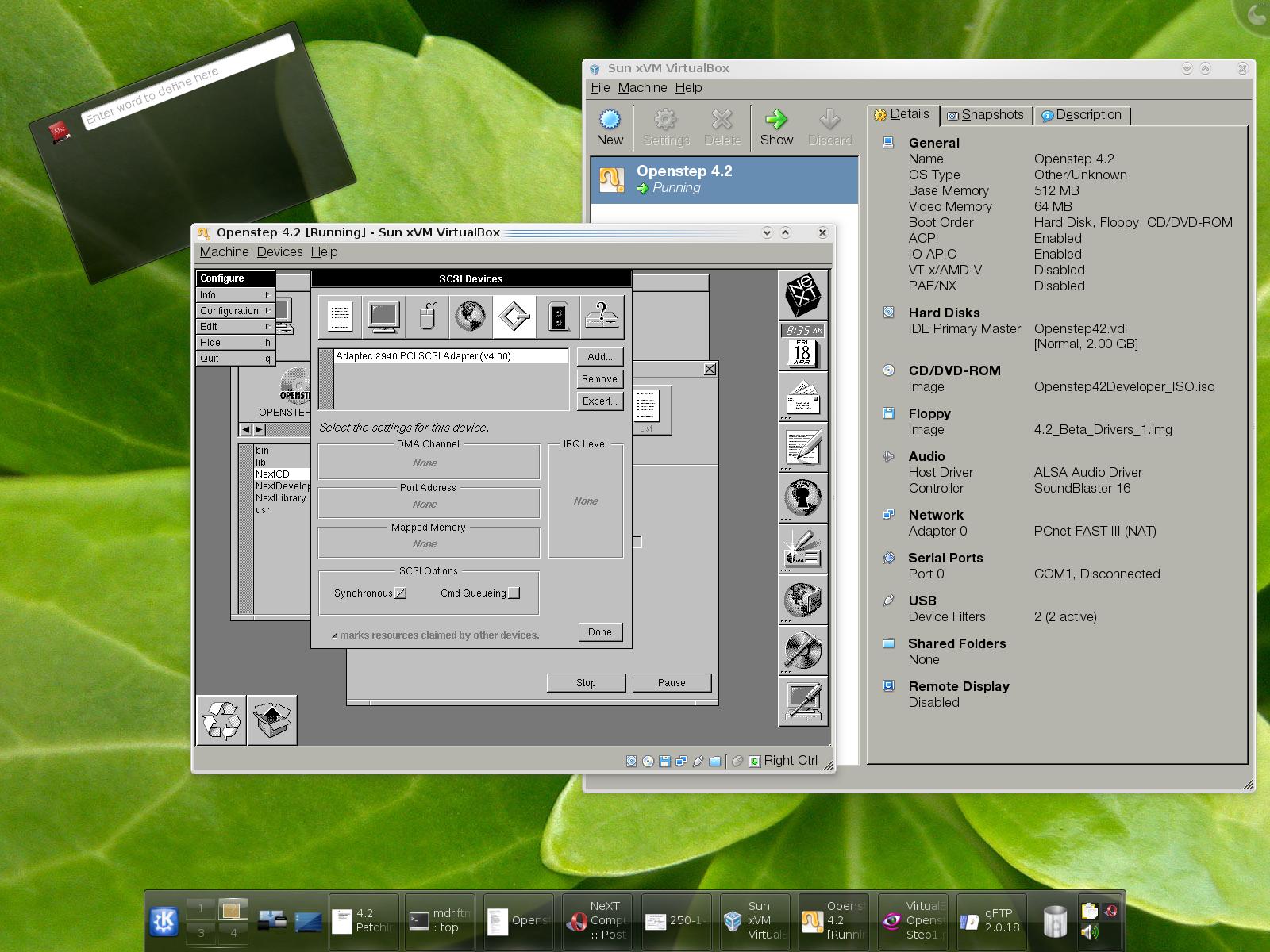
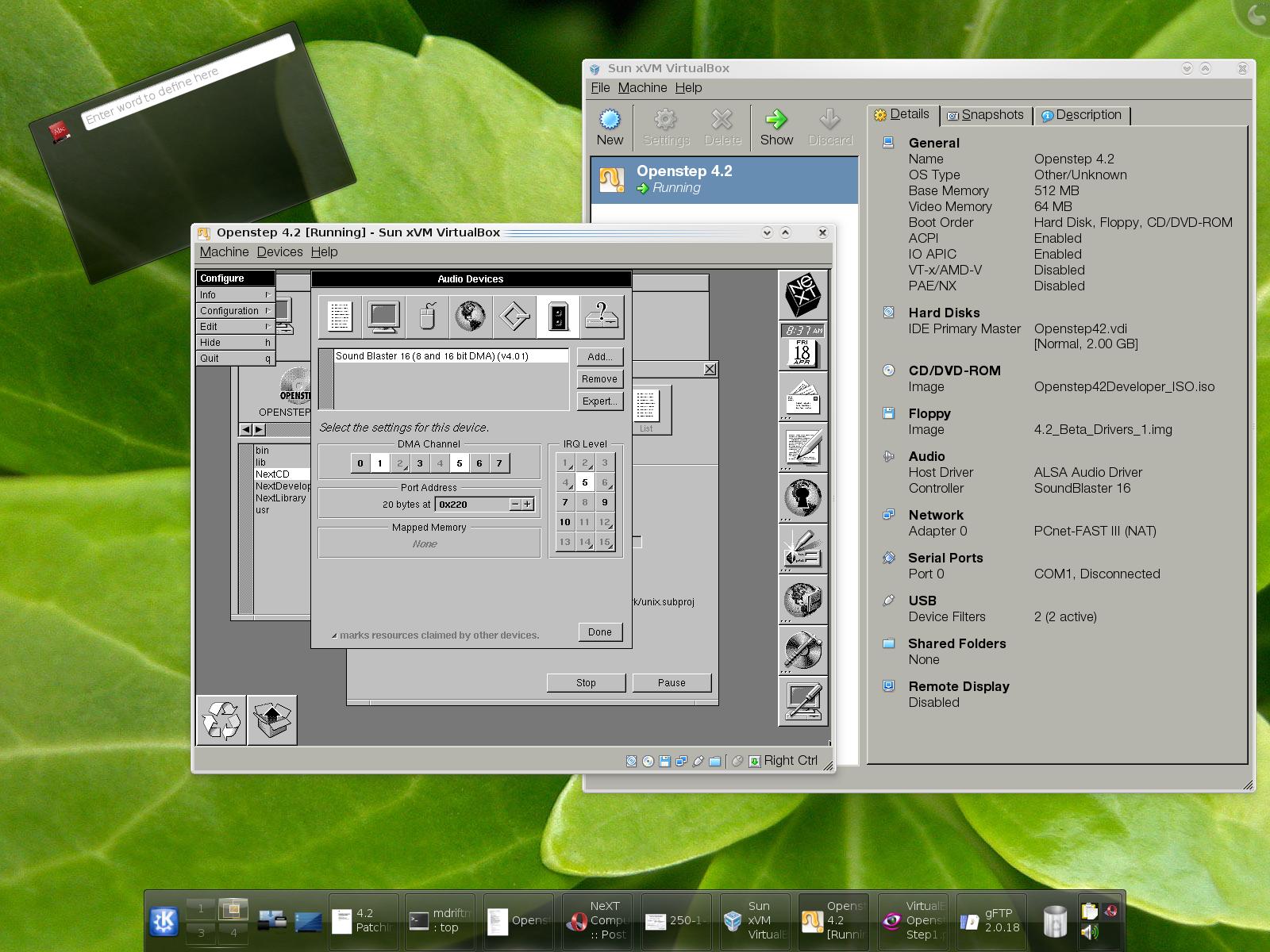
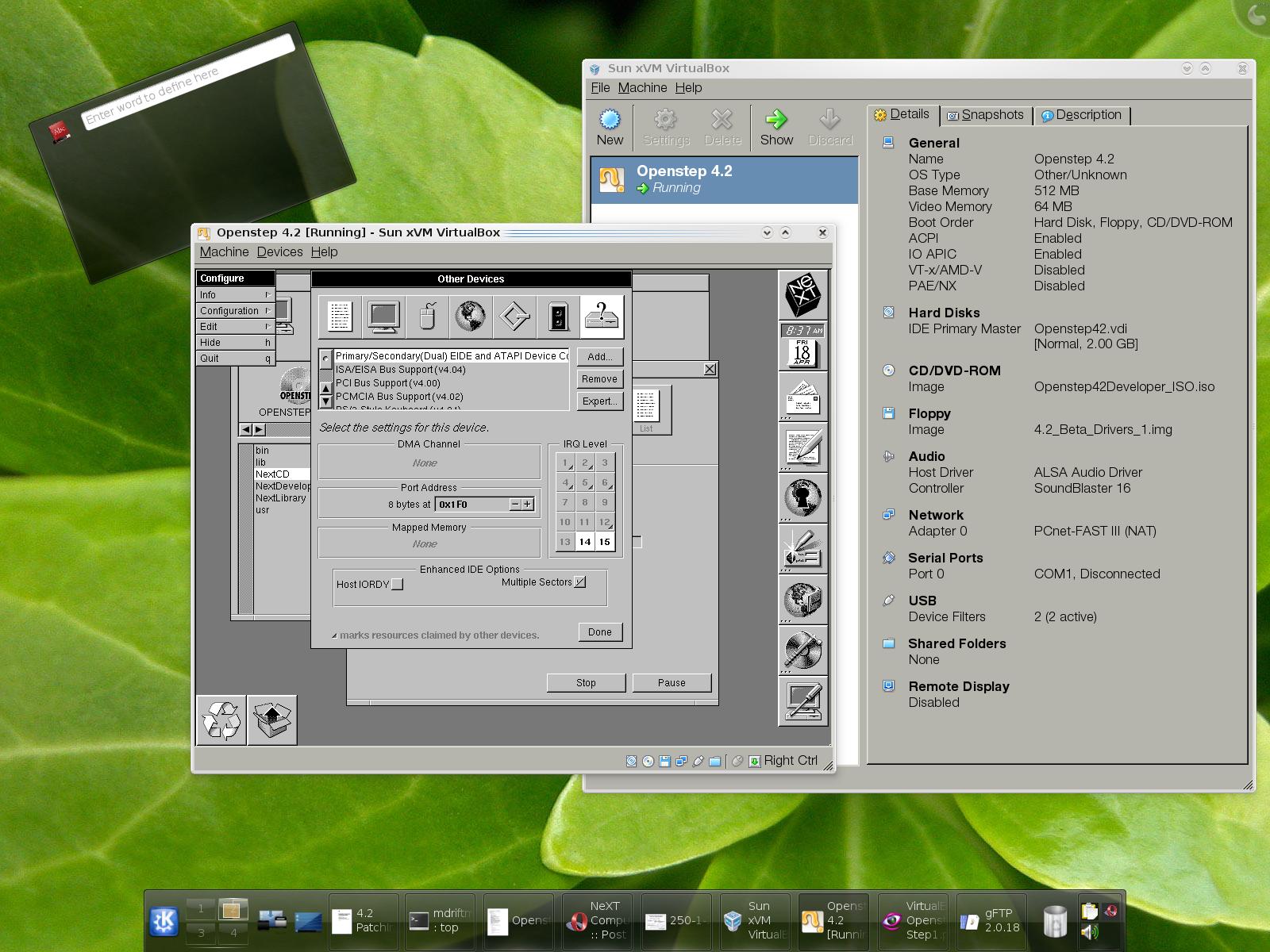
SYSTEM INSTALL:
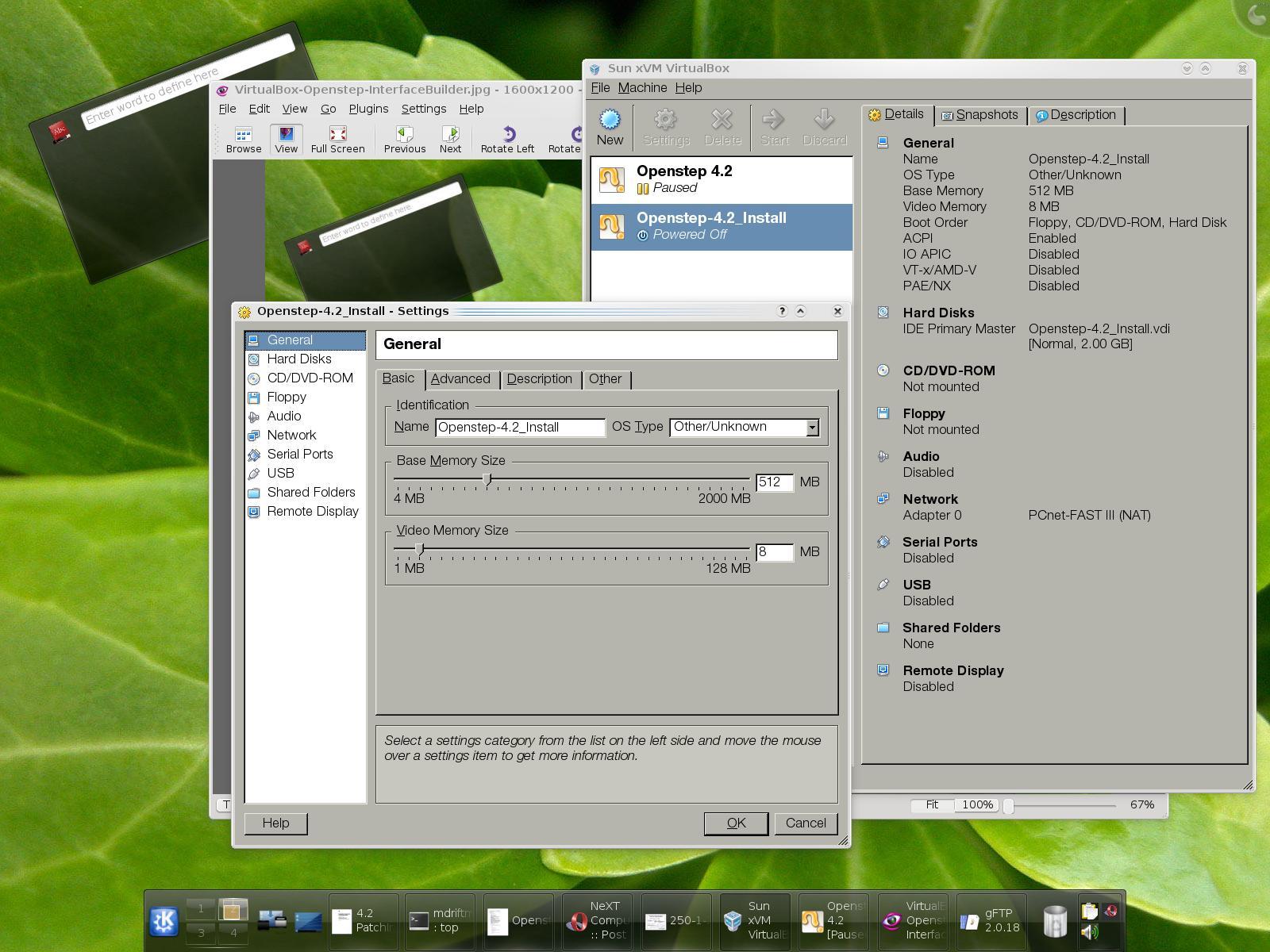
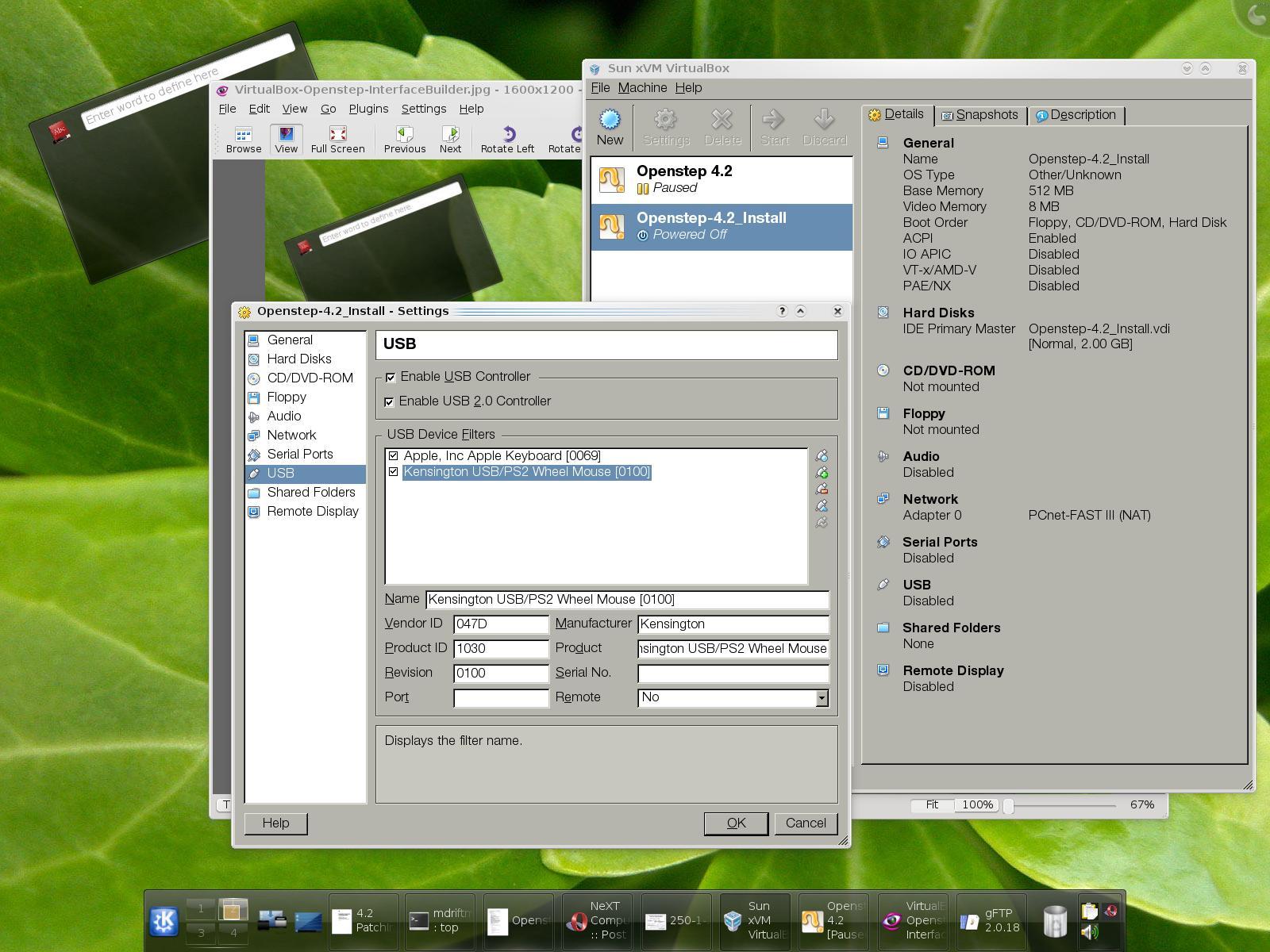
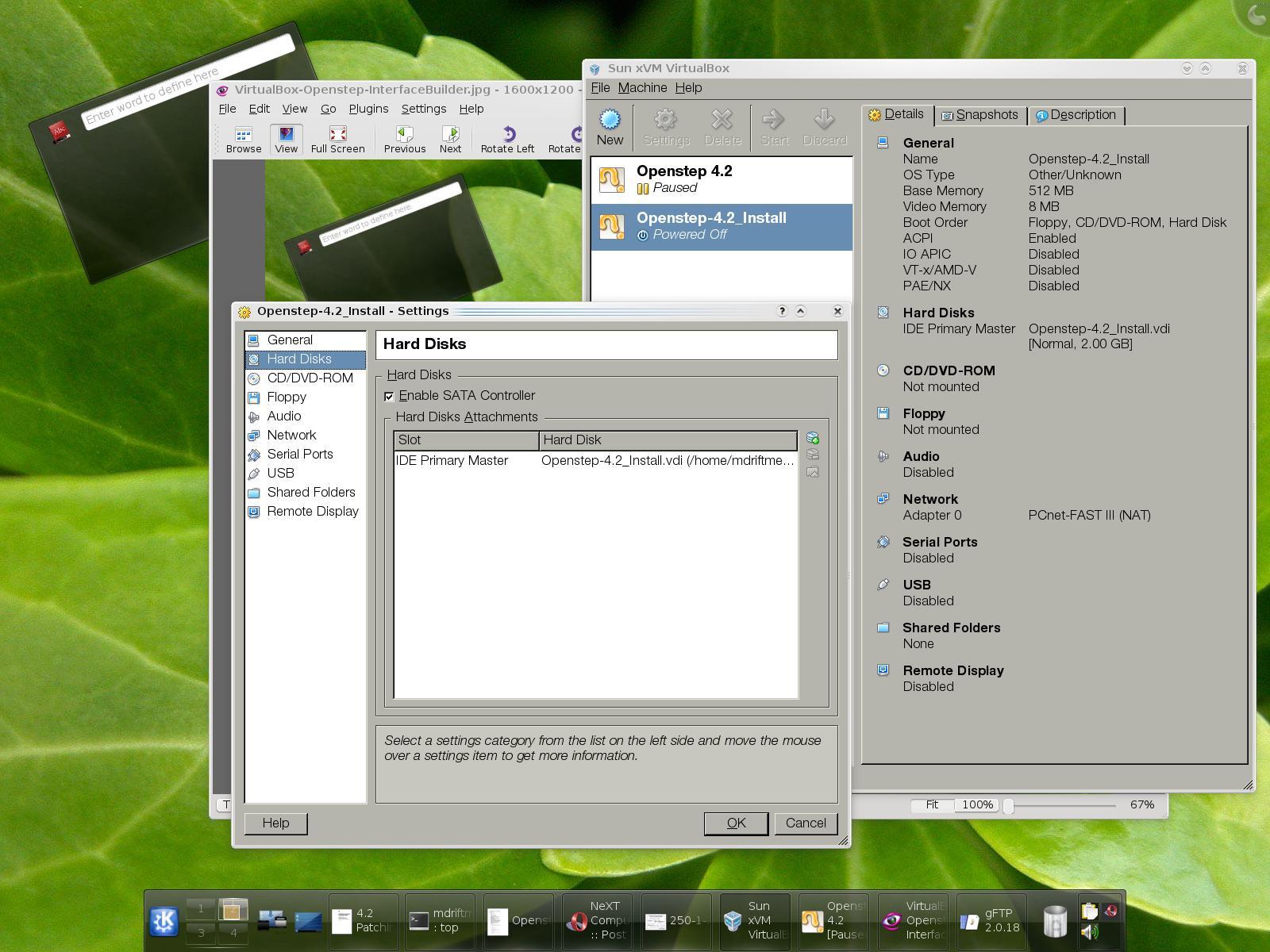
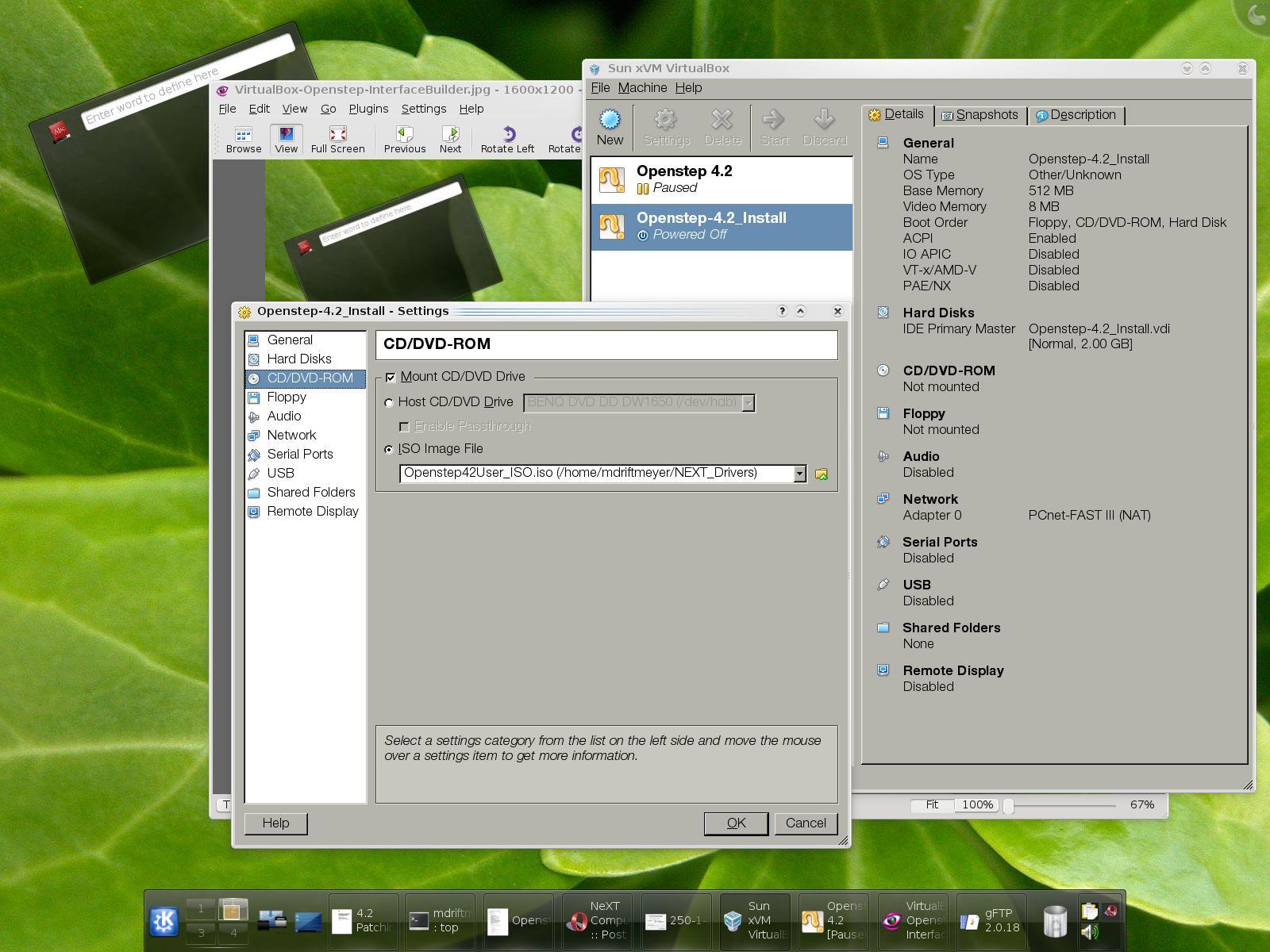
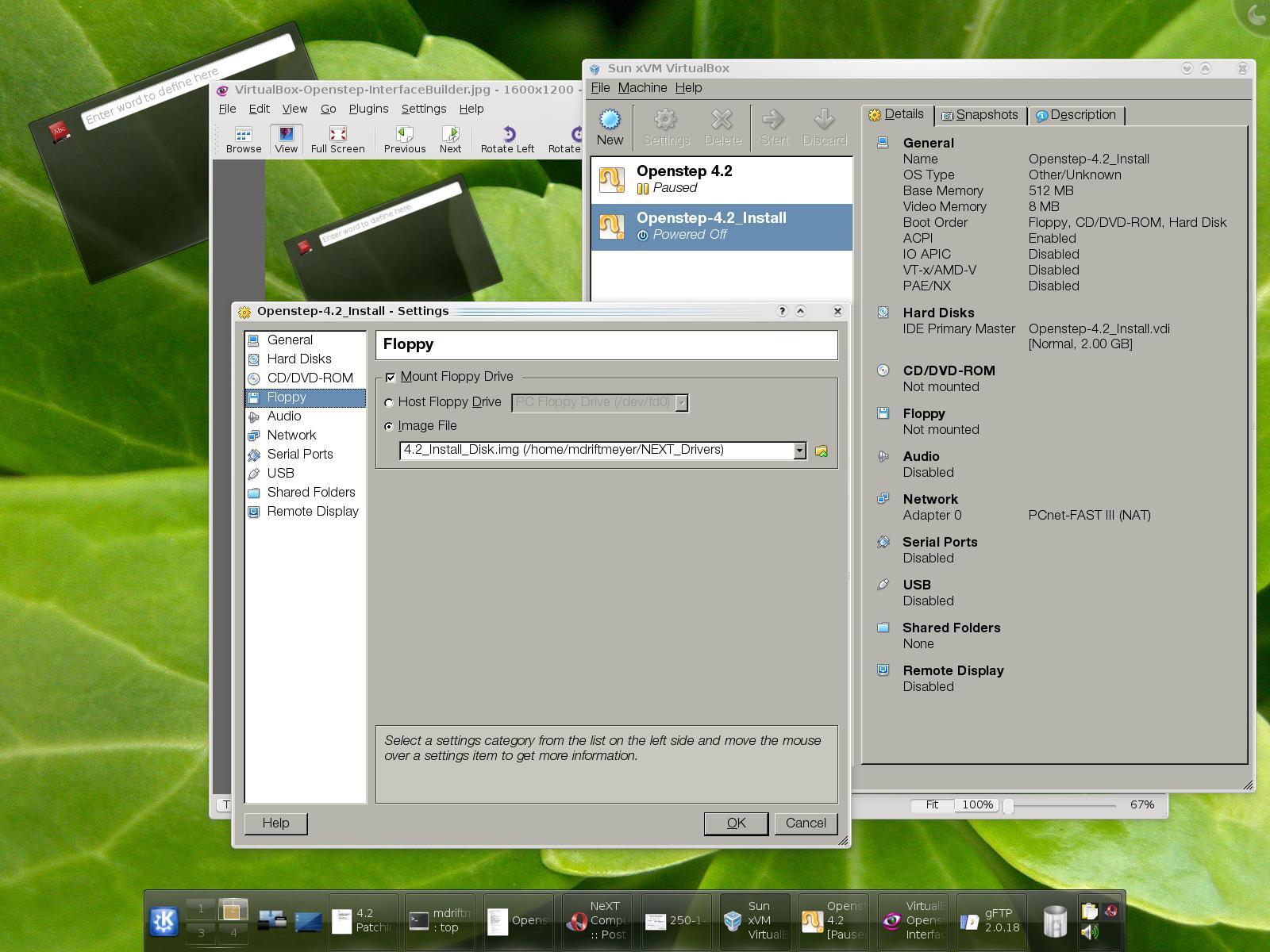
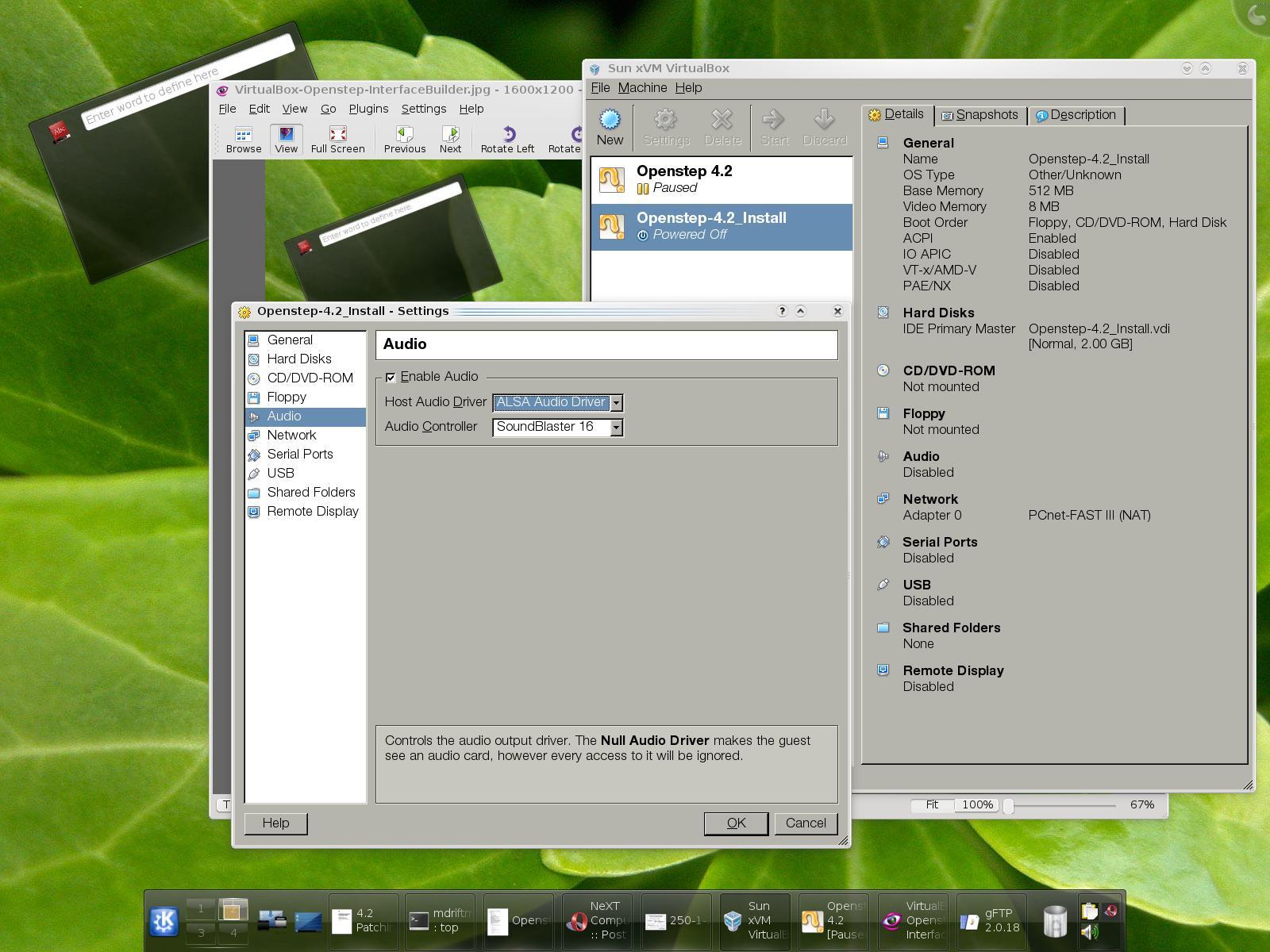
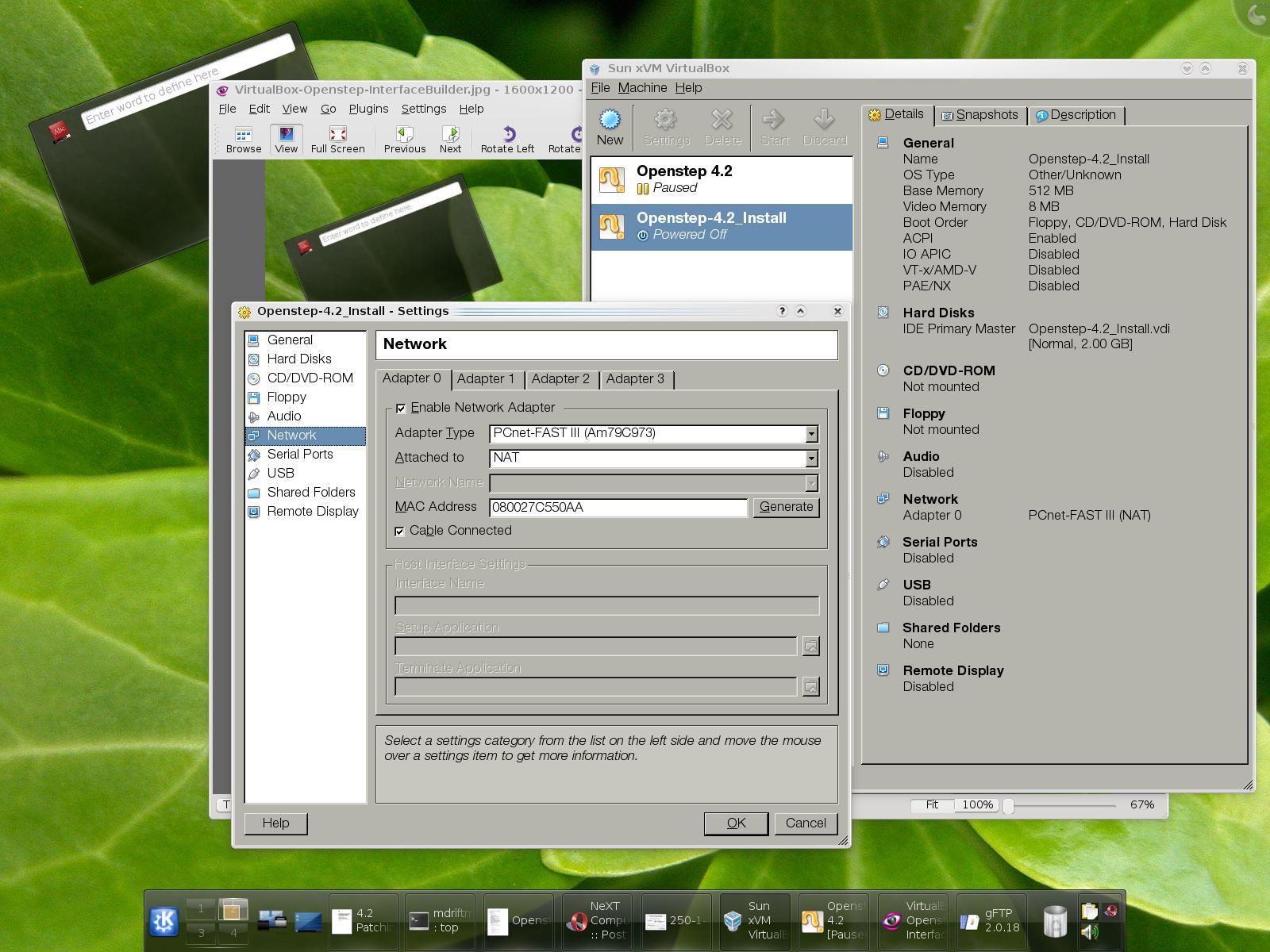
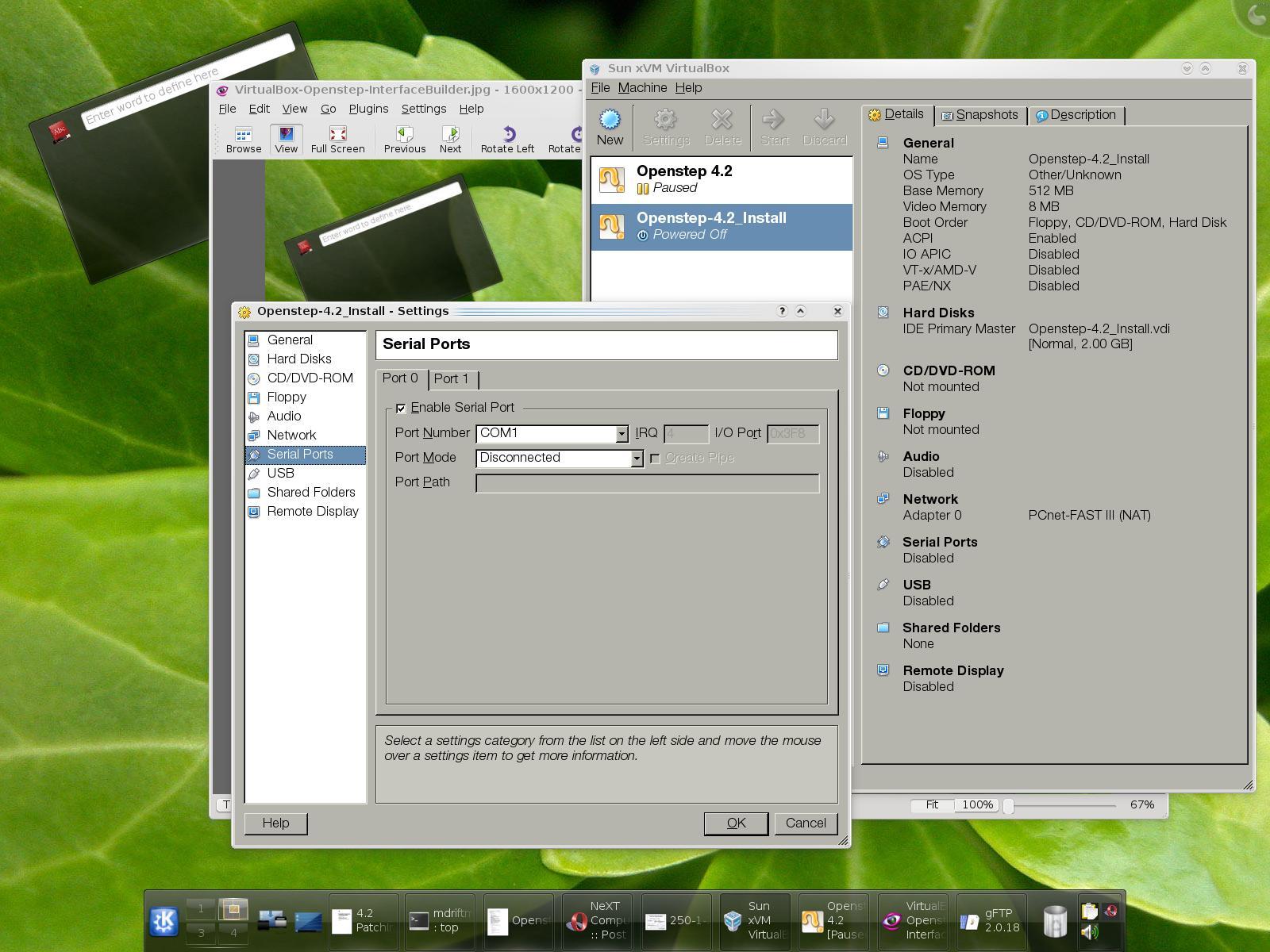
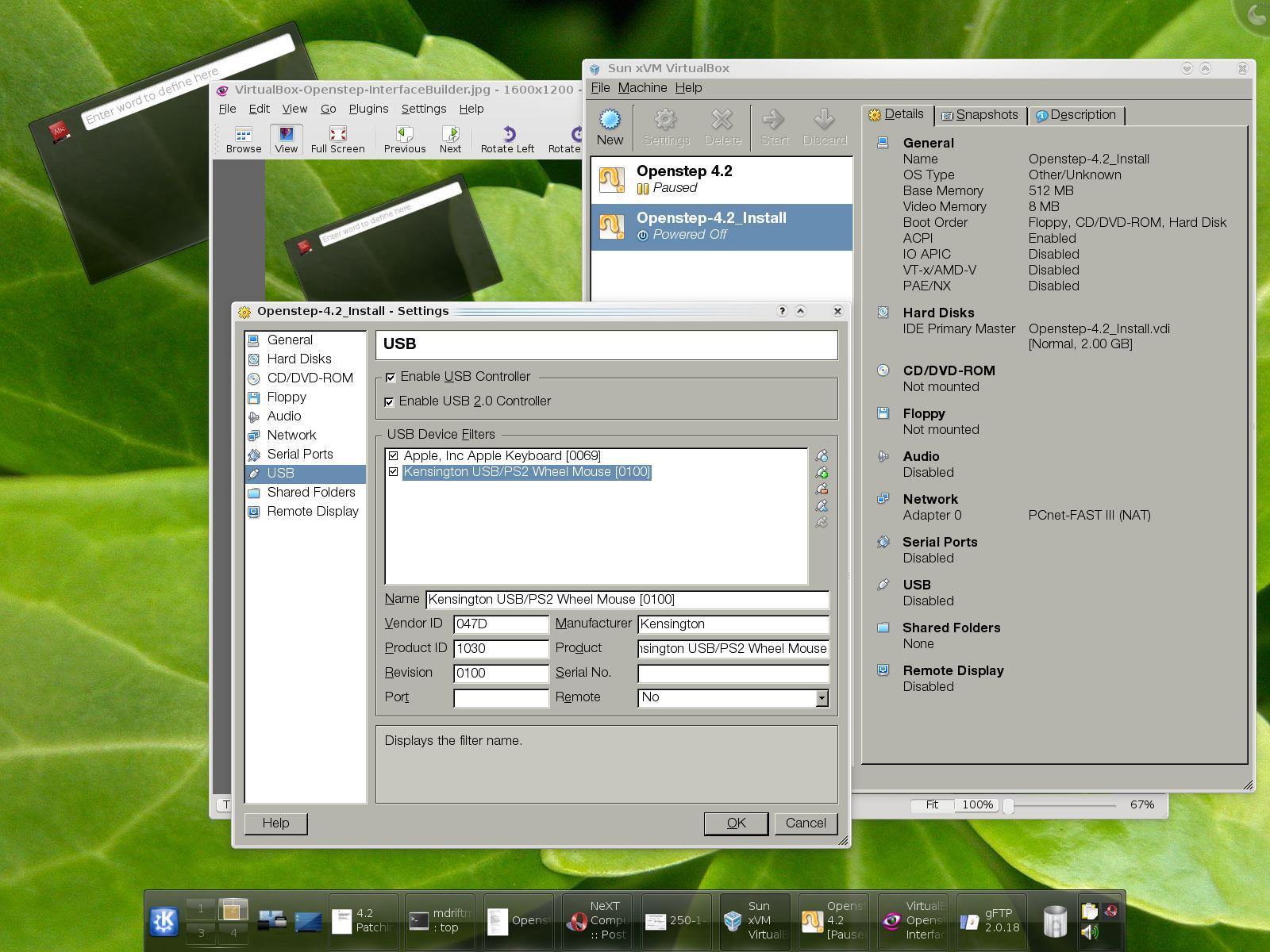
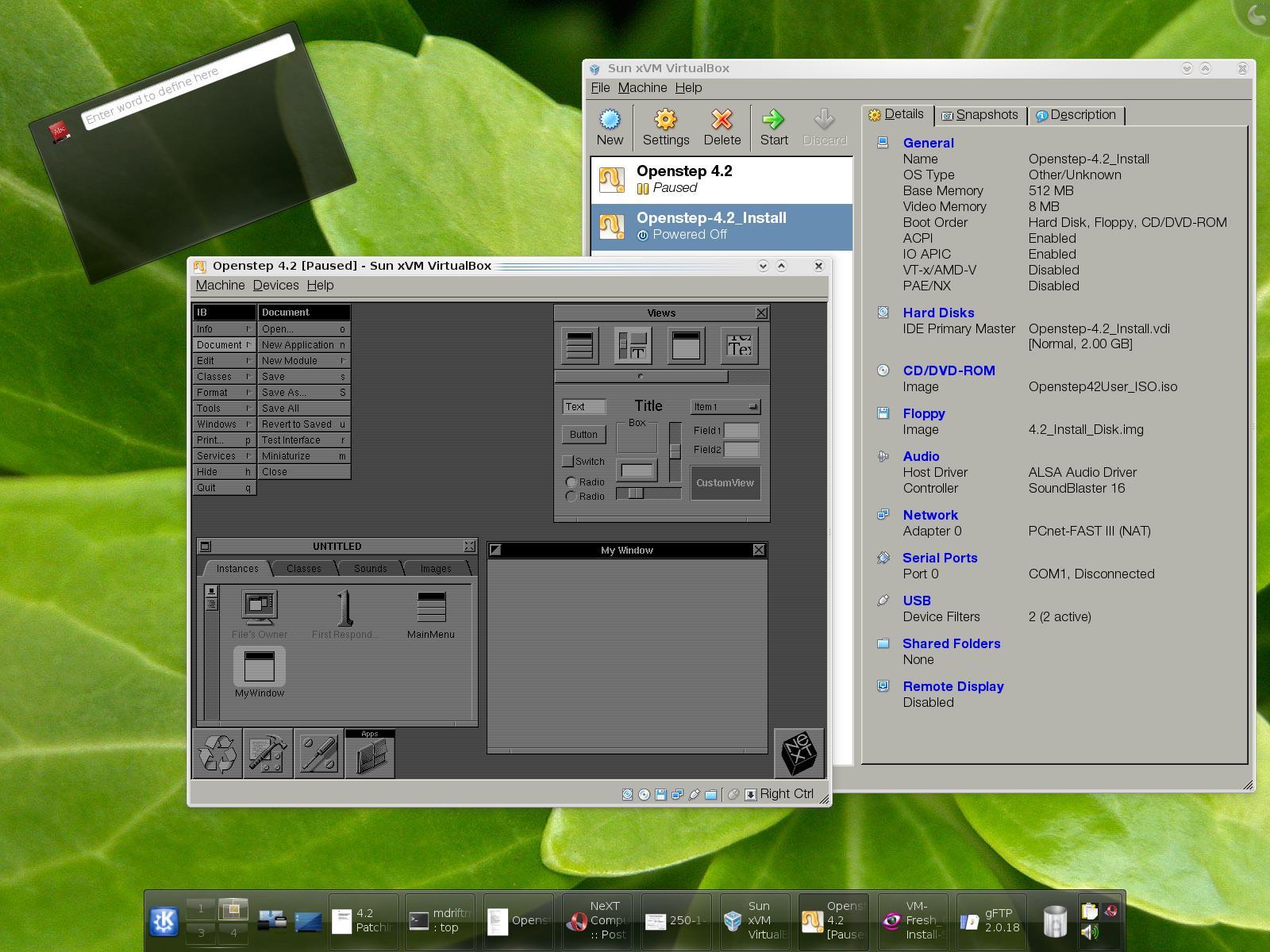
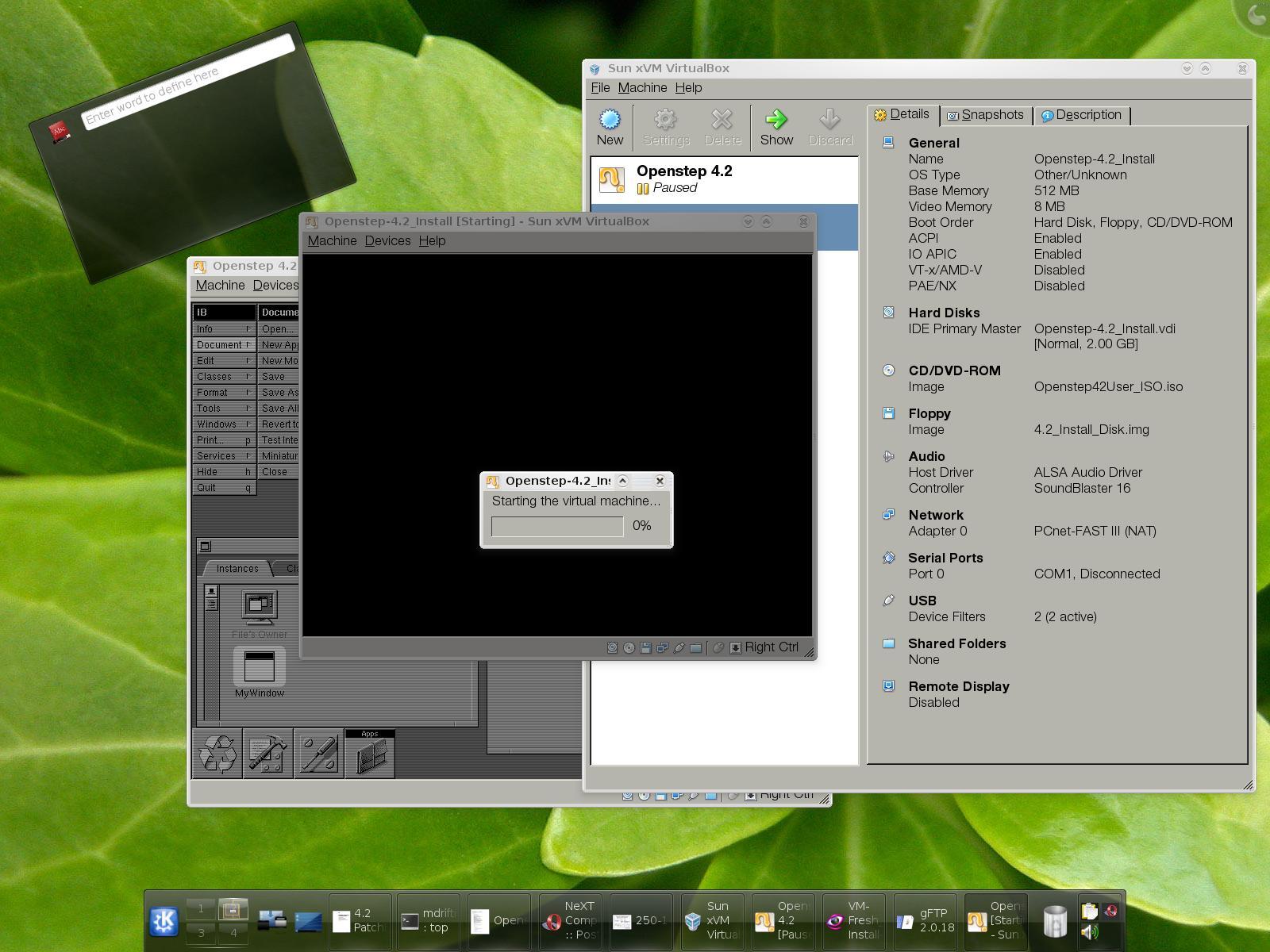
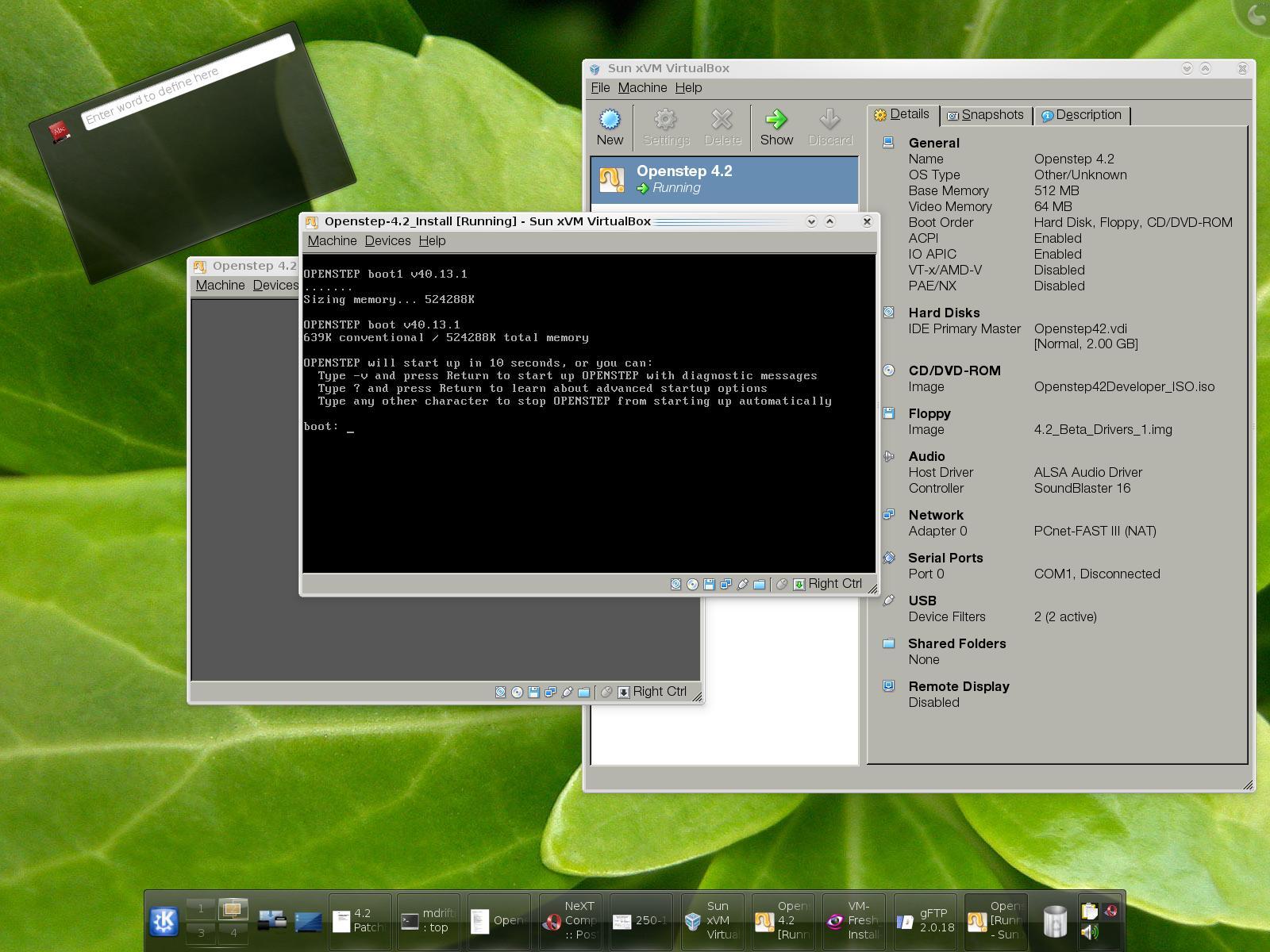
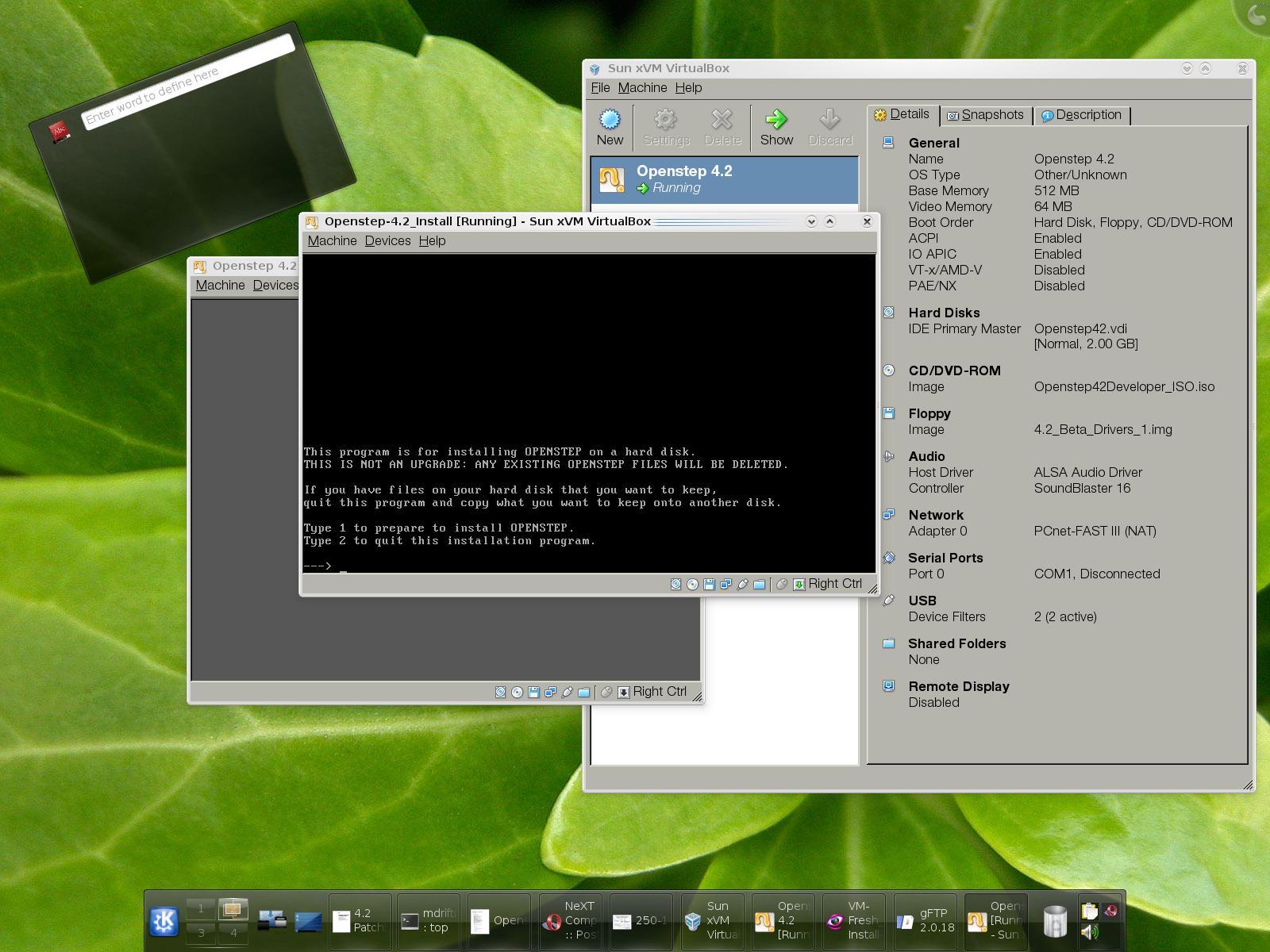
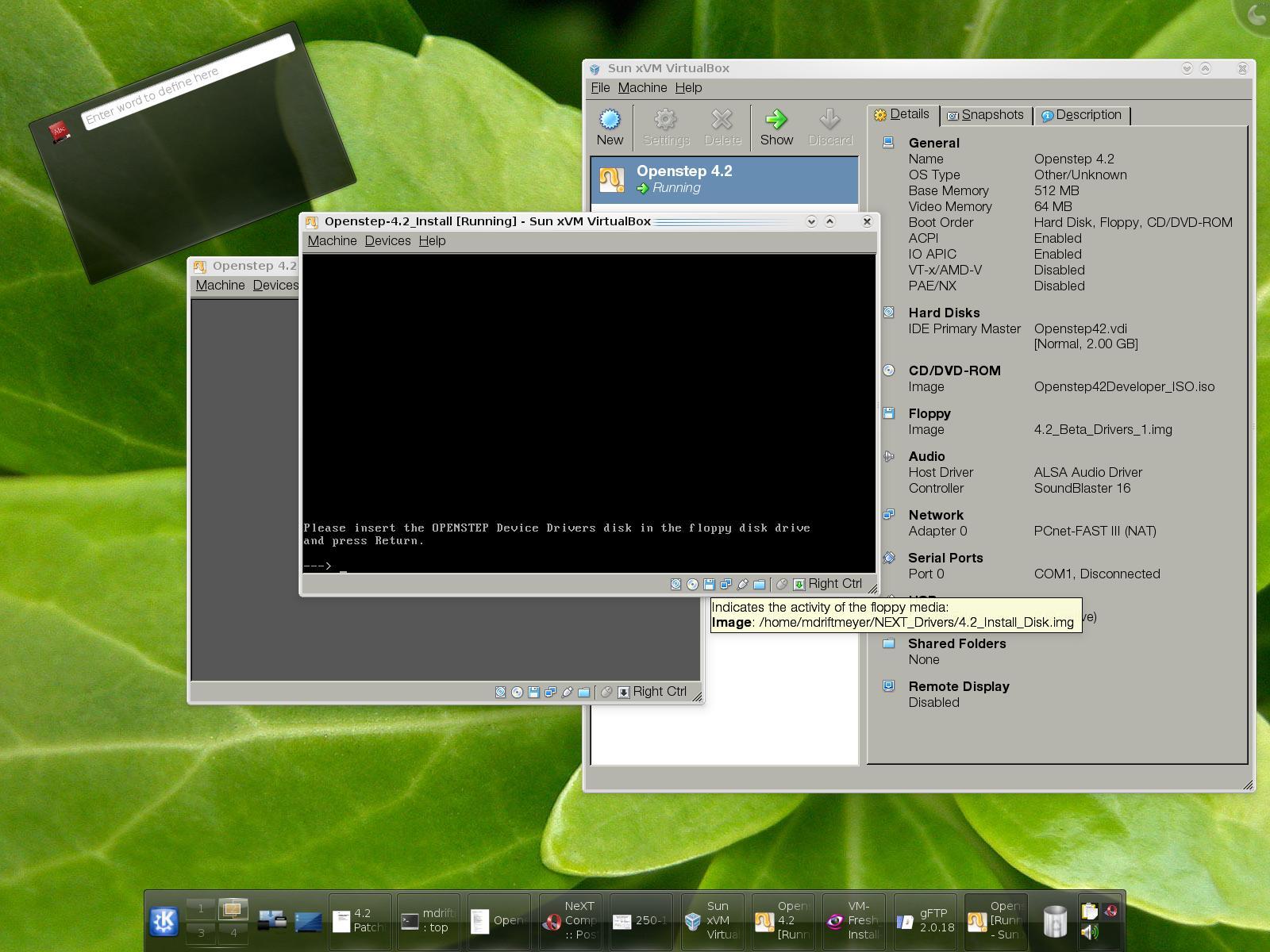
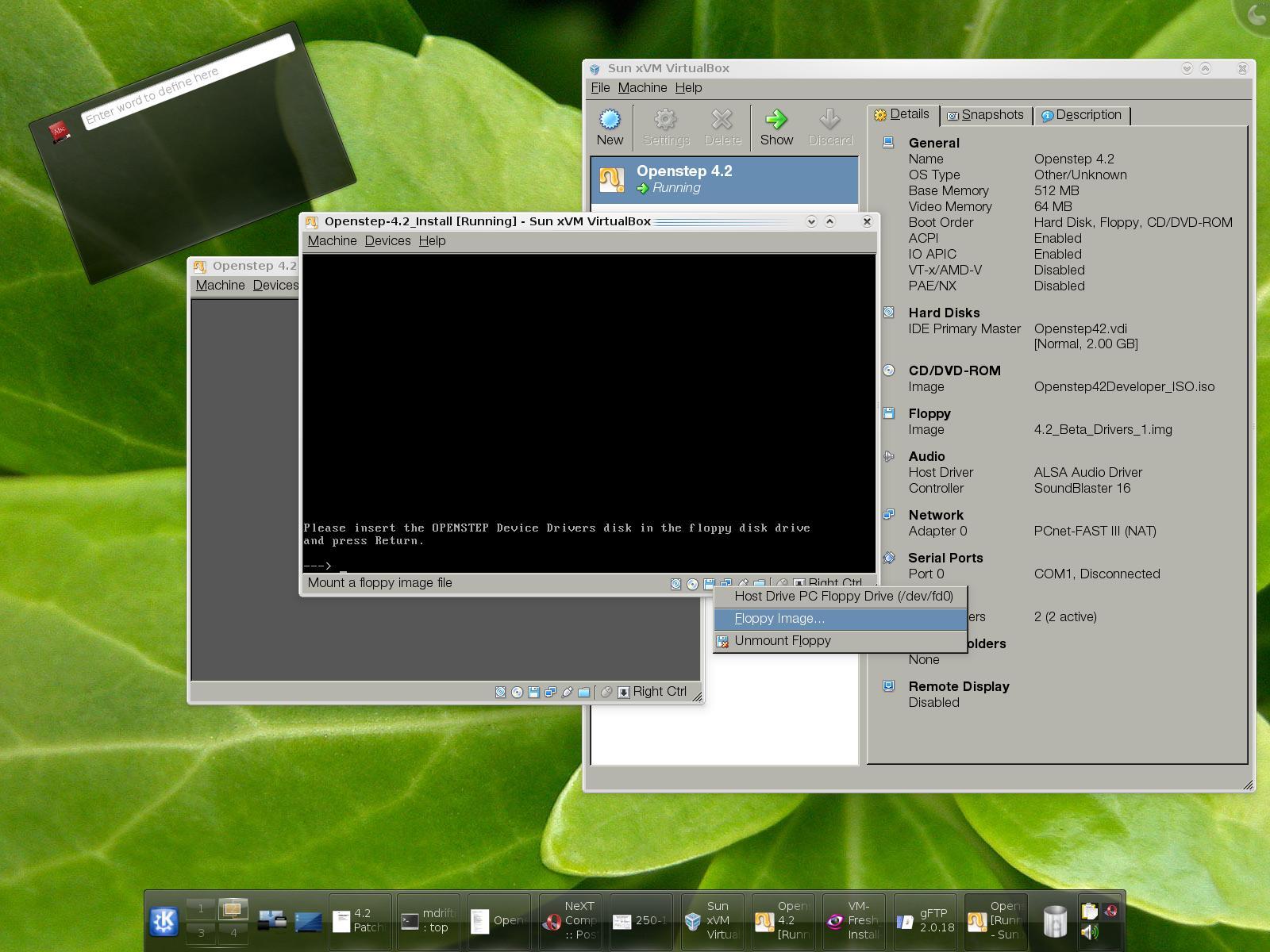
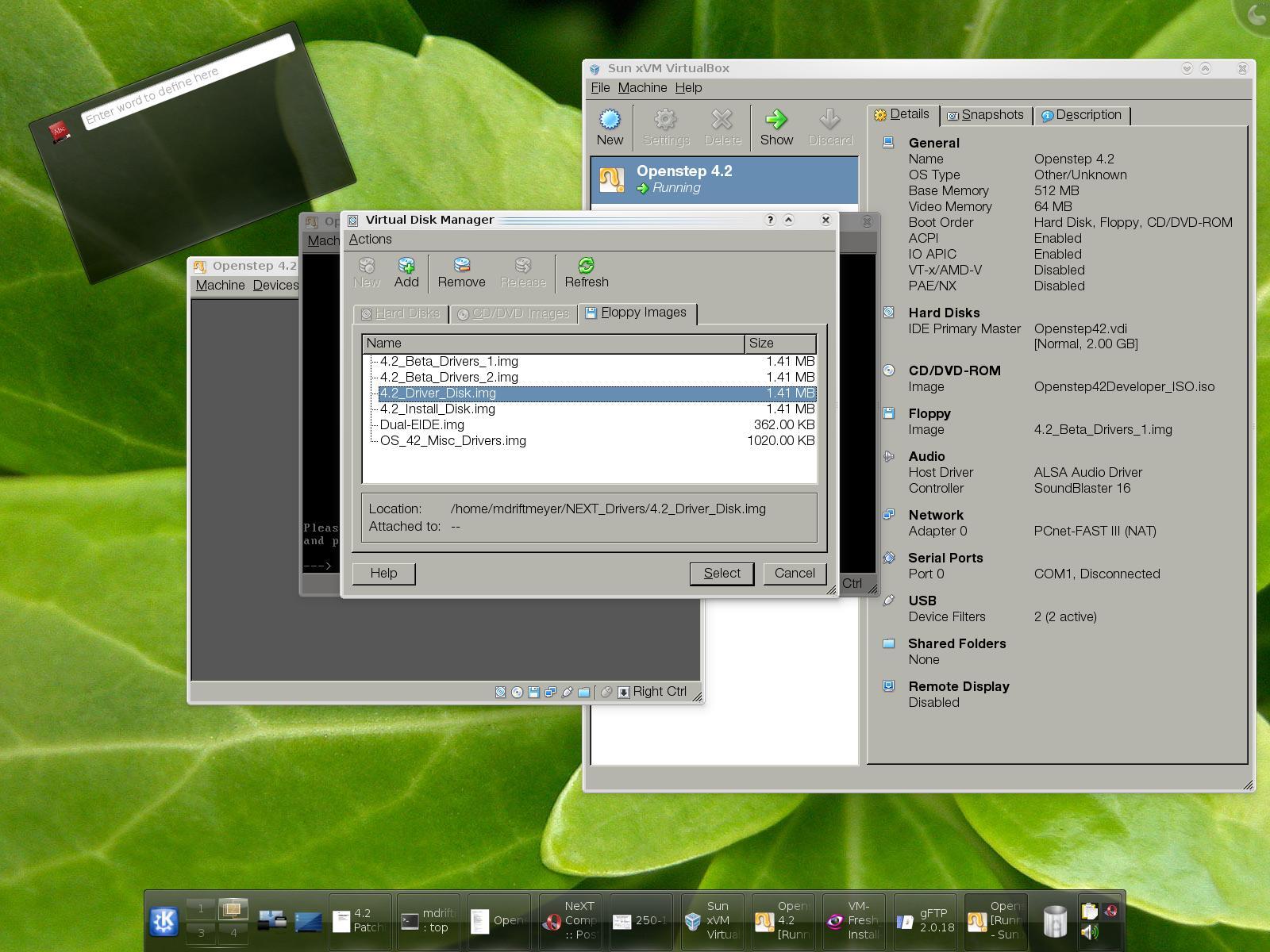
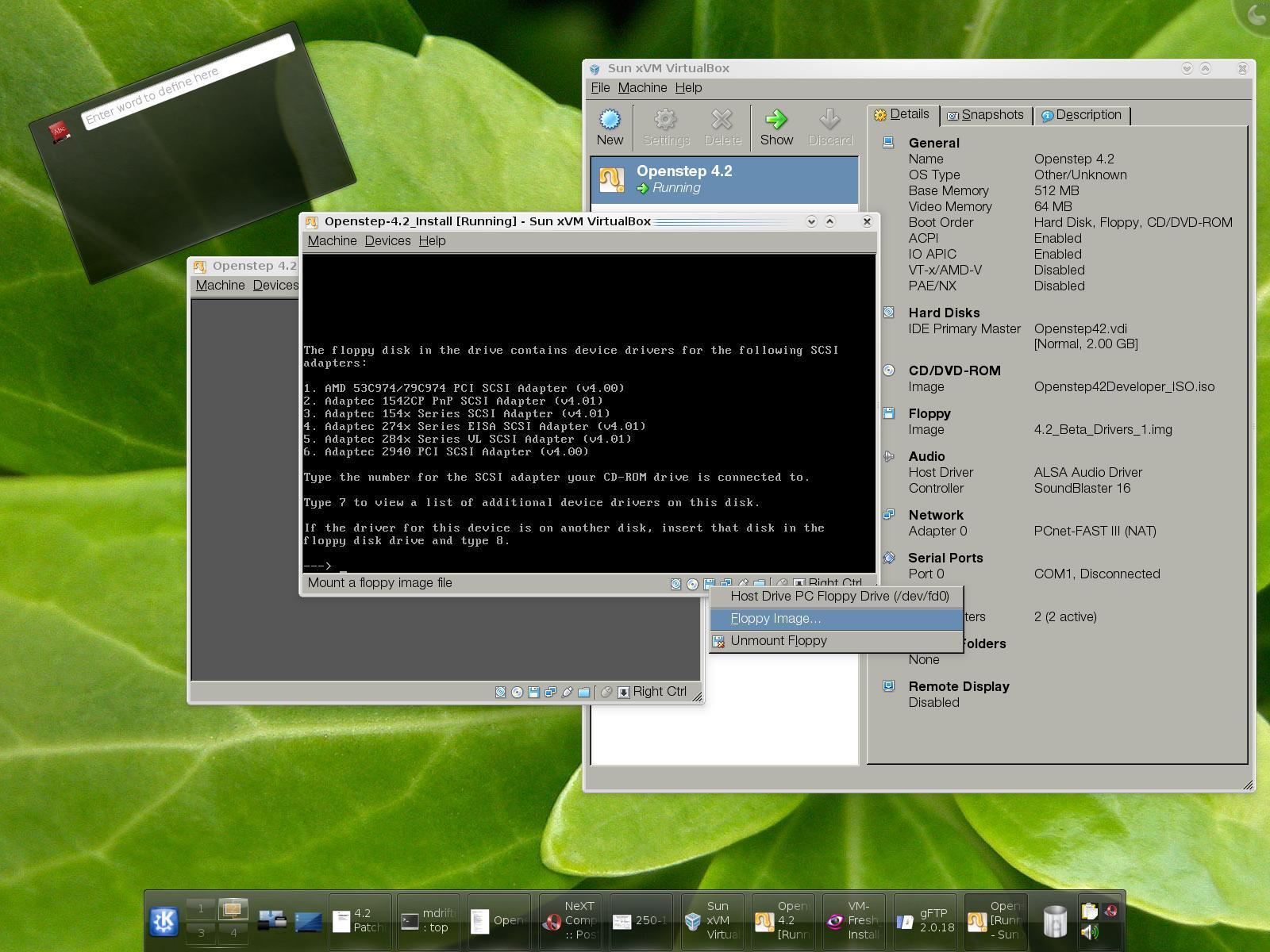
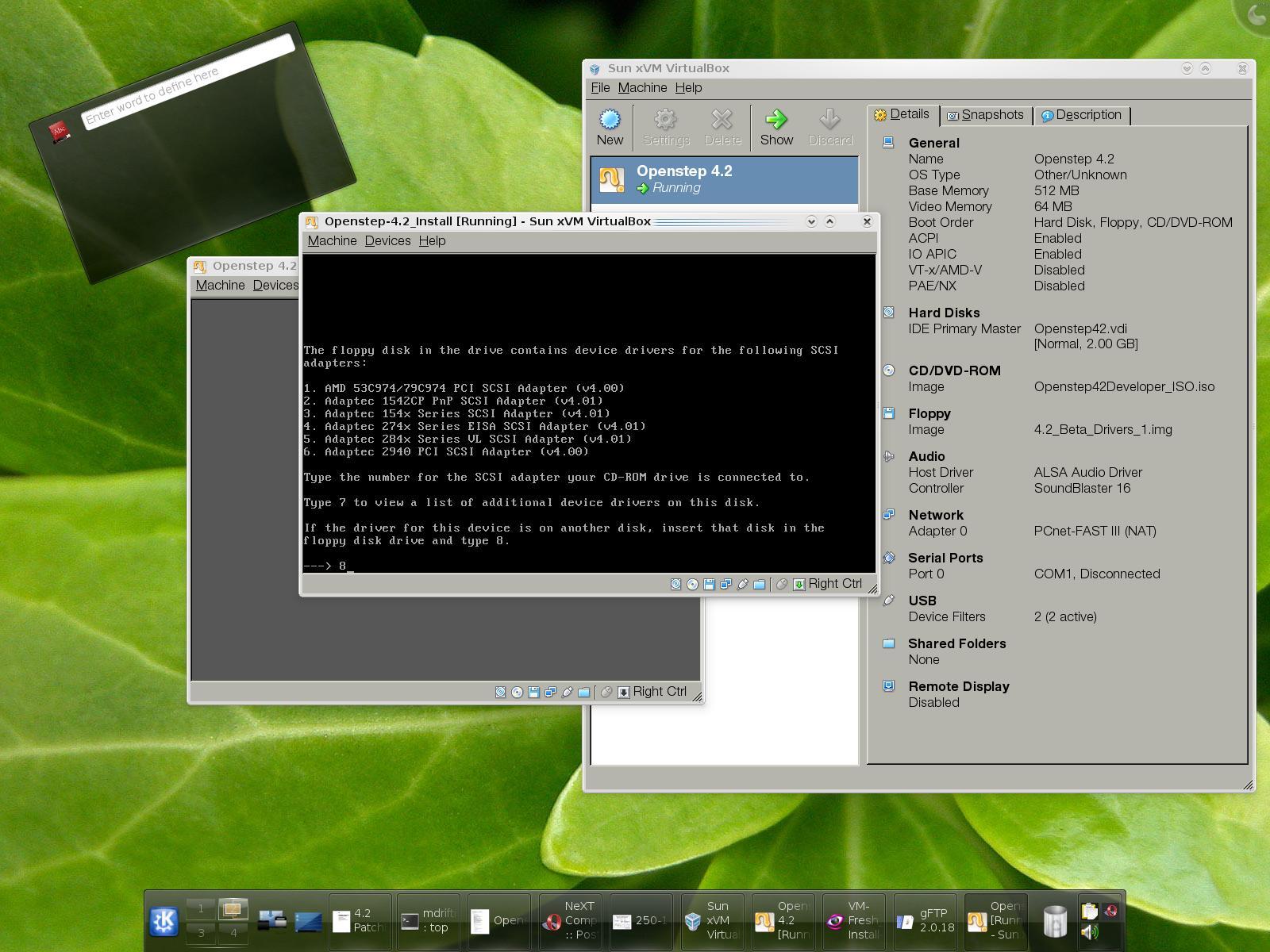
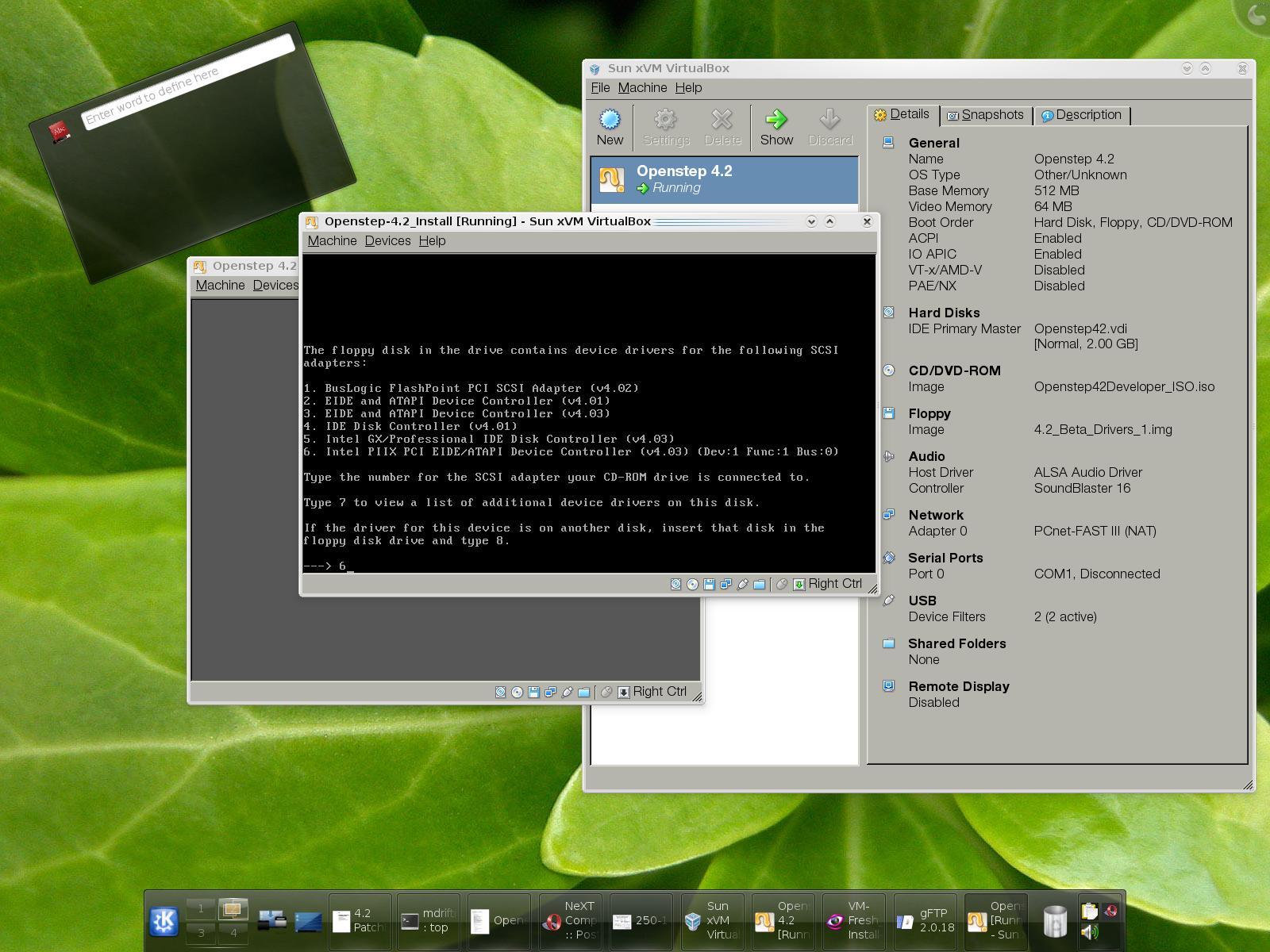
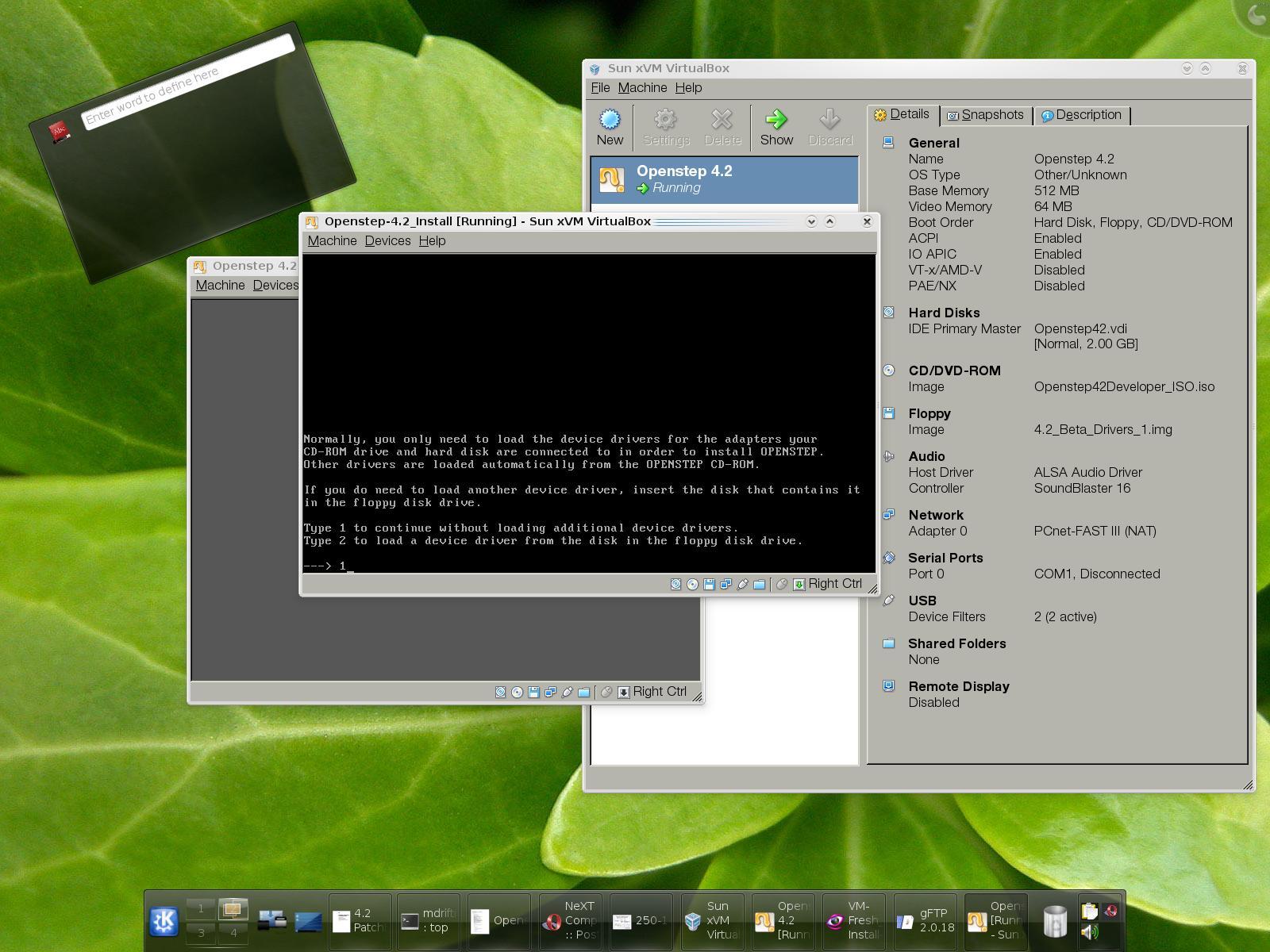
SELECT INTEL PIIX EIDE CONTROLLER TWICE: 6, 6 on selection then continue install without additional drivers.
BASE INSTALLATION:
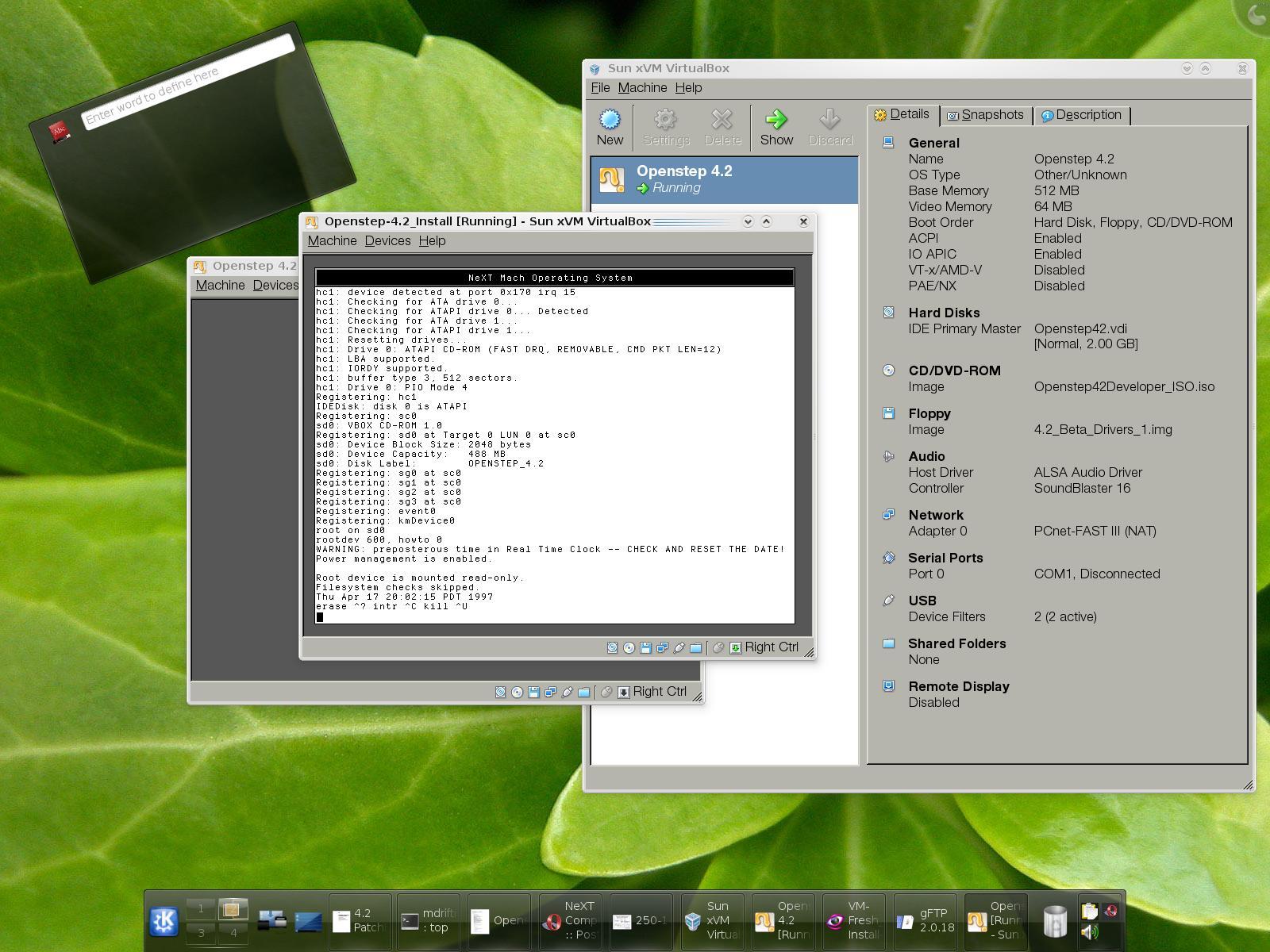
THE NEXT STEP IS TO INSTALL THE OPENSTEP BASE SYSTEM, THEN THE GENERAL PACKAGES, AND THEN REBOOT AND LOG-IN AND SET PASSWORDS FOR ME AND ROOT.
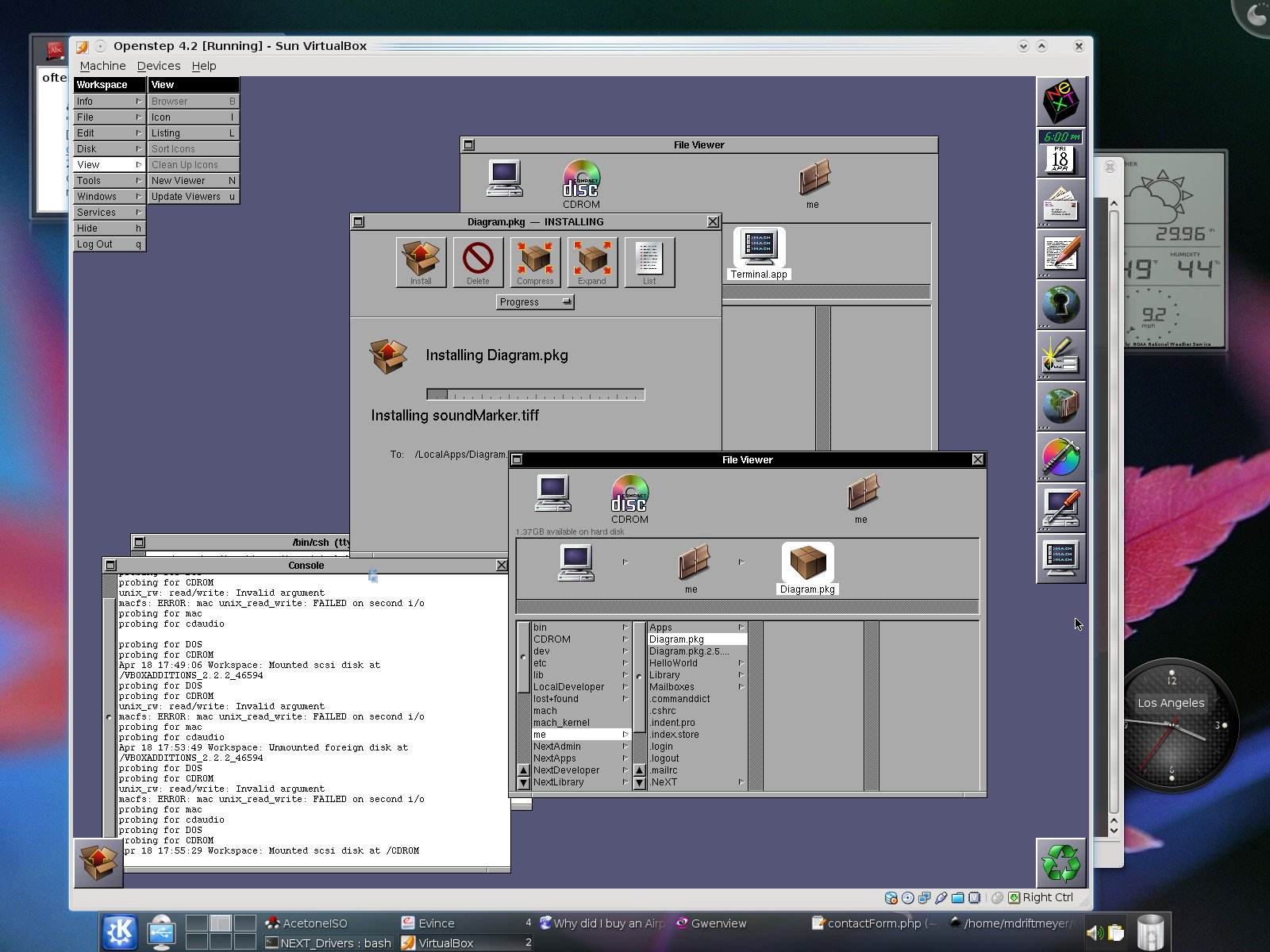
UNDER ROOT WITH THE SCSI VIRTUAL DRIVER INSTALLED [IT FAILED FOR ME WITHOUT IT] MOUNTING AND UNMOUNTING DISK ISO IMAGES ARE VISIBLE AND READY TO INSTALL DEVELOPER TOOLS AND ANY OTHER ISO PACKAGE YOU CREATE AND ADD TO THE LIST IN VIRTUALBOX.
POST-INSTALL DEVELOPER SETUP:
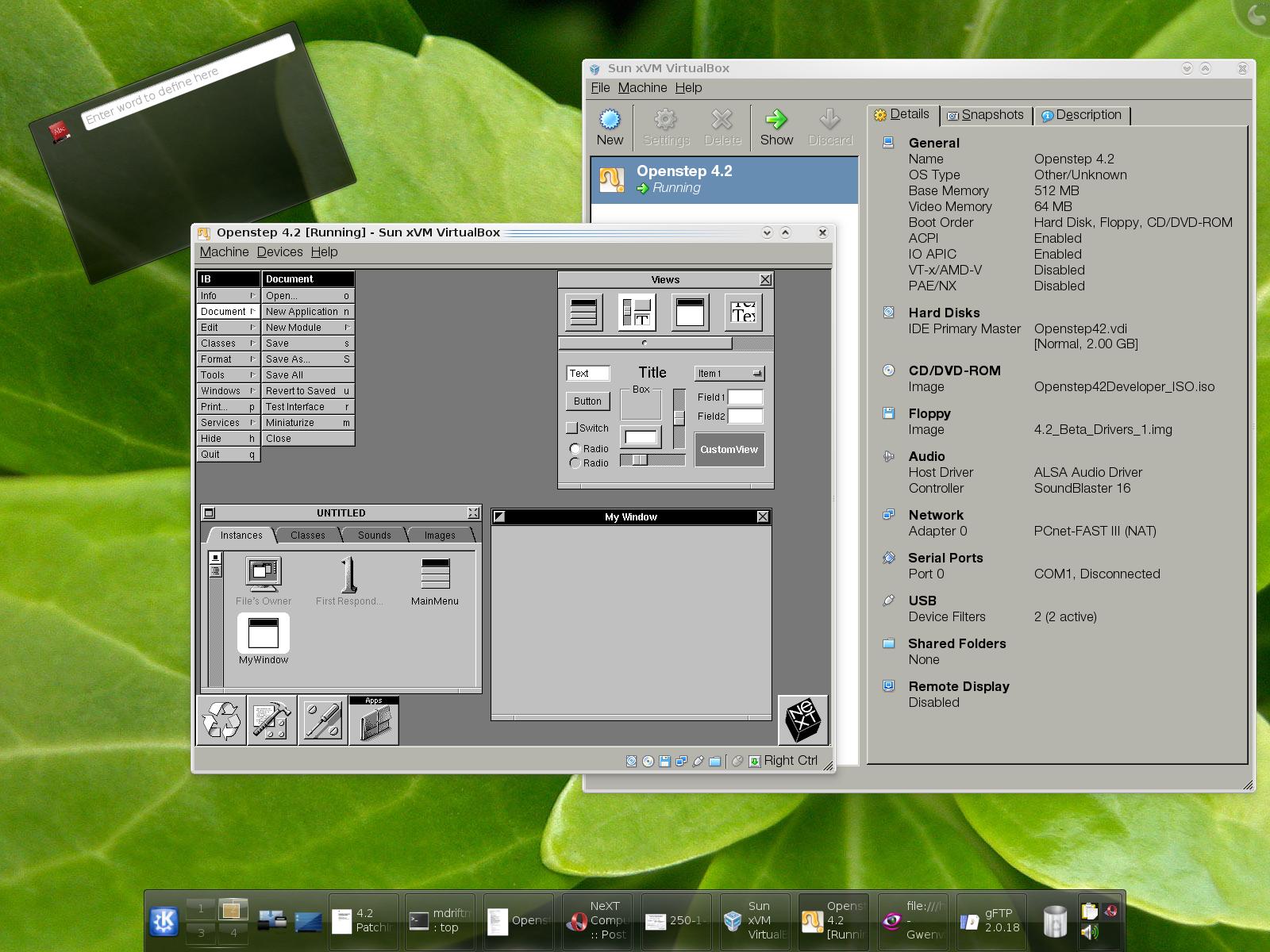
INTERFACE BUILDER:
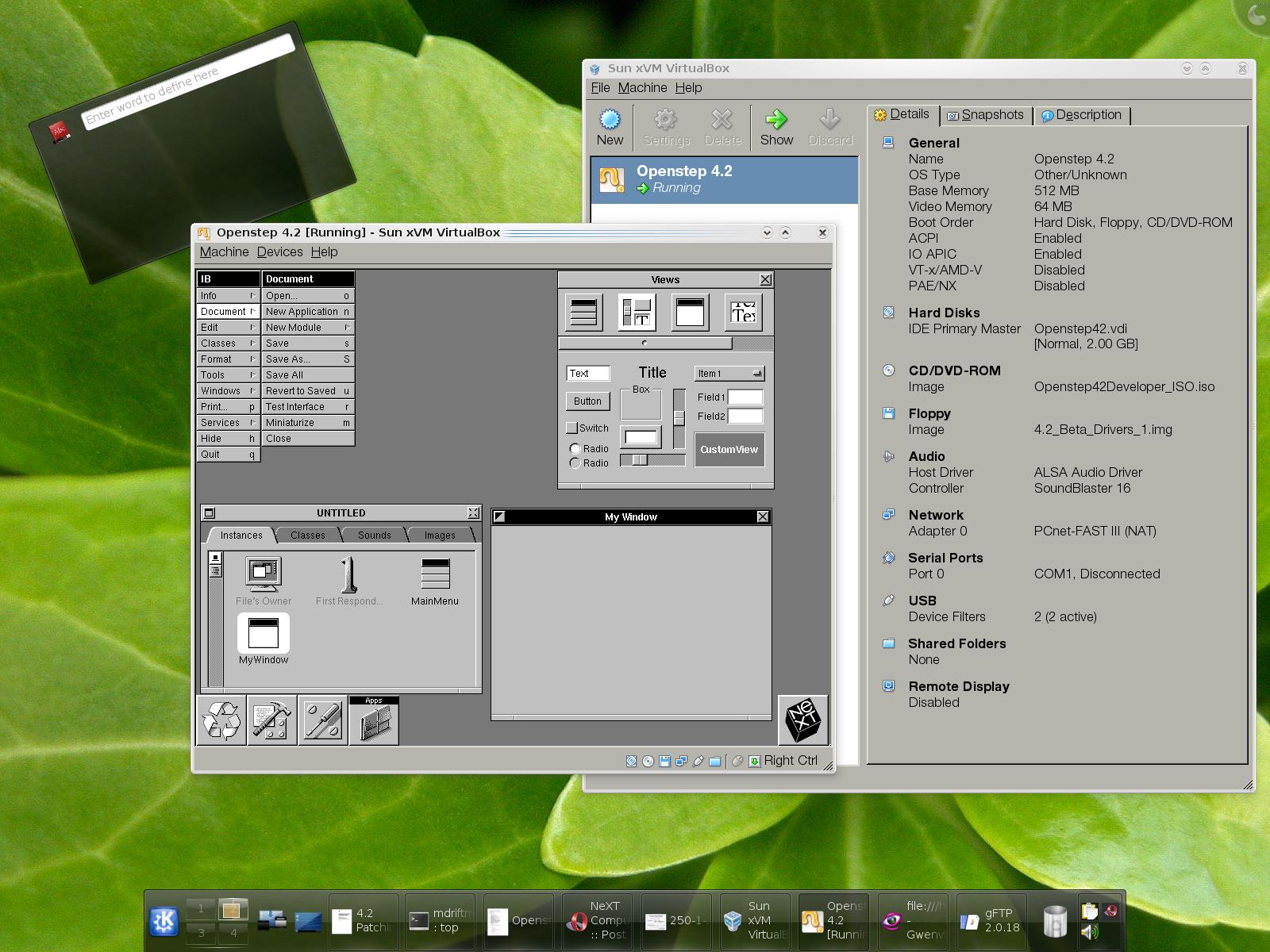
BRAND: Asus Vintage V2-PH1
CPU: Pentium D 940
RAM: 4GB
HDD: 320GB SATA II WD 3200
GPU: XFX 8600GTS 256MB
OS: Debian Sid 2.6.26-1-openvz-amd64
VIRTUALBOX: 1.6.4 Sun Release for amd64 Debian (Debian only hosts 1.6.2-ose)
VIRTUALBOX SETUP:
General:
Name :: Openstep 4.2
OS Type :: Other/Unknown
Base Memory :: 512 MB
Video Memory :: 64 MB
Boot Order :: Hard Disk, Floppy, CD/DVD-ROM
ACPI :: Enabled
IO APIC :: Enabled
VT-x/AMD-V :: Disabled
PAE/NX :: Disabled
Hard Disks:
IDE Primary Master :: Openstep42.vdi [Normal, 2.00 GB]
CD/DVD-ROM:
Image :: Openstep42Developer_ISO.iso
Floppy:
Image :: 4.2_Beta_Drivers_1.img
Audio:
Host Driver :: ALSA Audio Driver
Controller :: SoundBlaster 16
Network:
Adapter 0 :: PCnet-FAST III (NAT)
Serial Ports:
Port 0 :: COM1, Disconnected
USB:
Device Filters :: 2 (2 active) [Apple Wired Aluminum Pro Keyboard, Kensington 3-button Mouse]
Shared Folders:
None
Remote Display:
Disabled
STEPS TO PREPARE FOR OPENSTEP INSTALLATION:
1: Download the Floppy Disk images from Apple:
http://docs.info.apple.com/article.html?artnum=71921
2: Copy the .floppyimage to .img correspondingly, for the Install, Driver, Beta 1 and Beta 2 disks. [You may or may not use the Beta 2 disk]
3: Create the Virtual Image for Openstep
3a: Fixed Disk Selection [2GB default]
3b: Video Memory [8MB min up to 128MB]
3c: RAM [64MB min up to 2GB--system dependent]
Picture Steps:
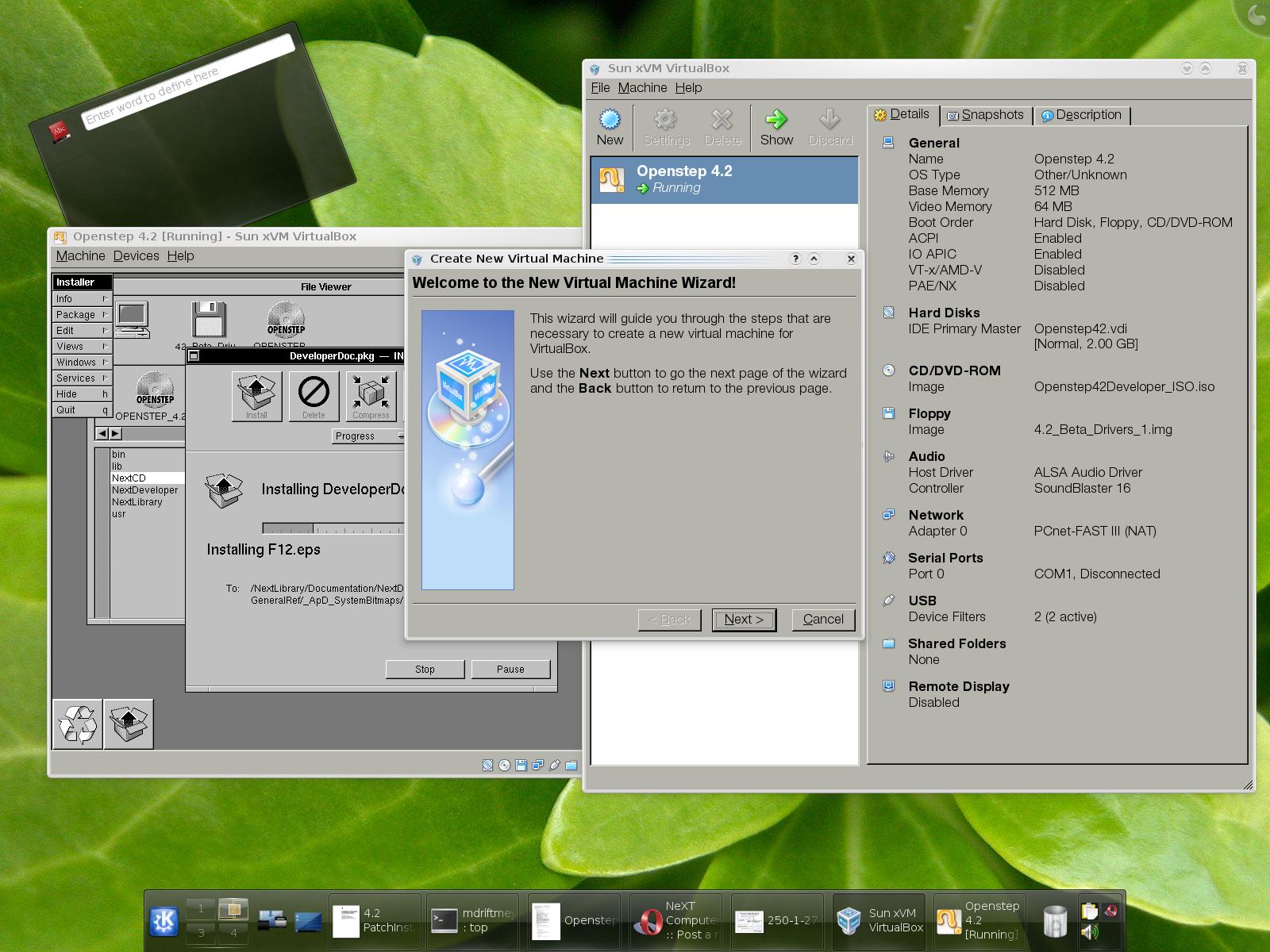
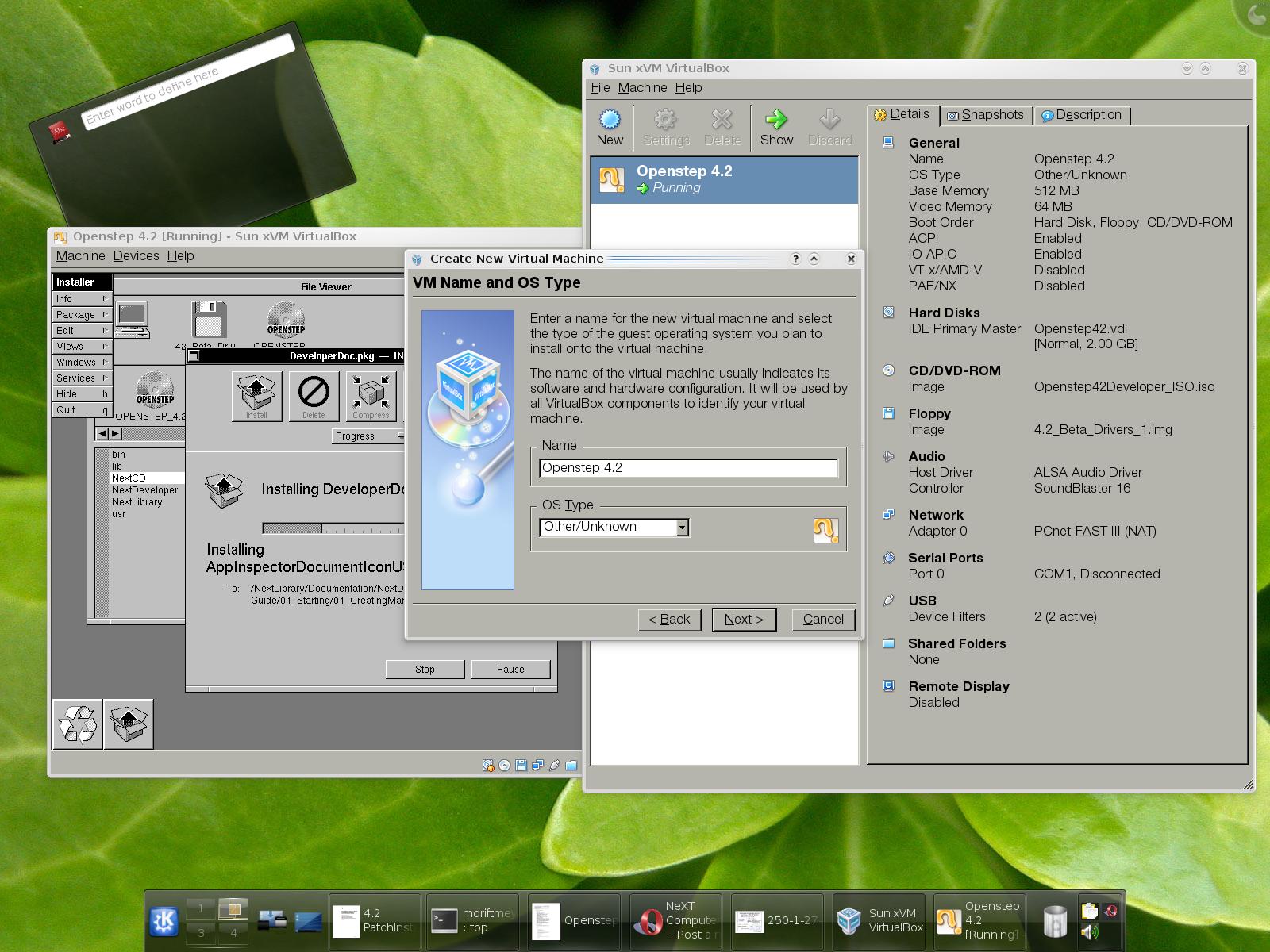
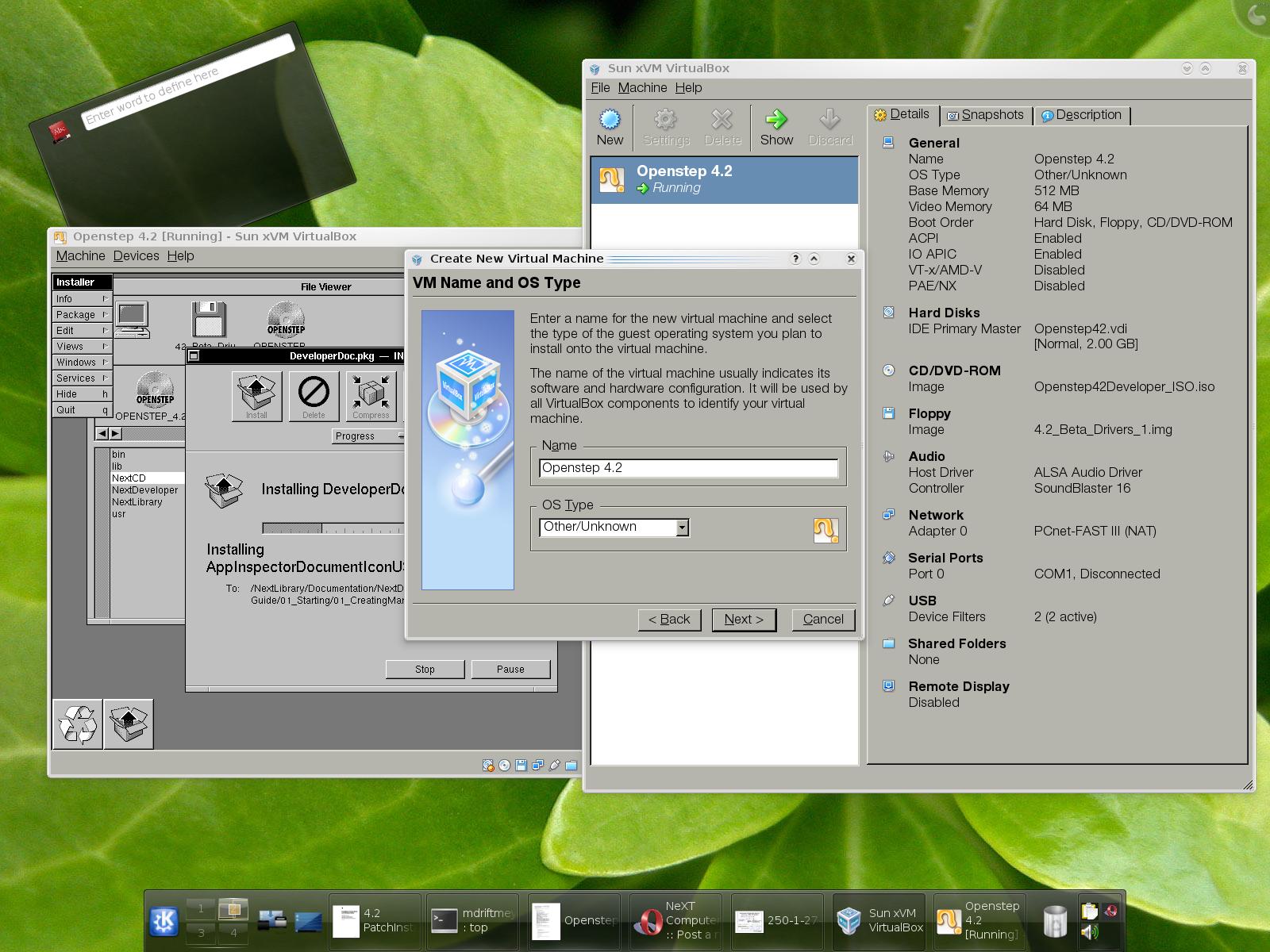
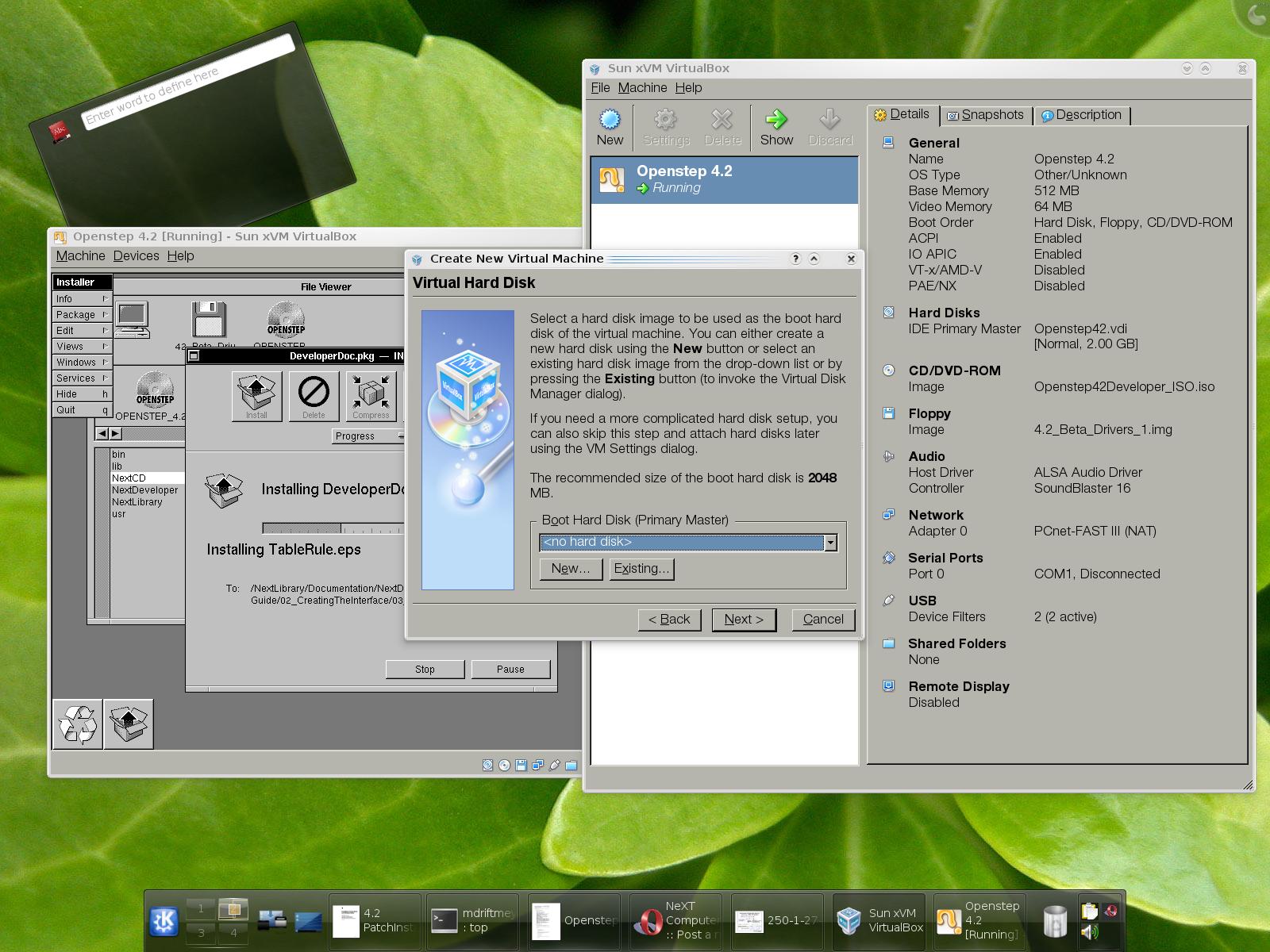
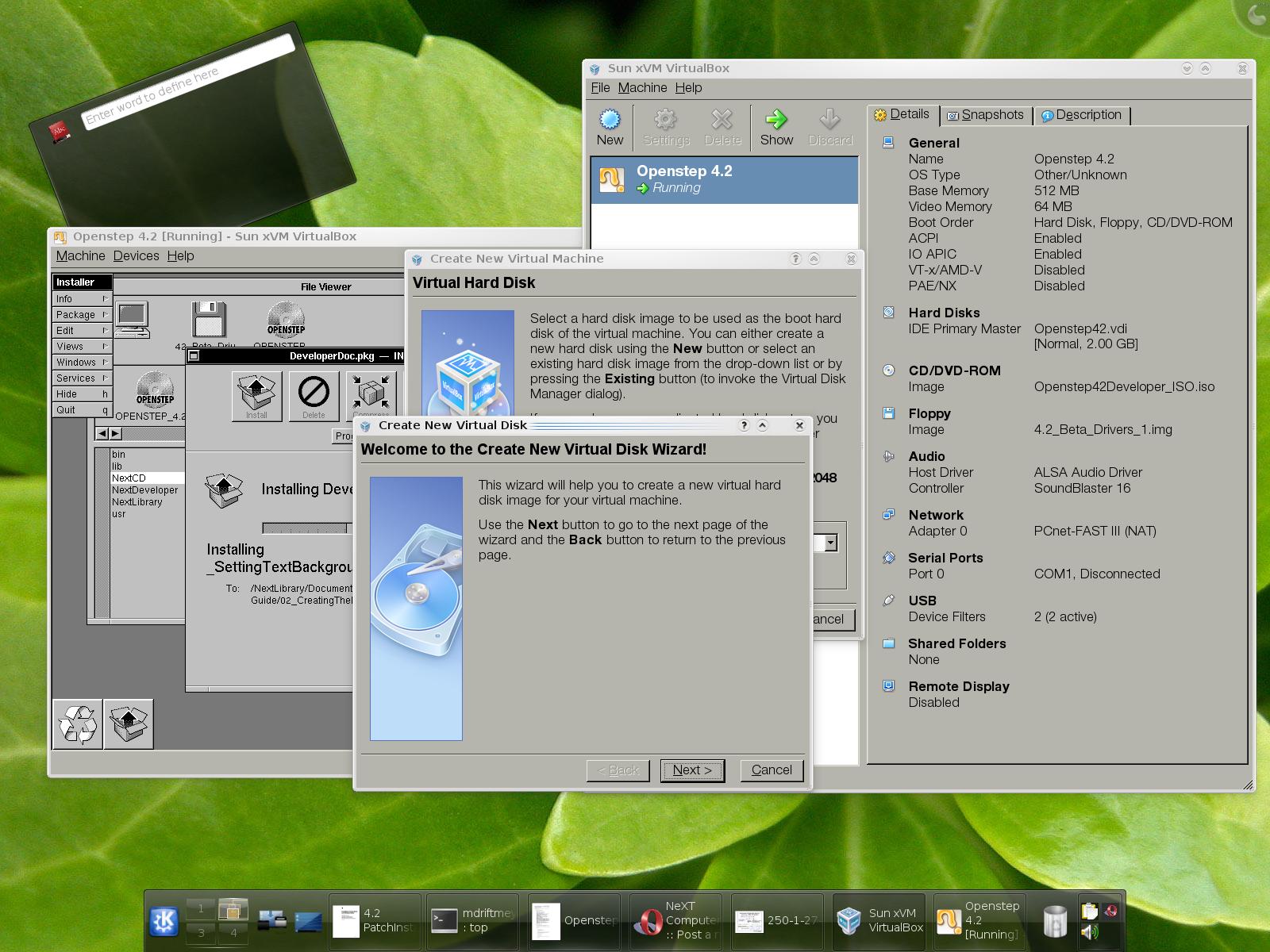
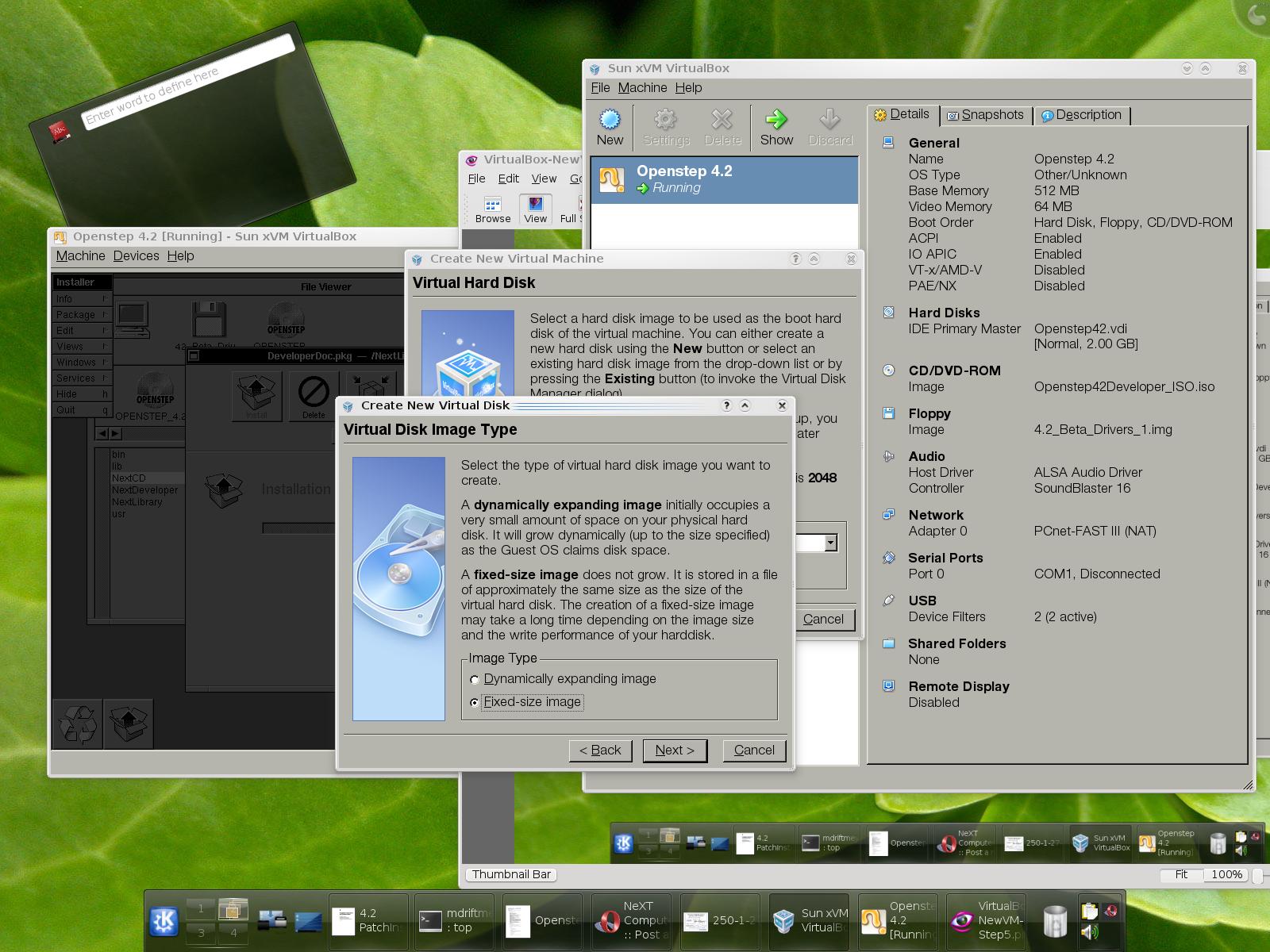
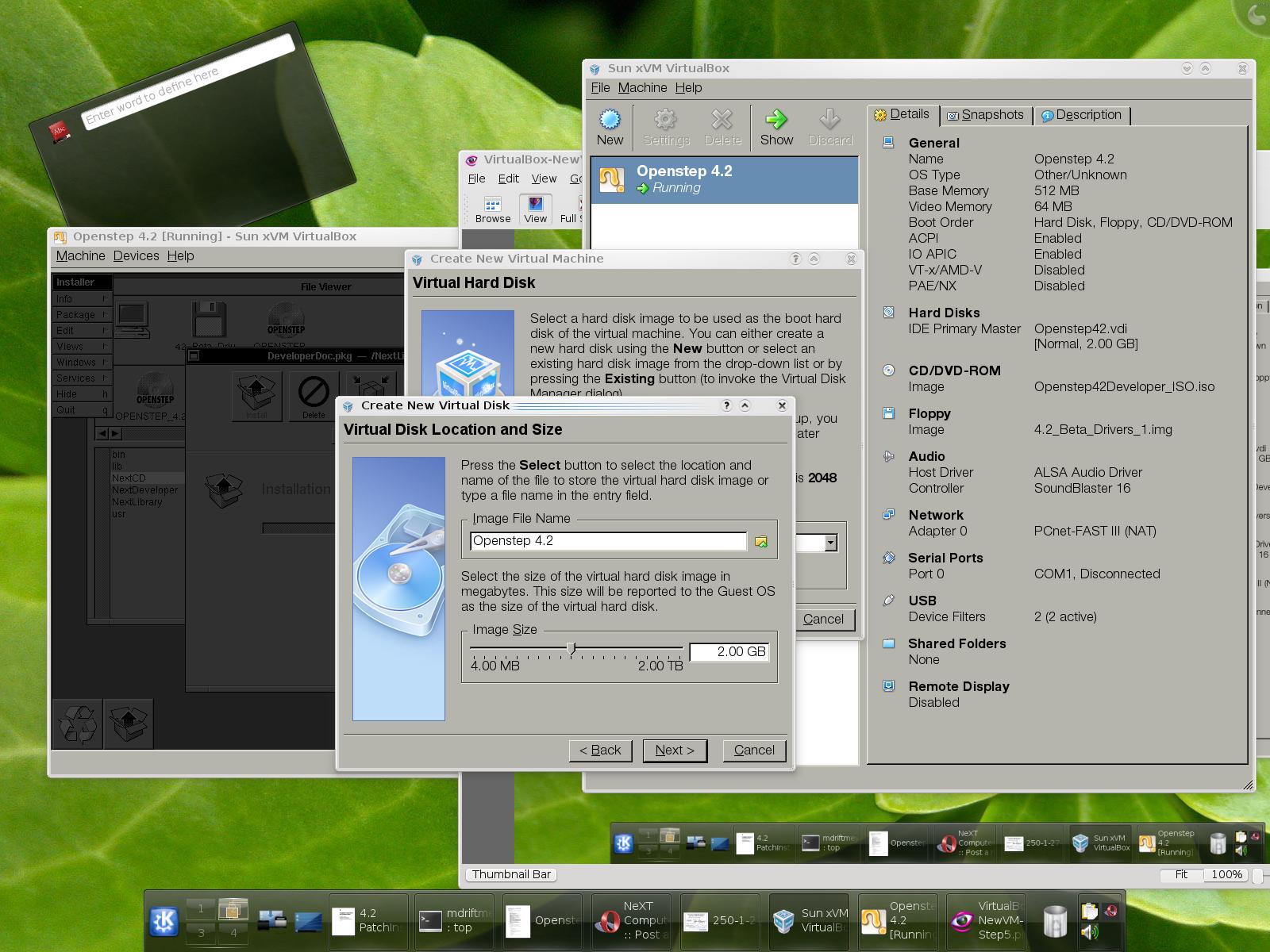
ISO IMAGE CD/DVD SUPPORT:
Developer Tools being installed because of setting up the necessary Virtual Driver for CD/DVD--SCSI Device driver.
I chose: ADAPTEC 2940 SCSI
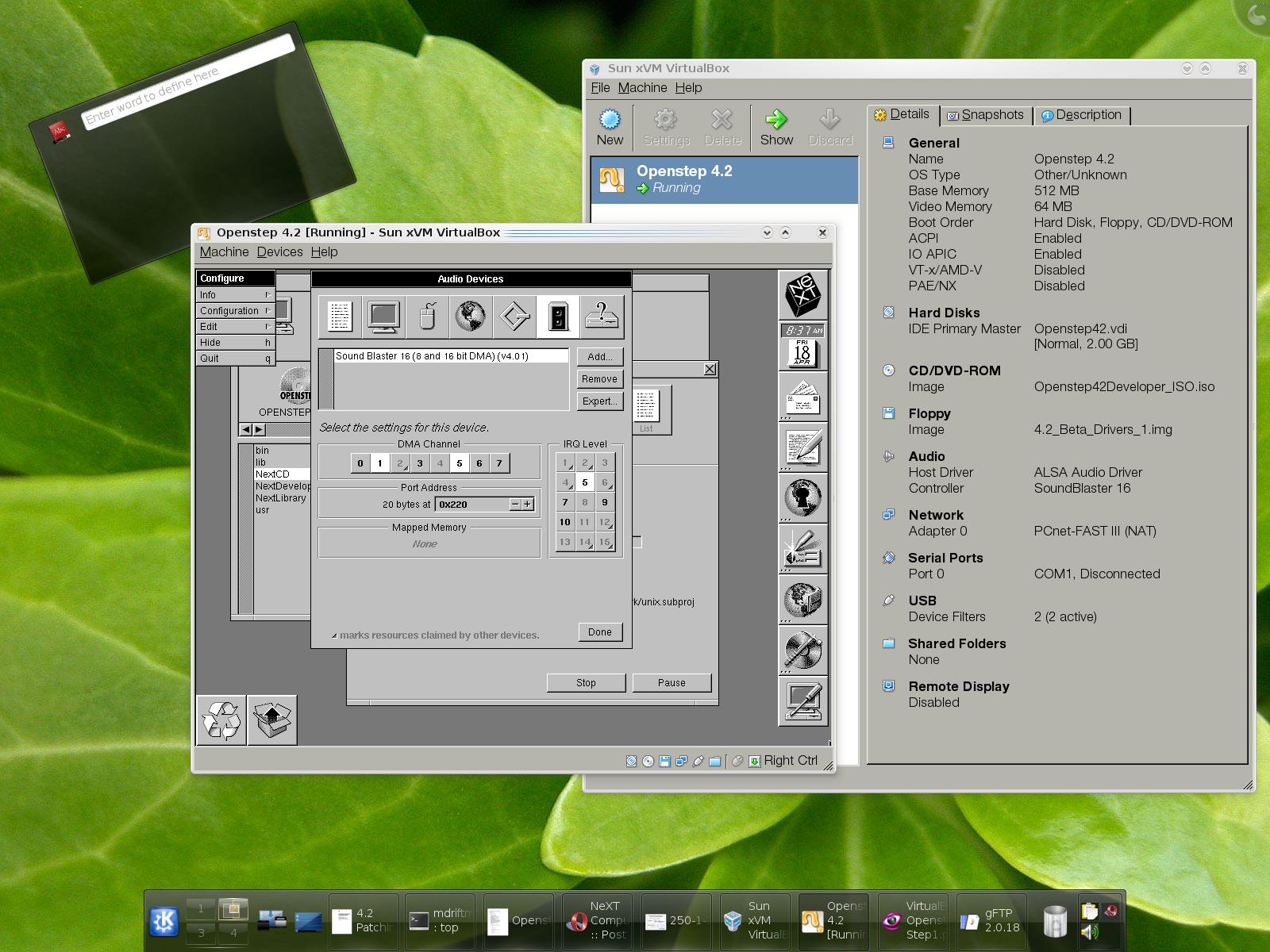
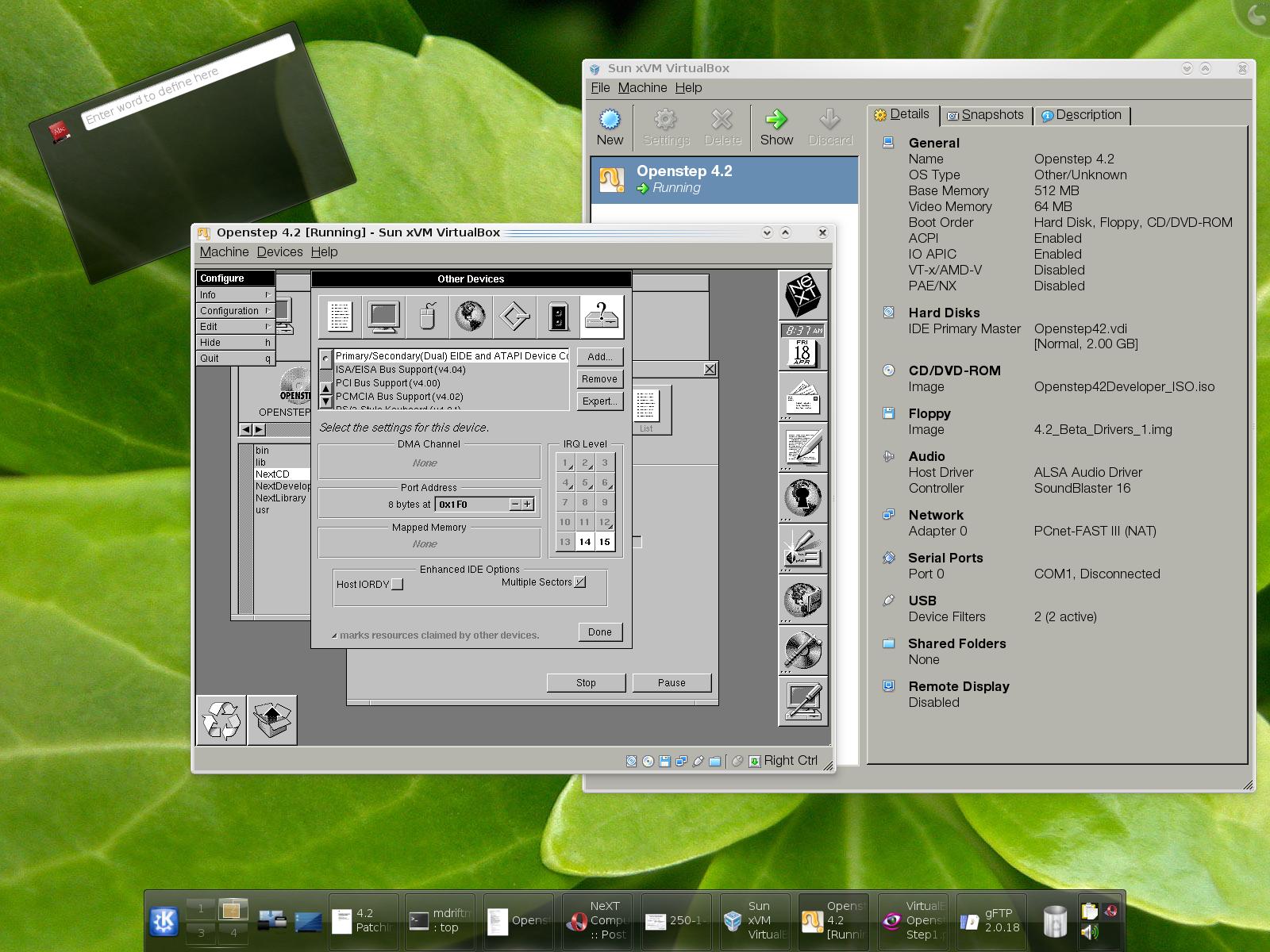
DEVICE DRIVERS:
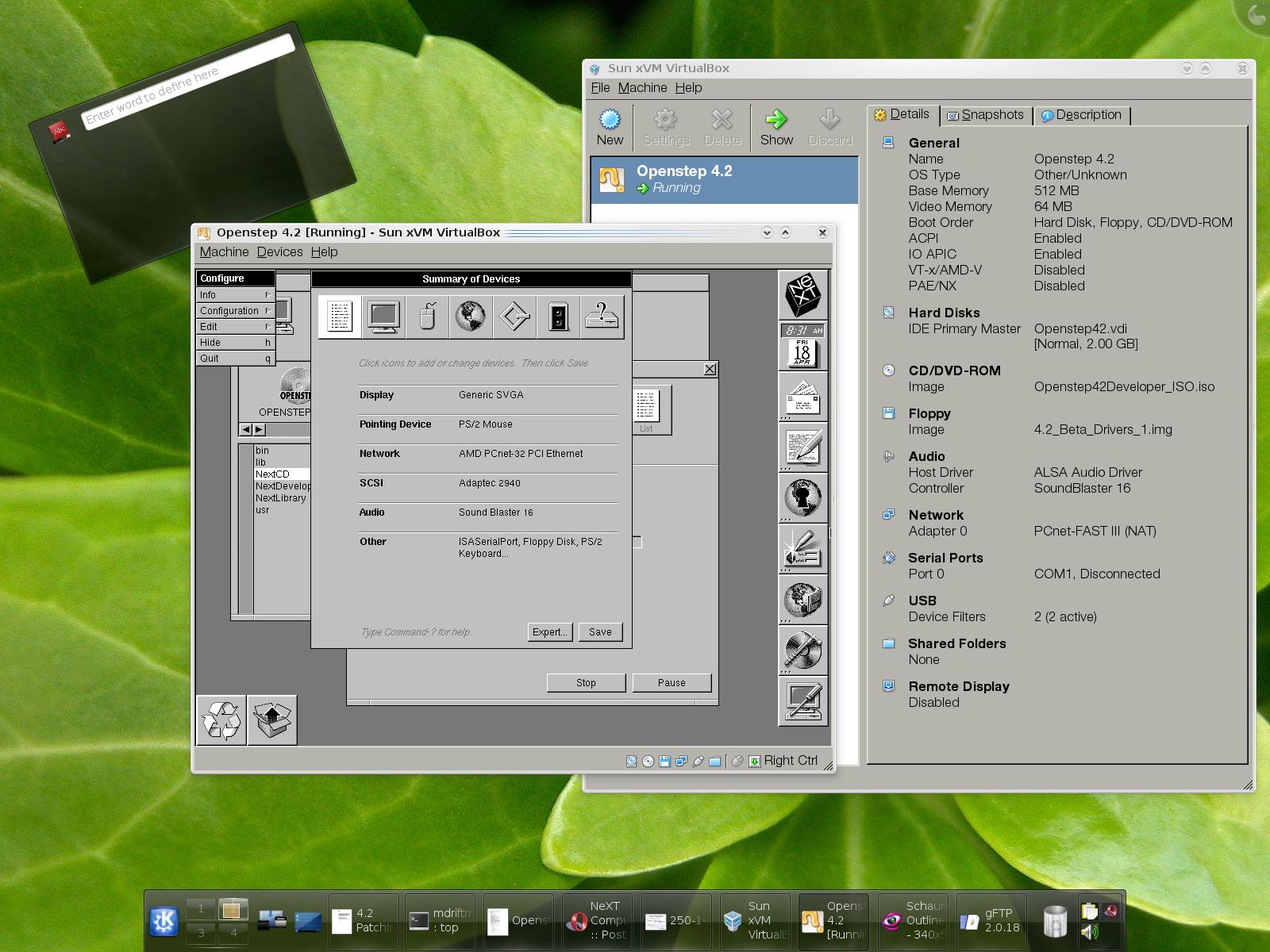
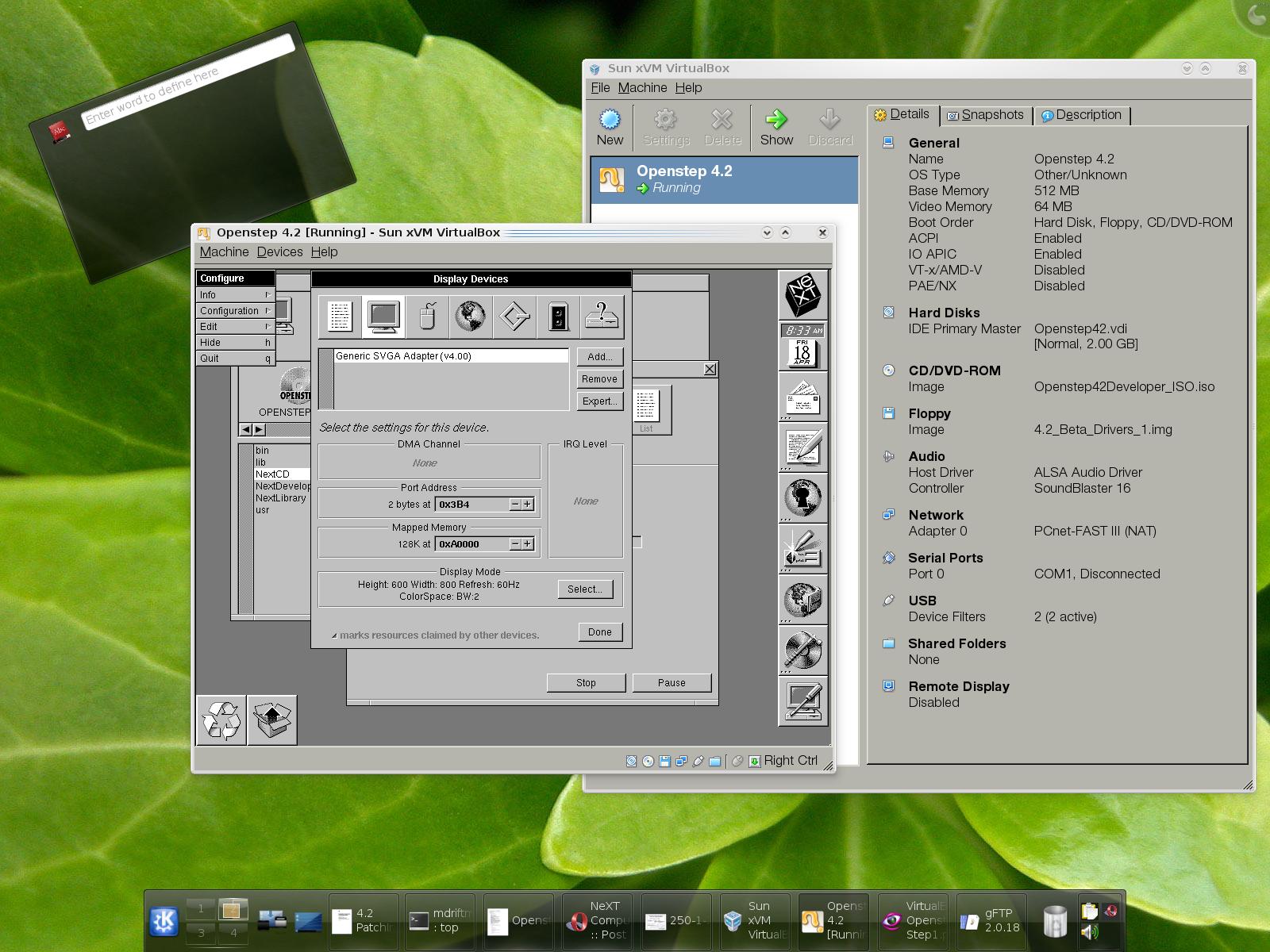
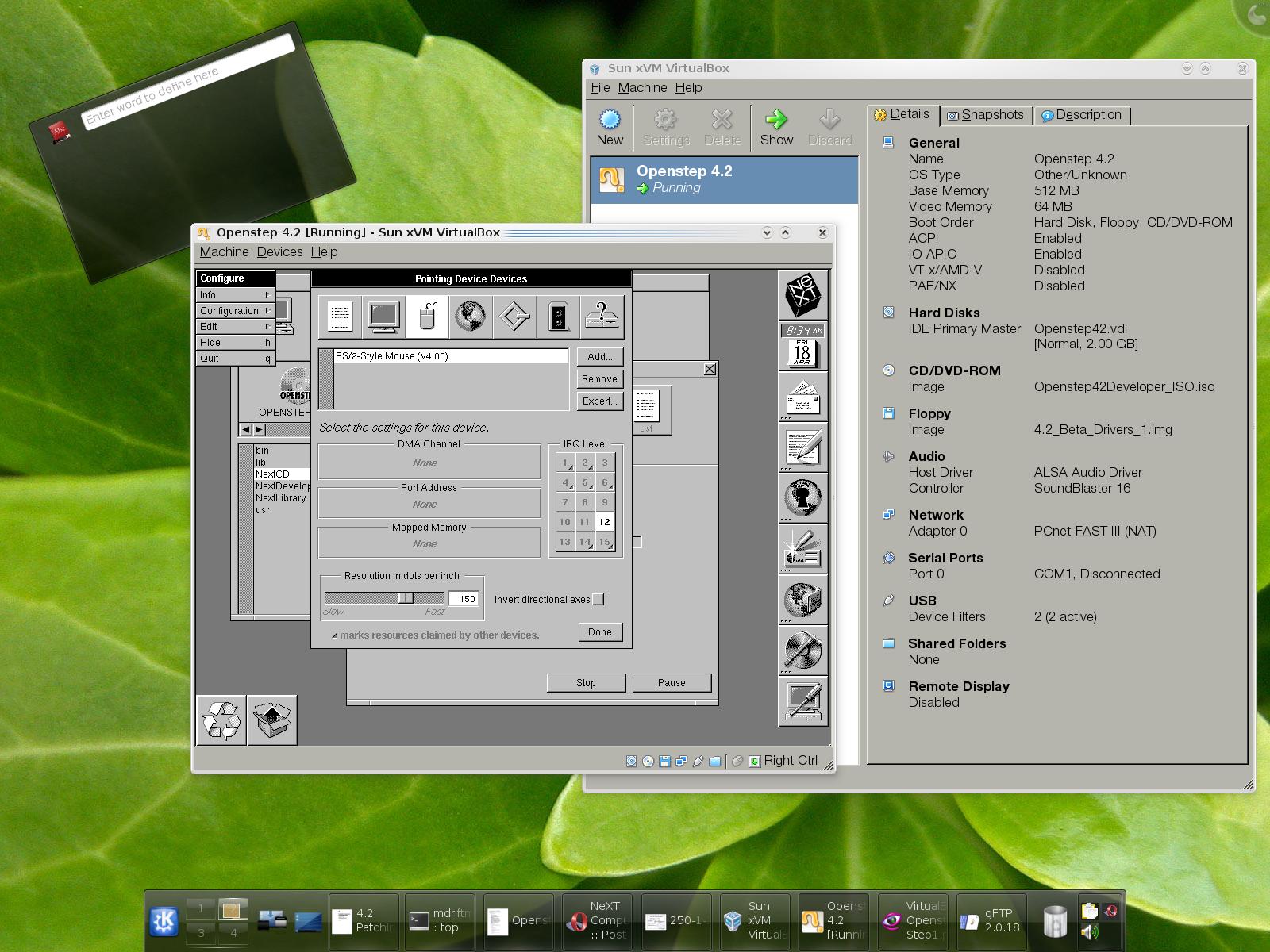
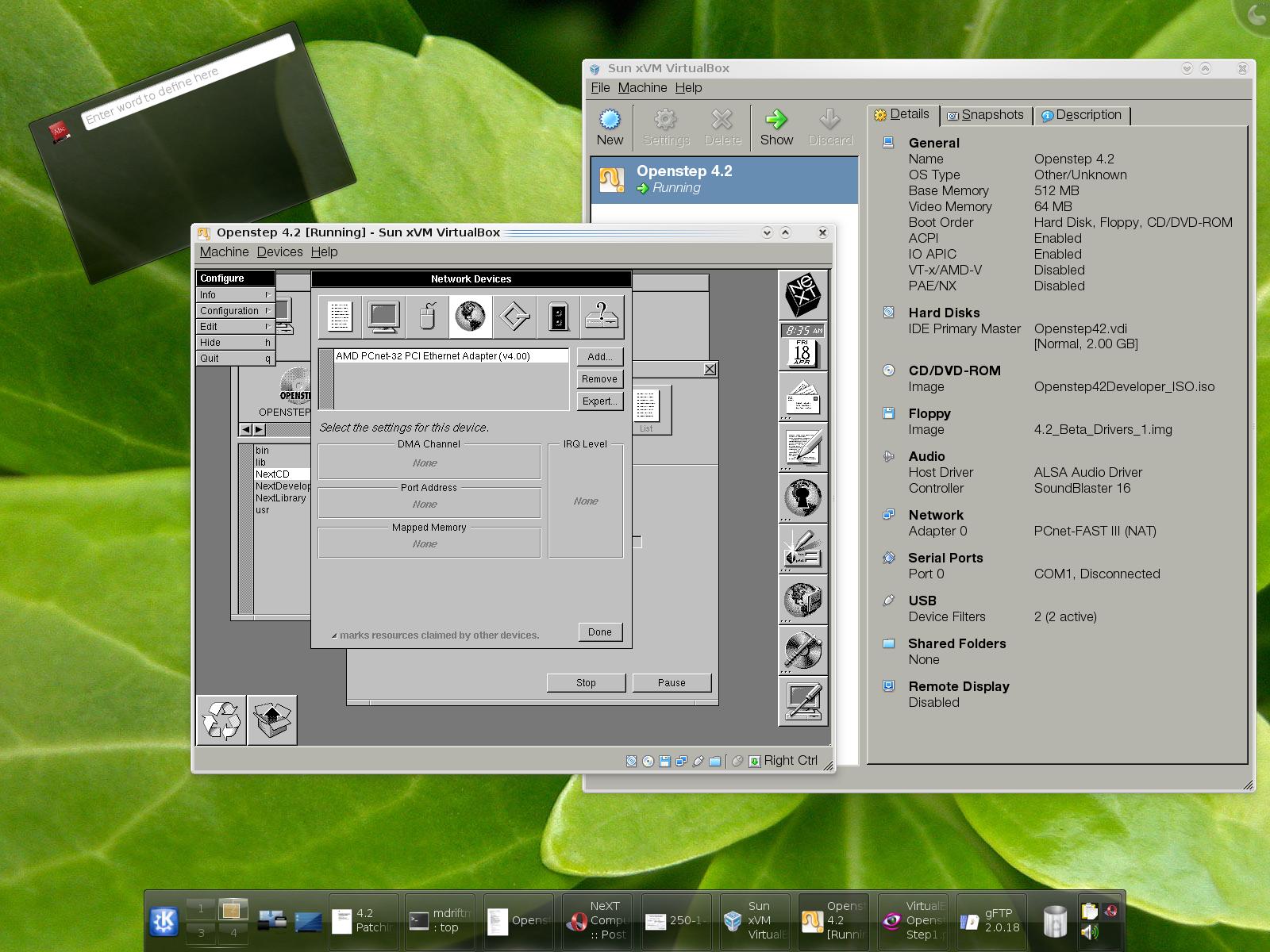
SYSTEM INSTALL:
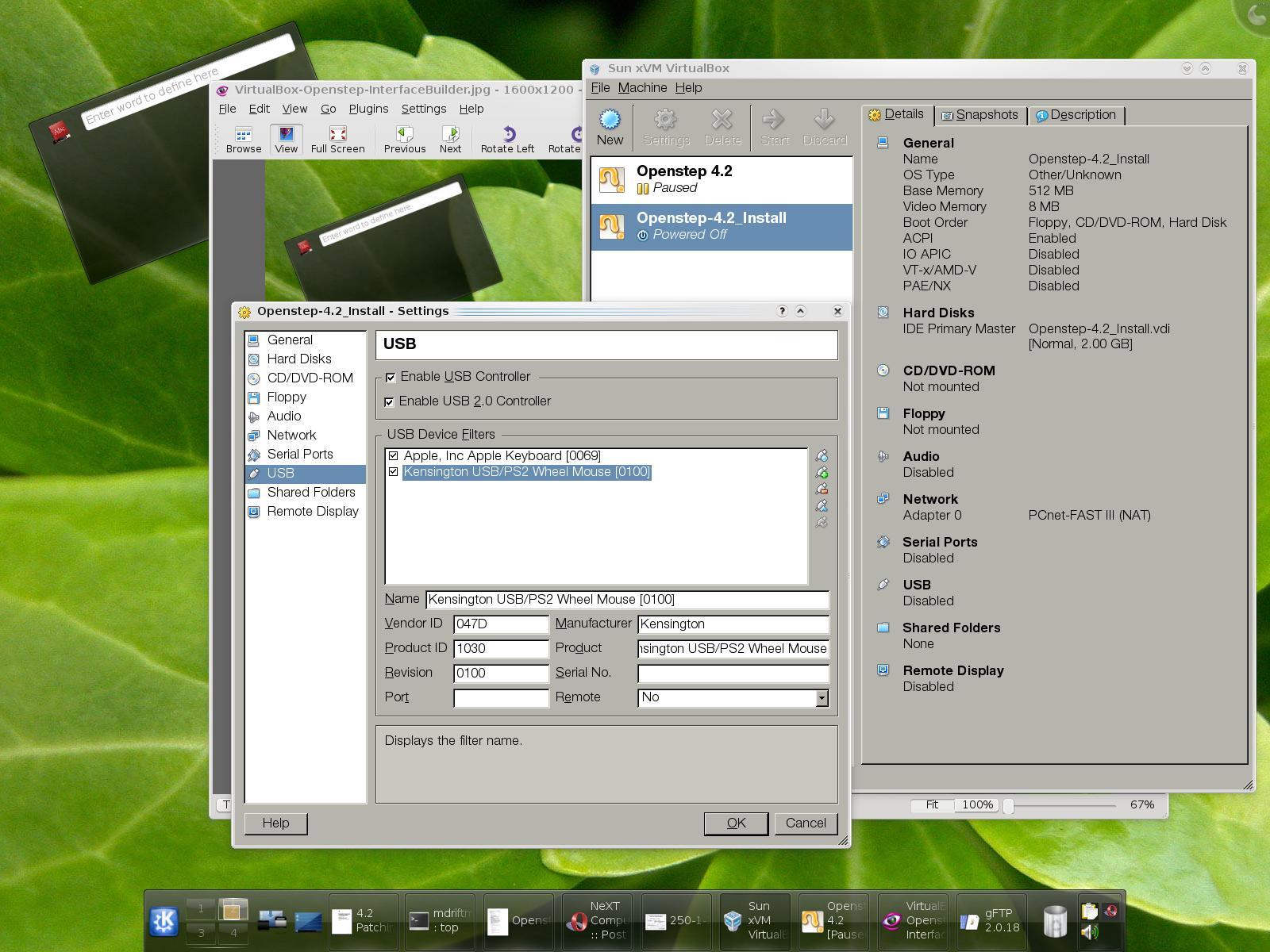
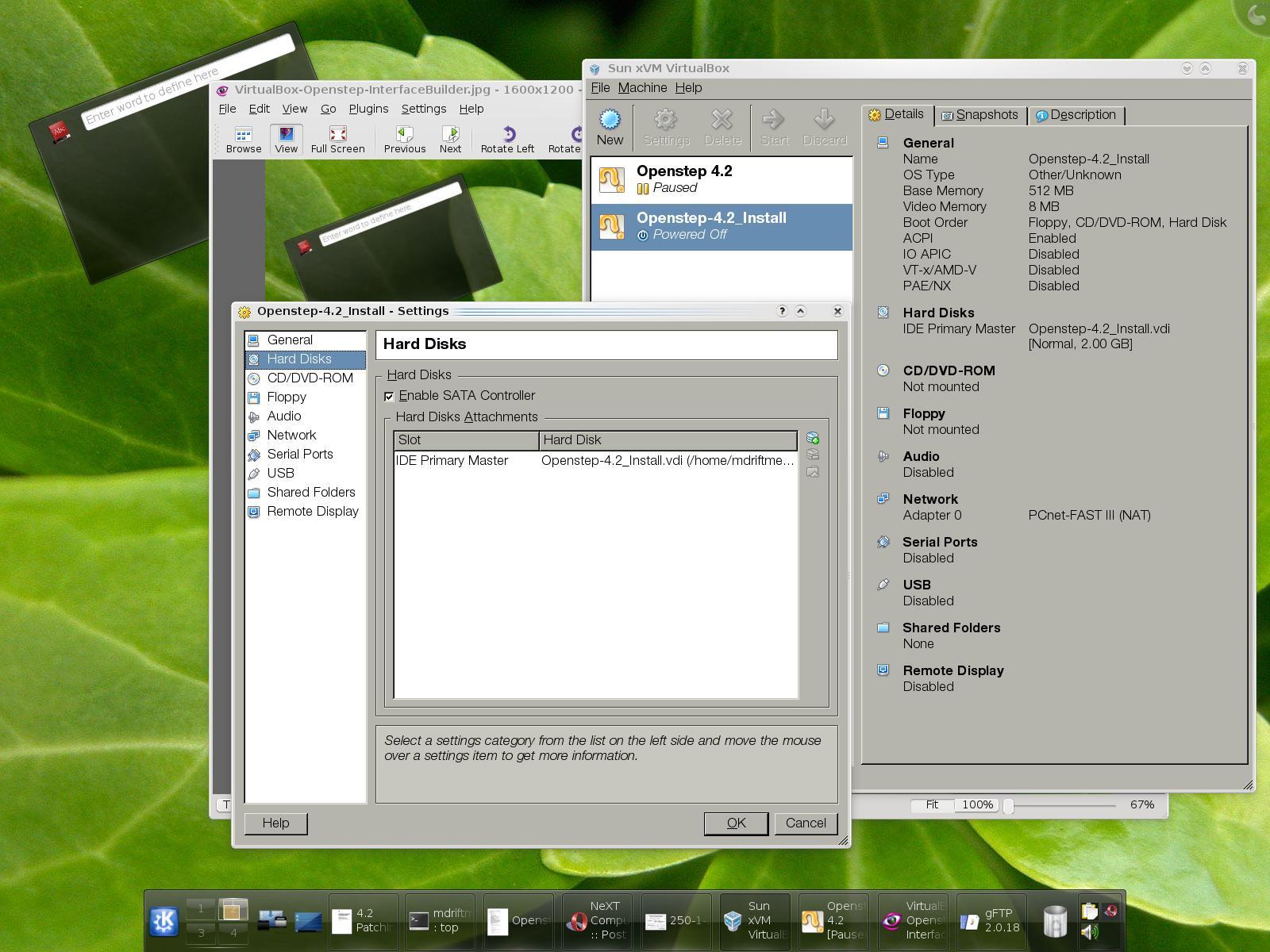
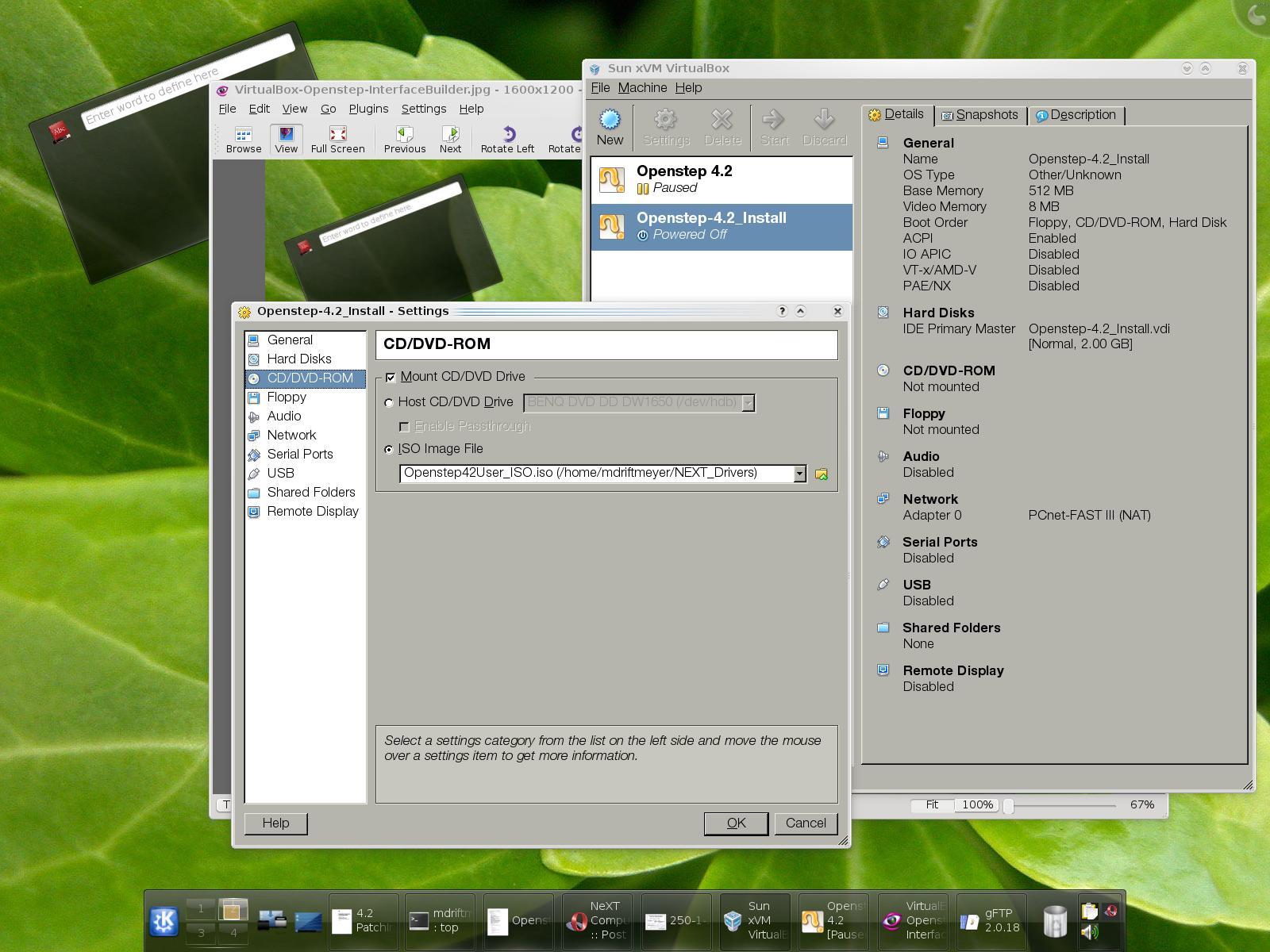
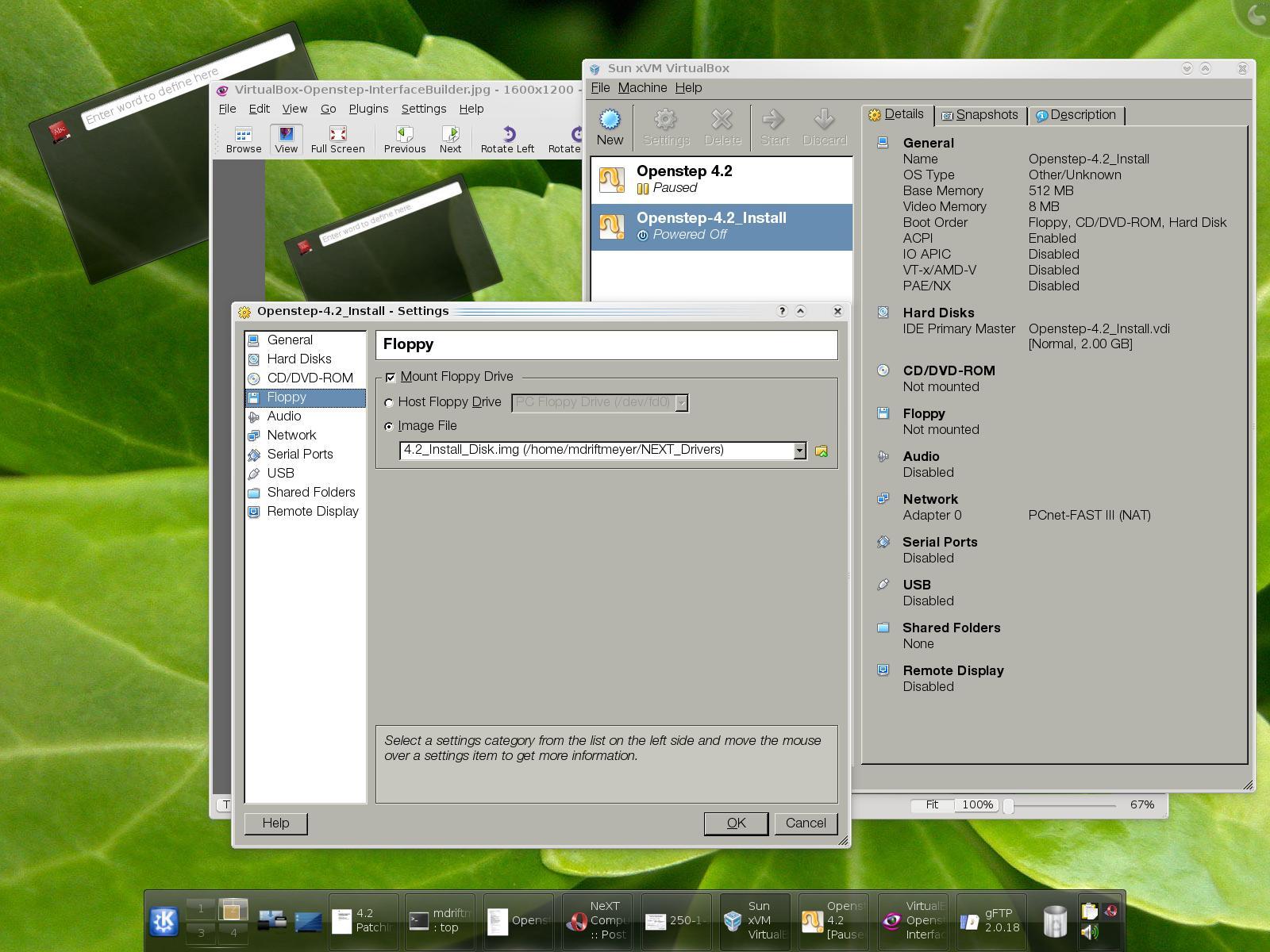
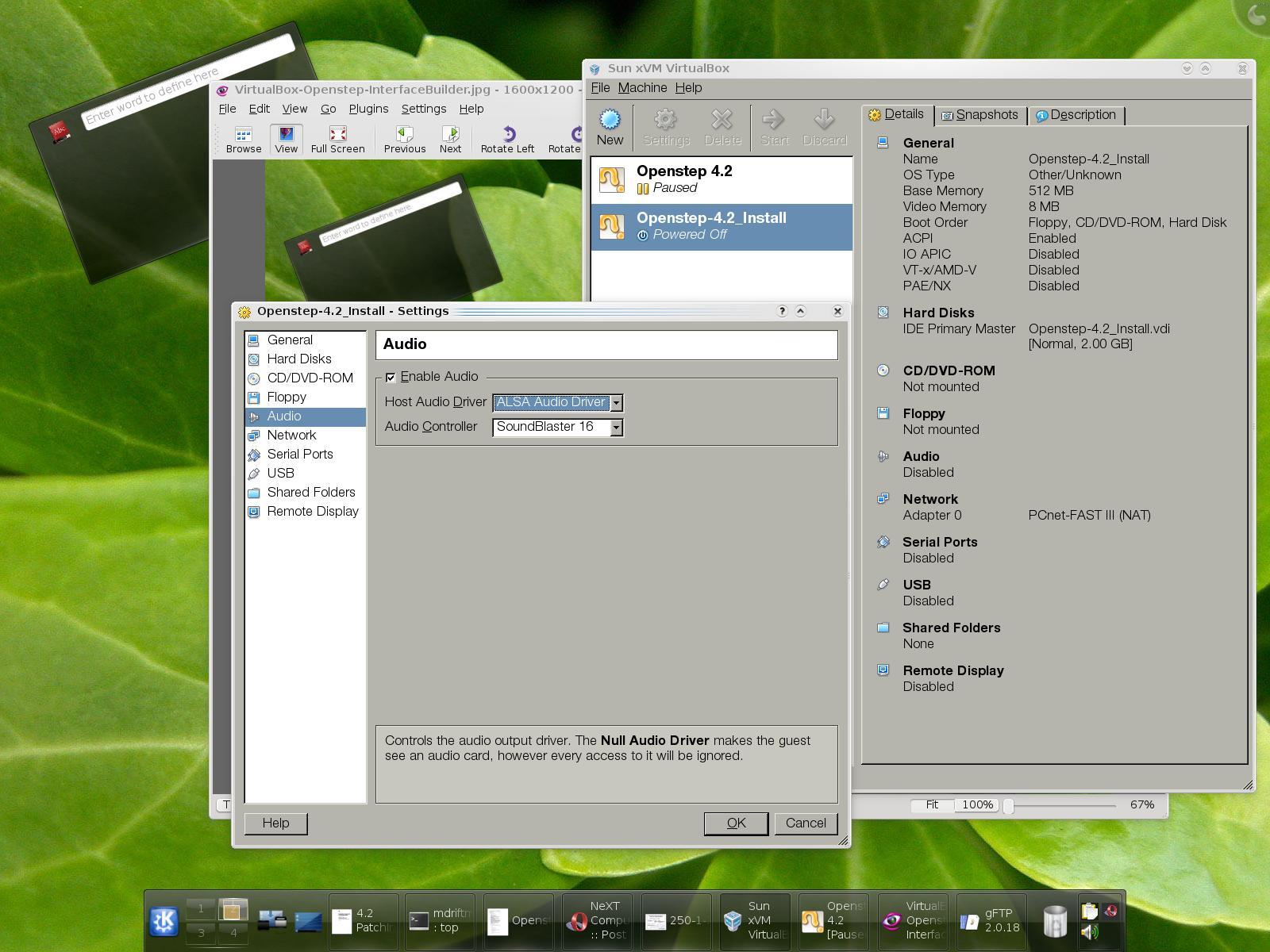
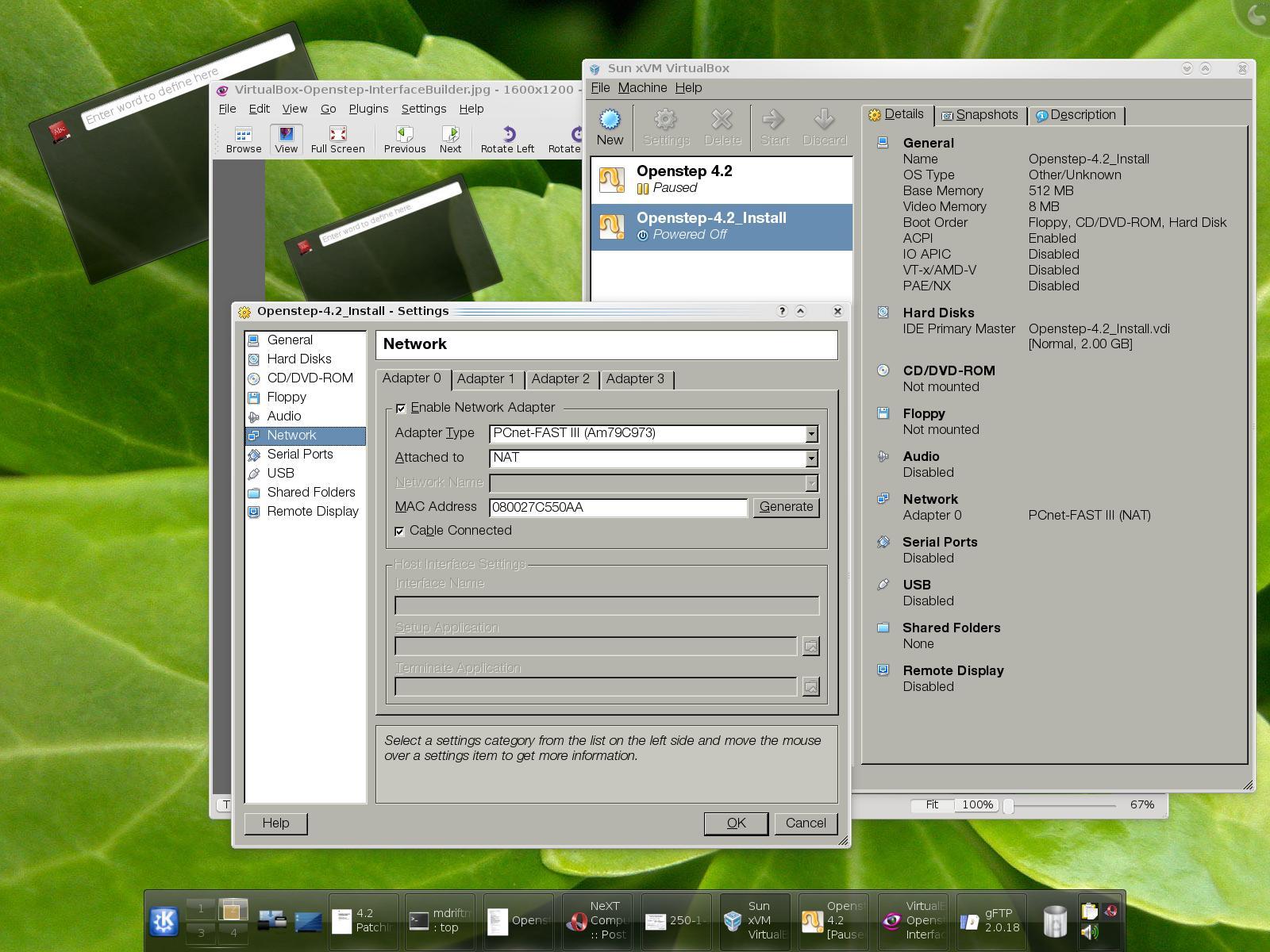
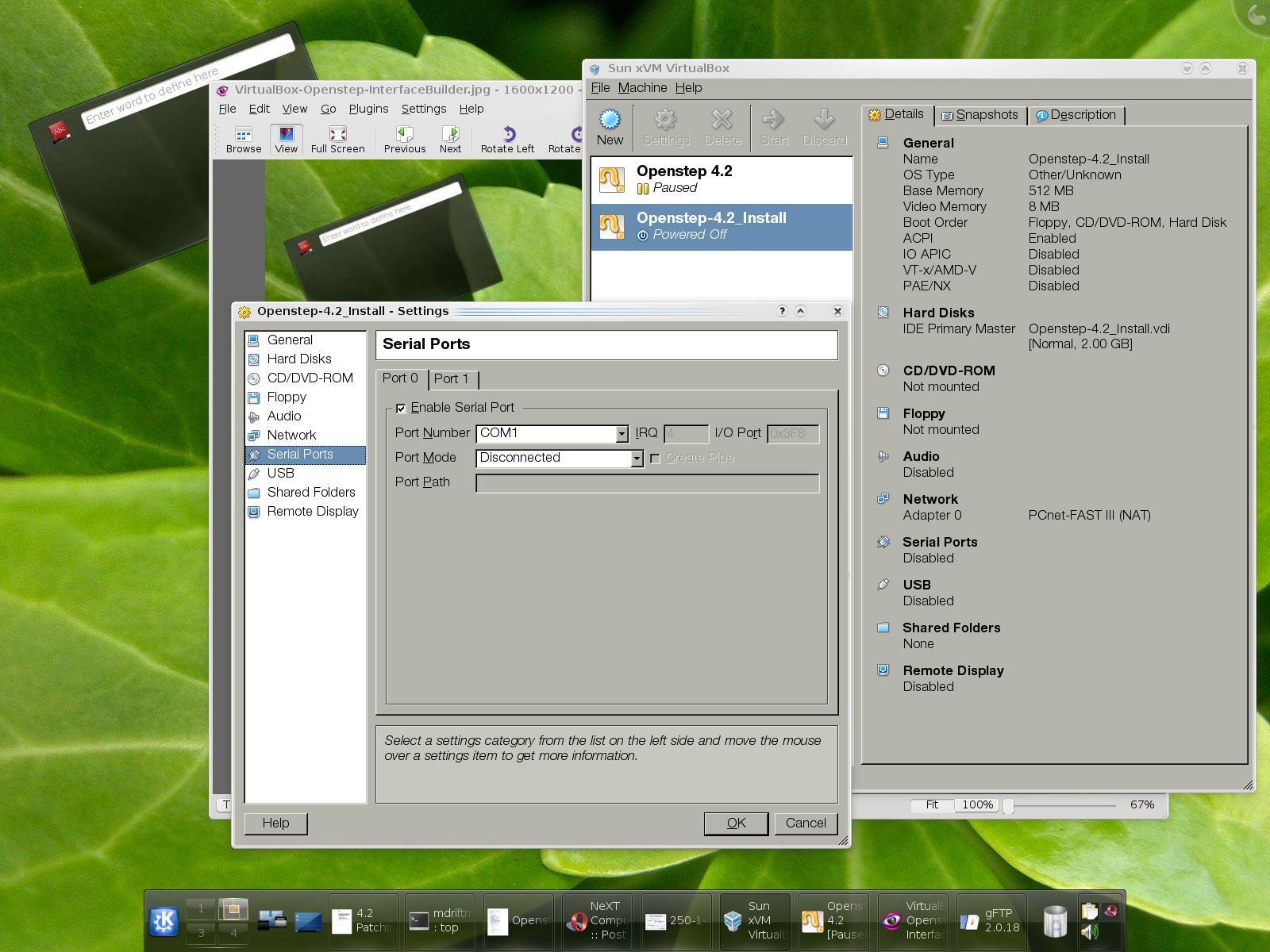
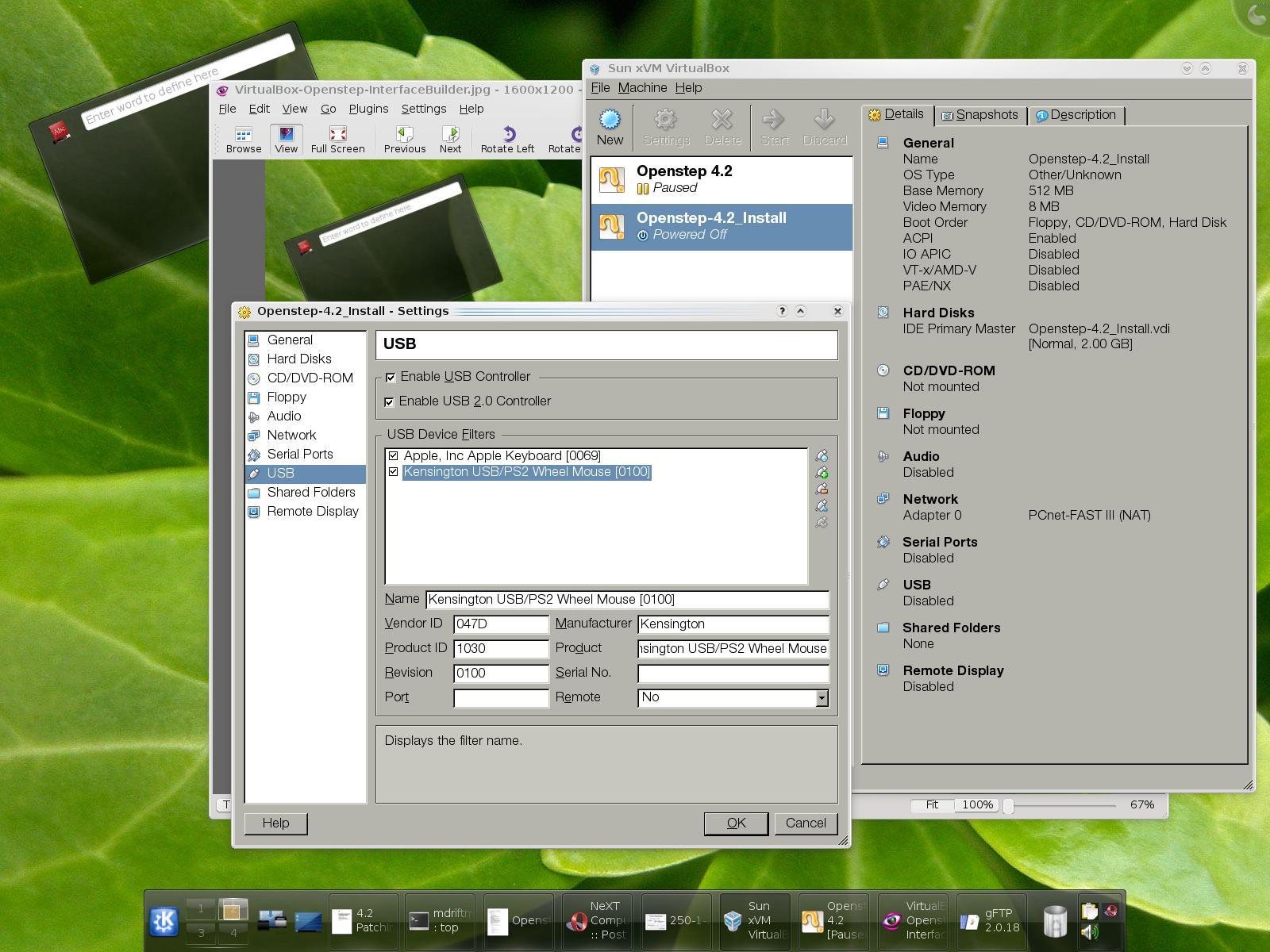
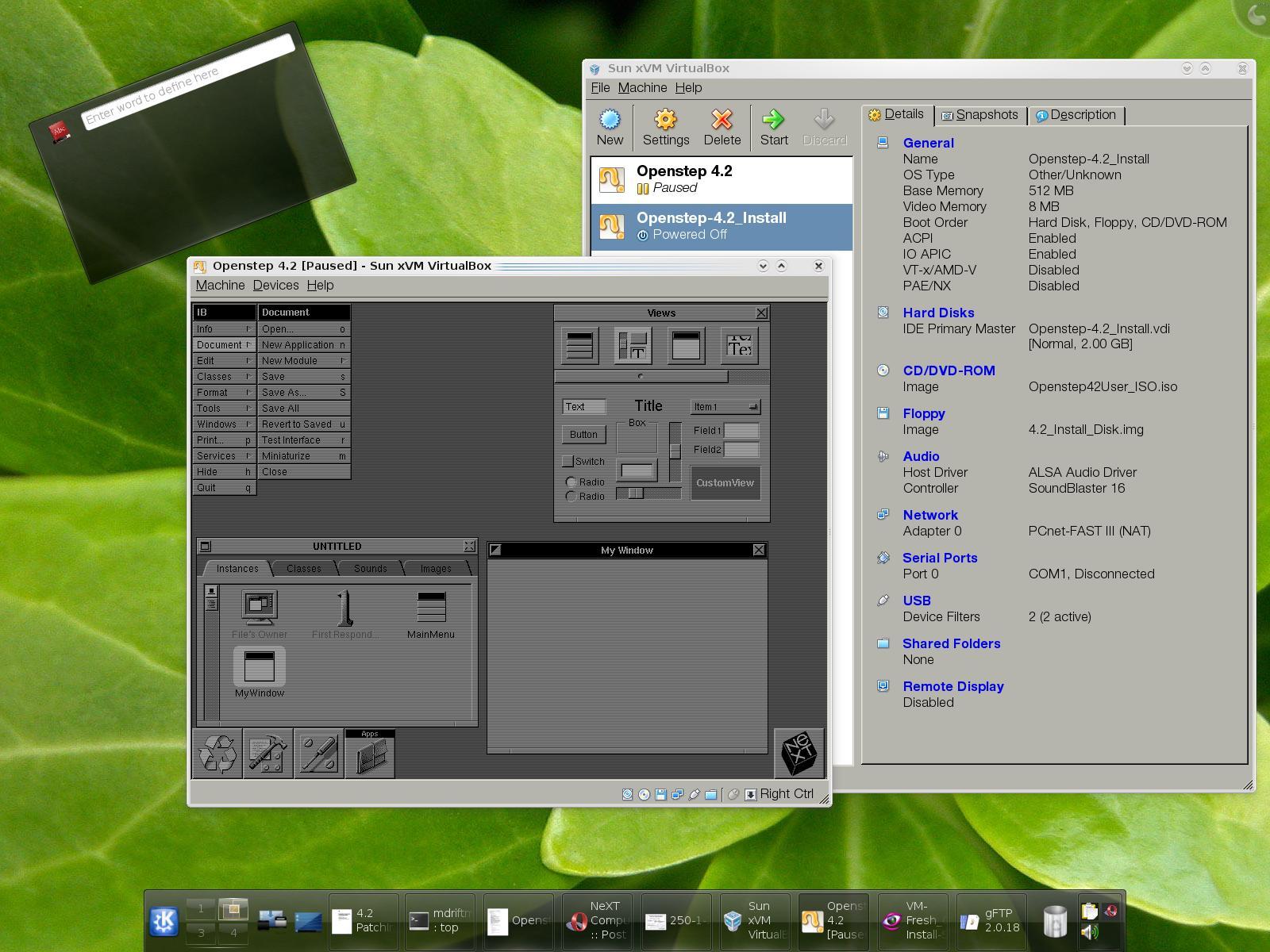
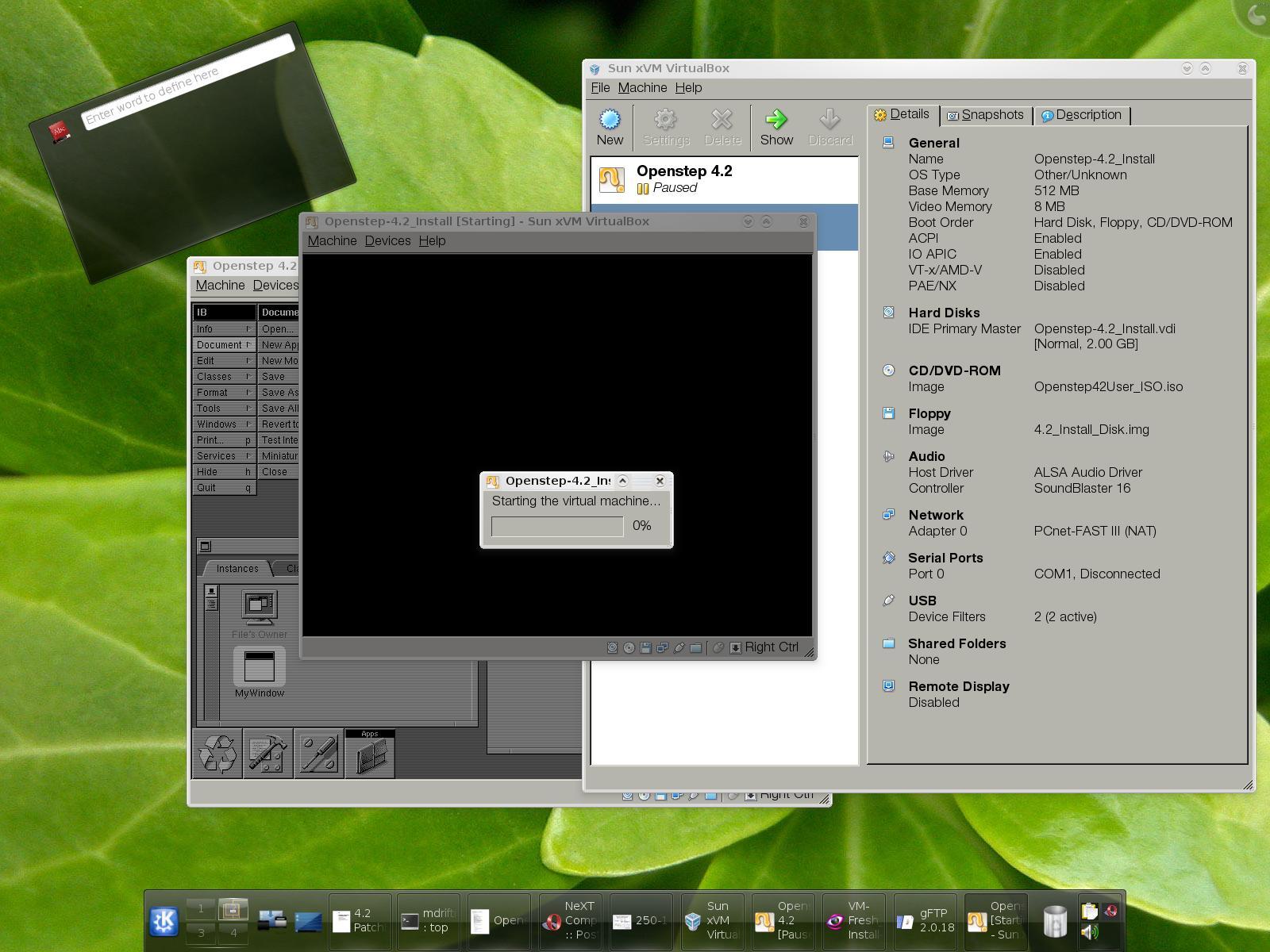
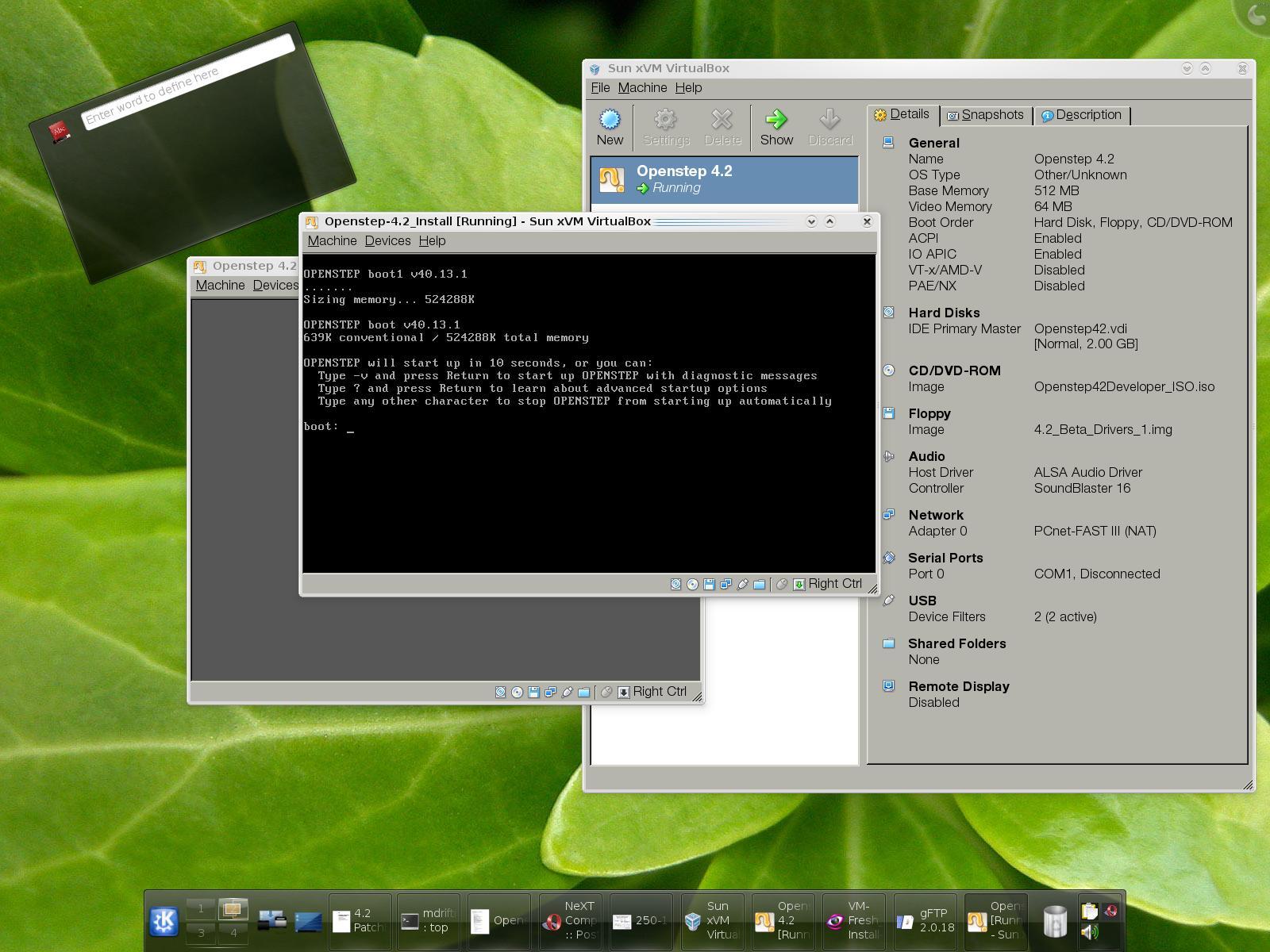
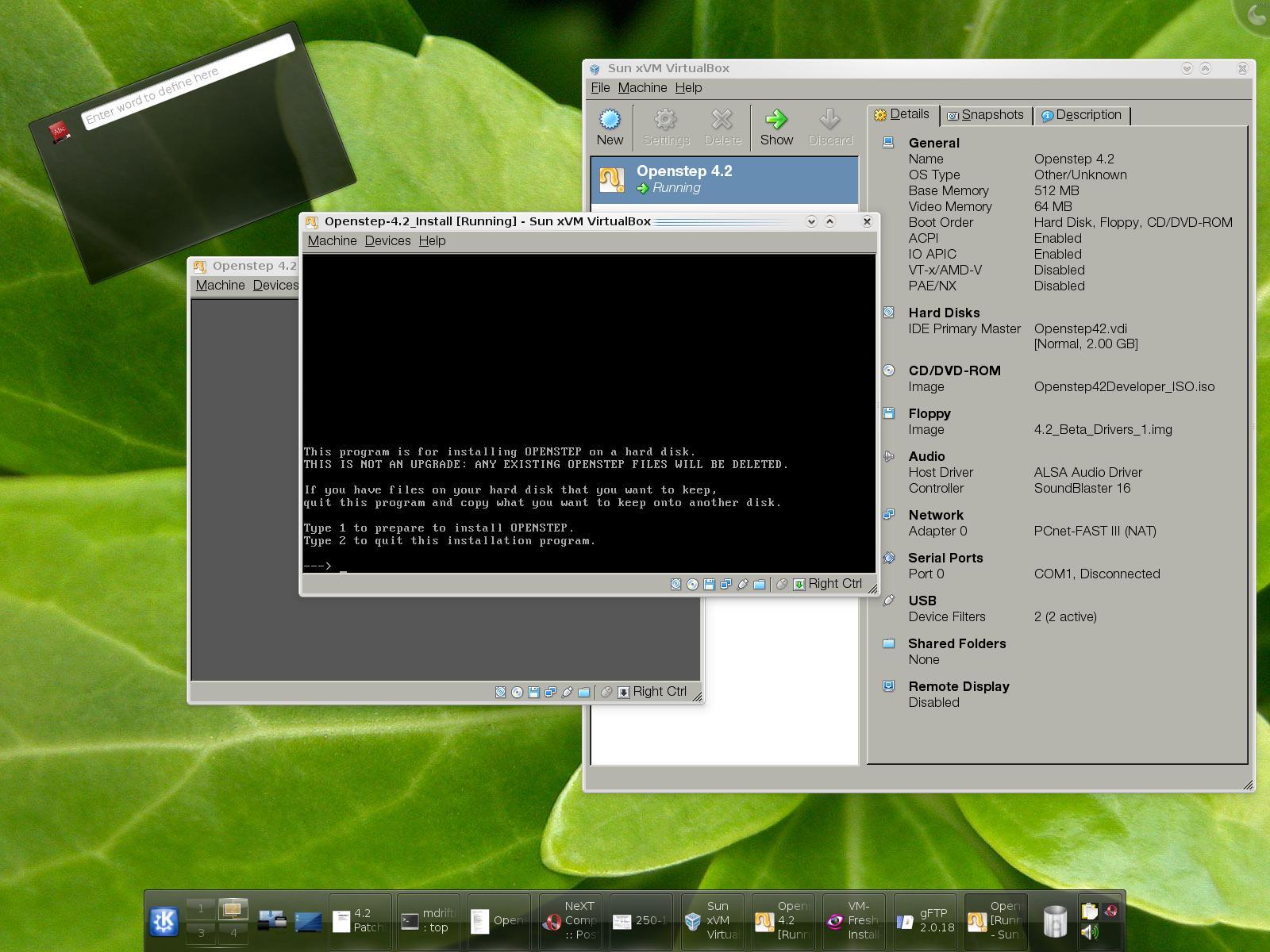
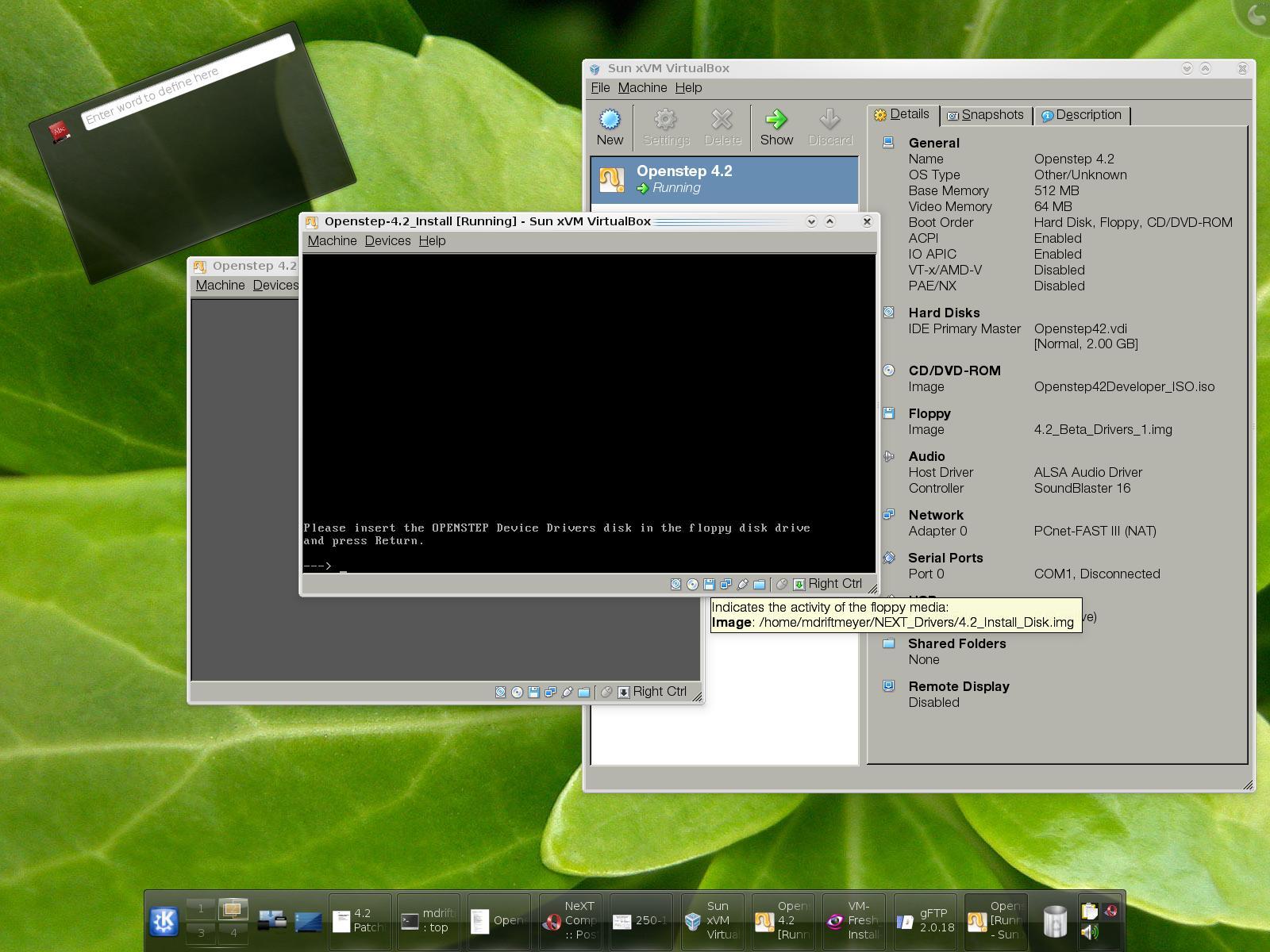
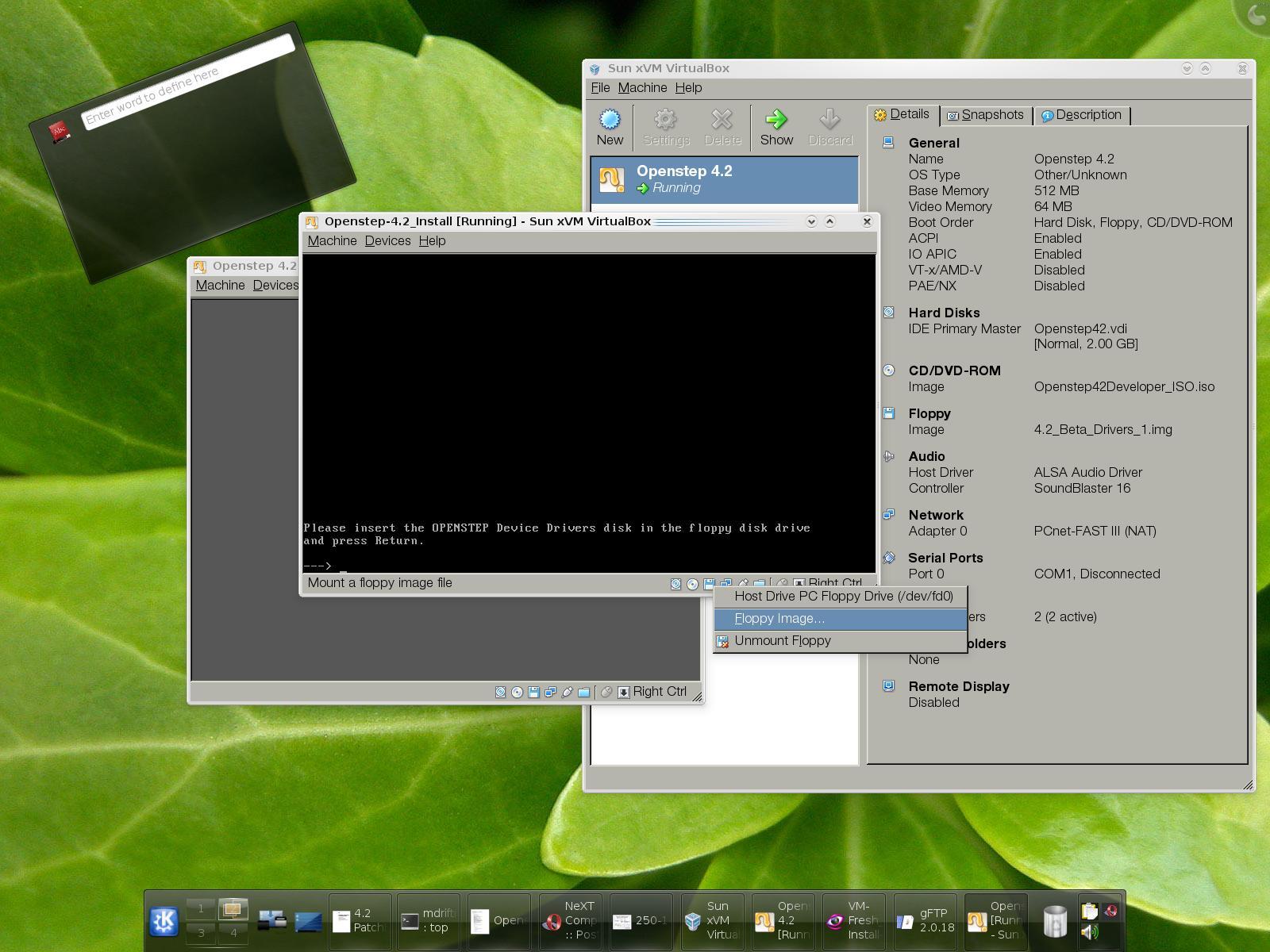
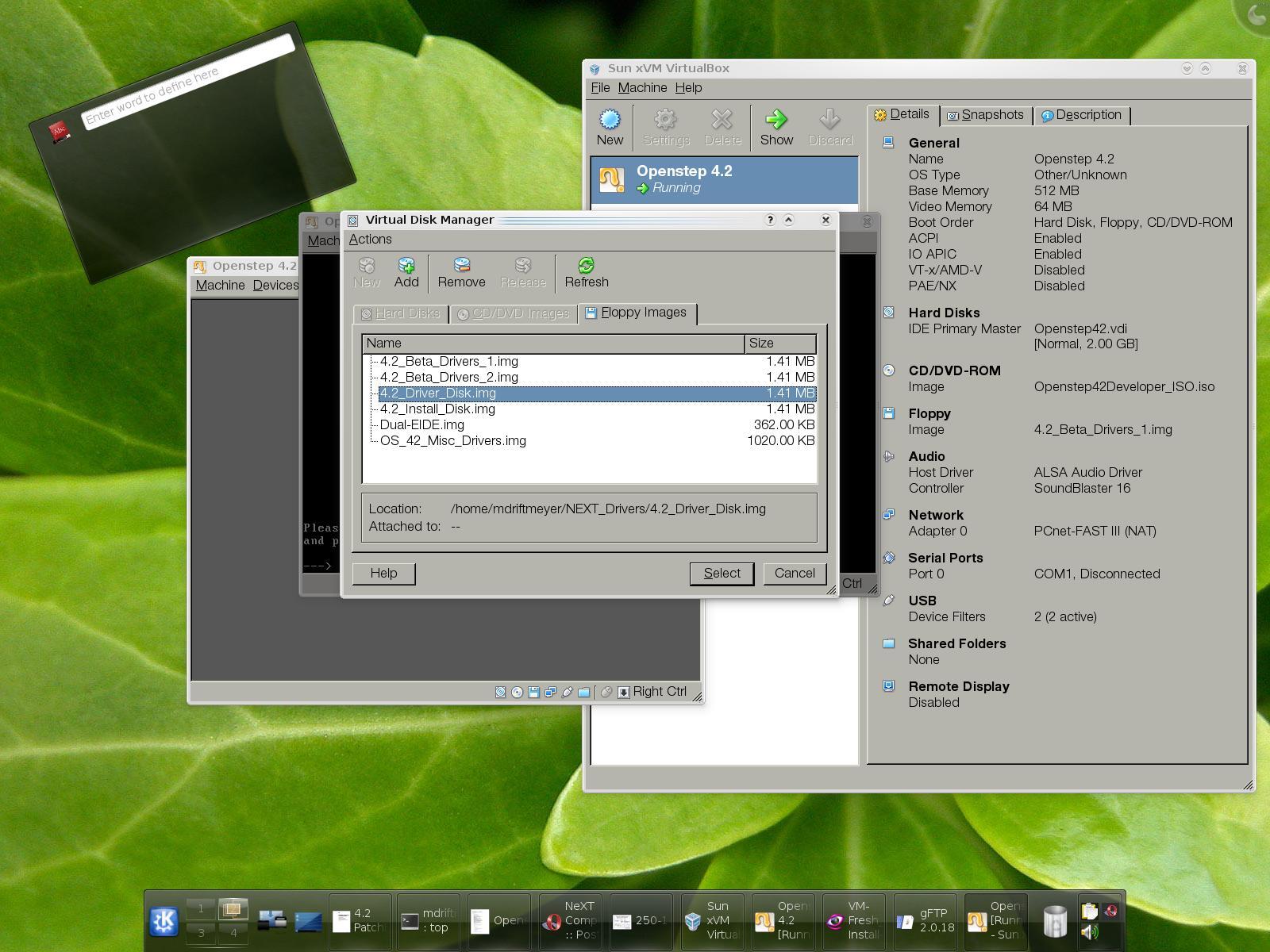
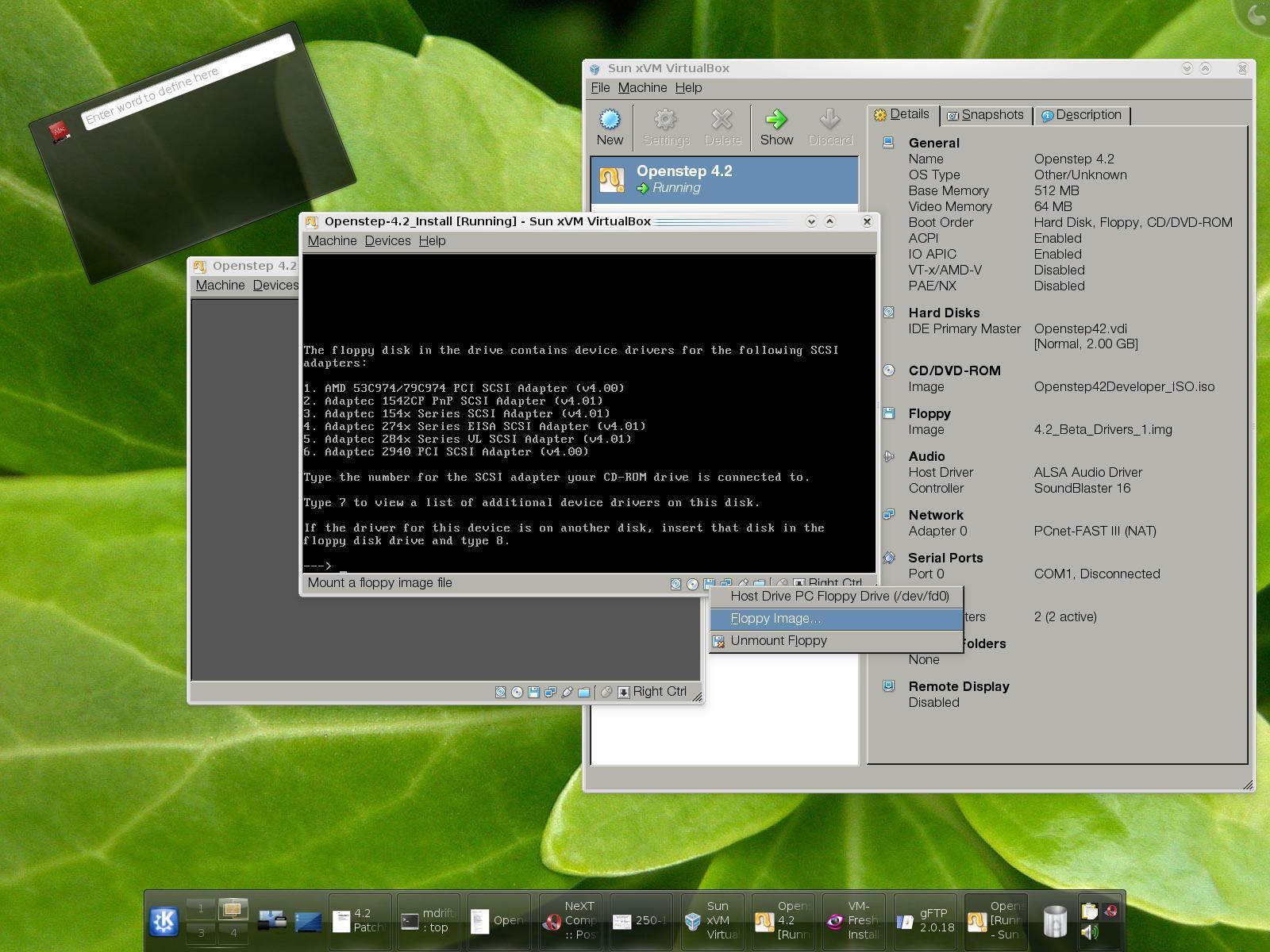
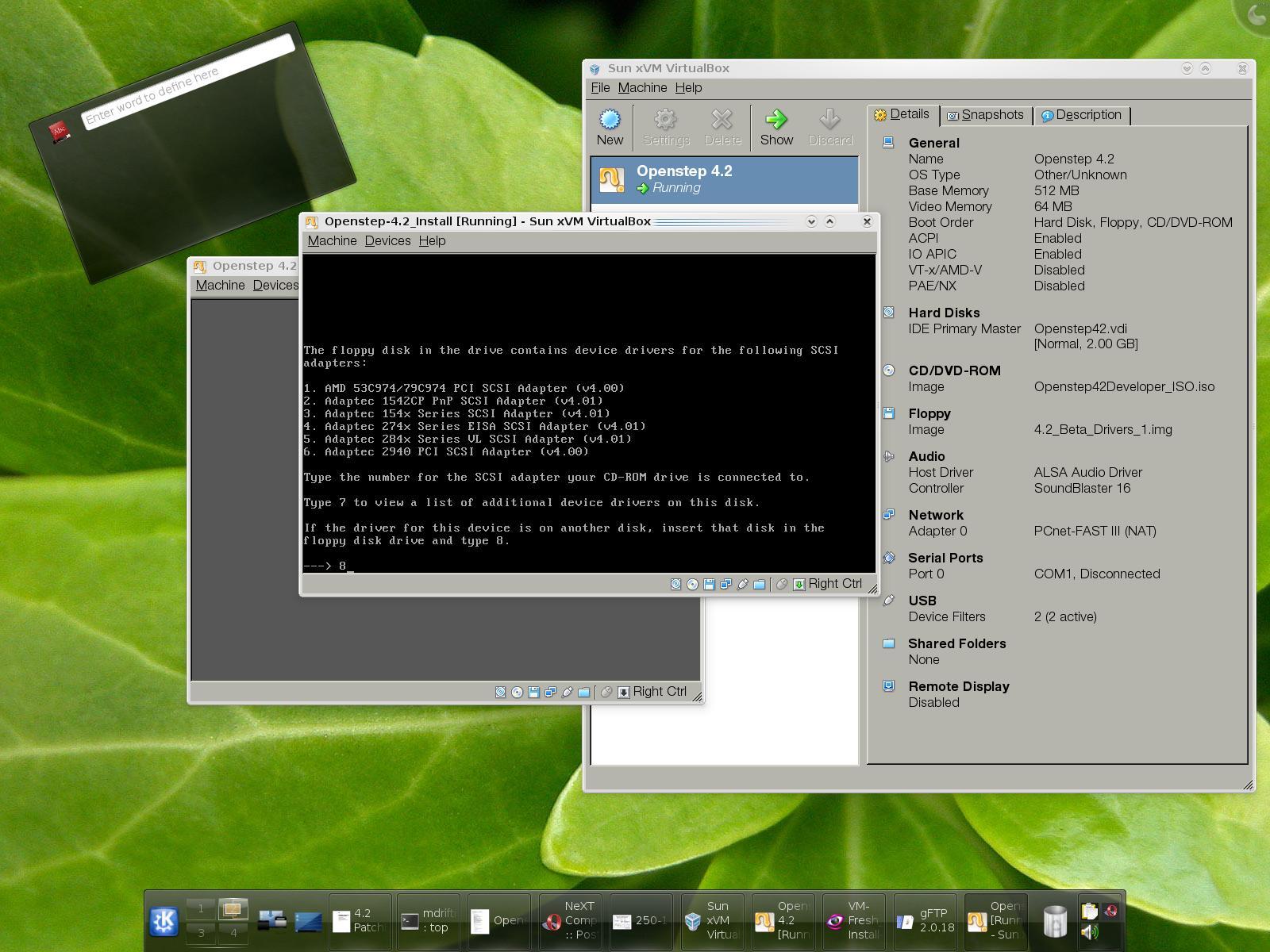
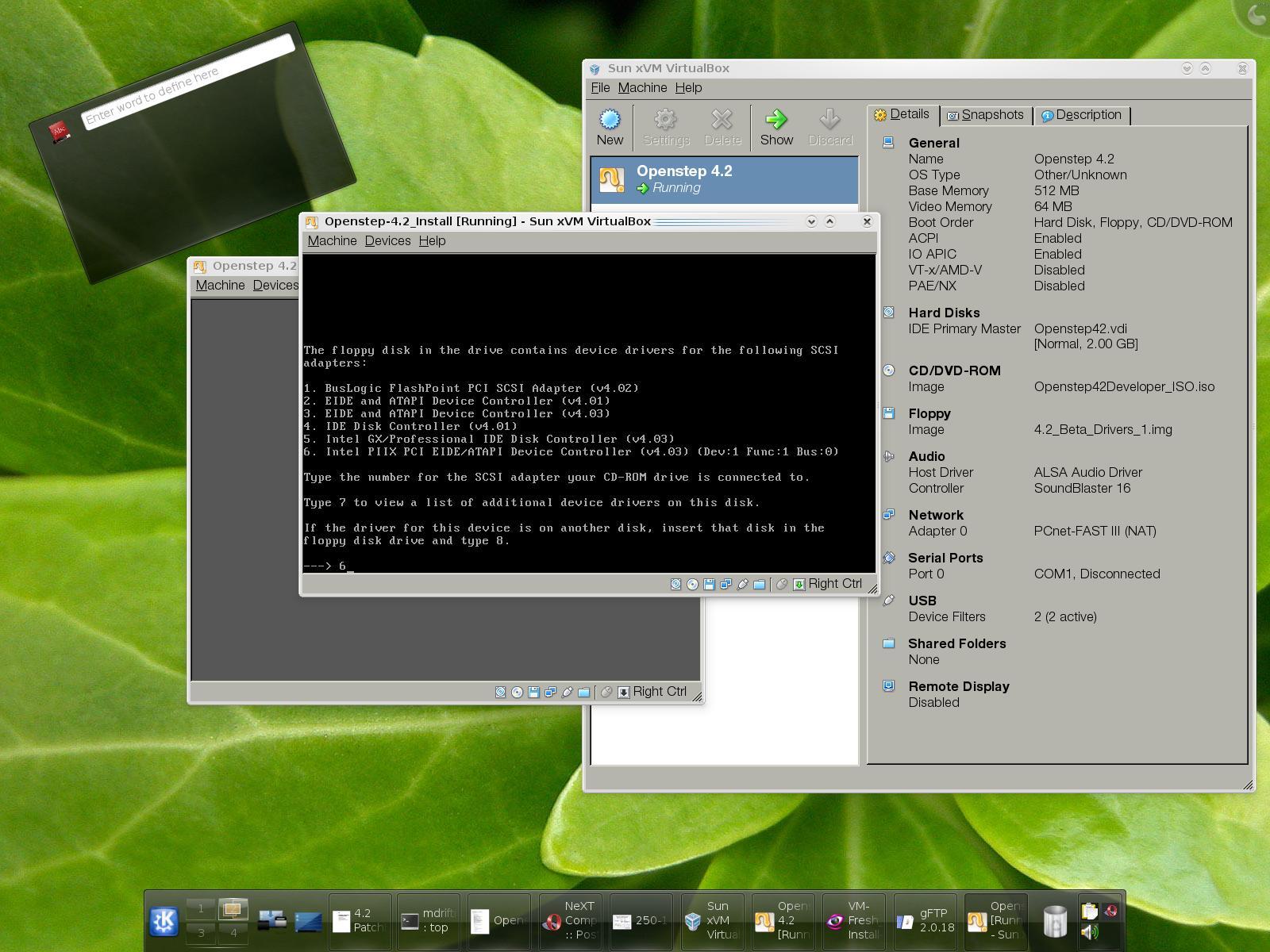
SELECT INTEL PIIX EIDE CONTROLLER TWICE: 6, 6 on selection then continue install without additional drivers.
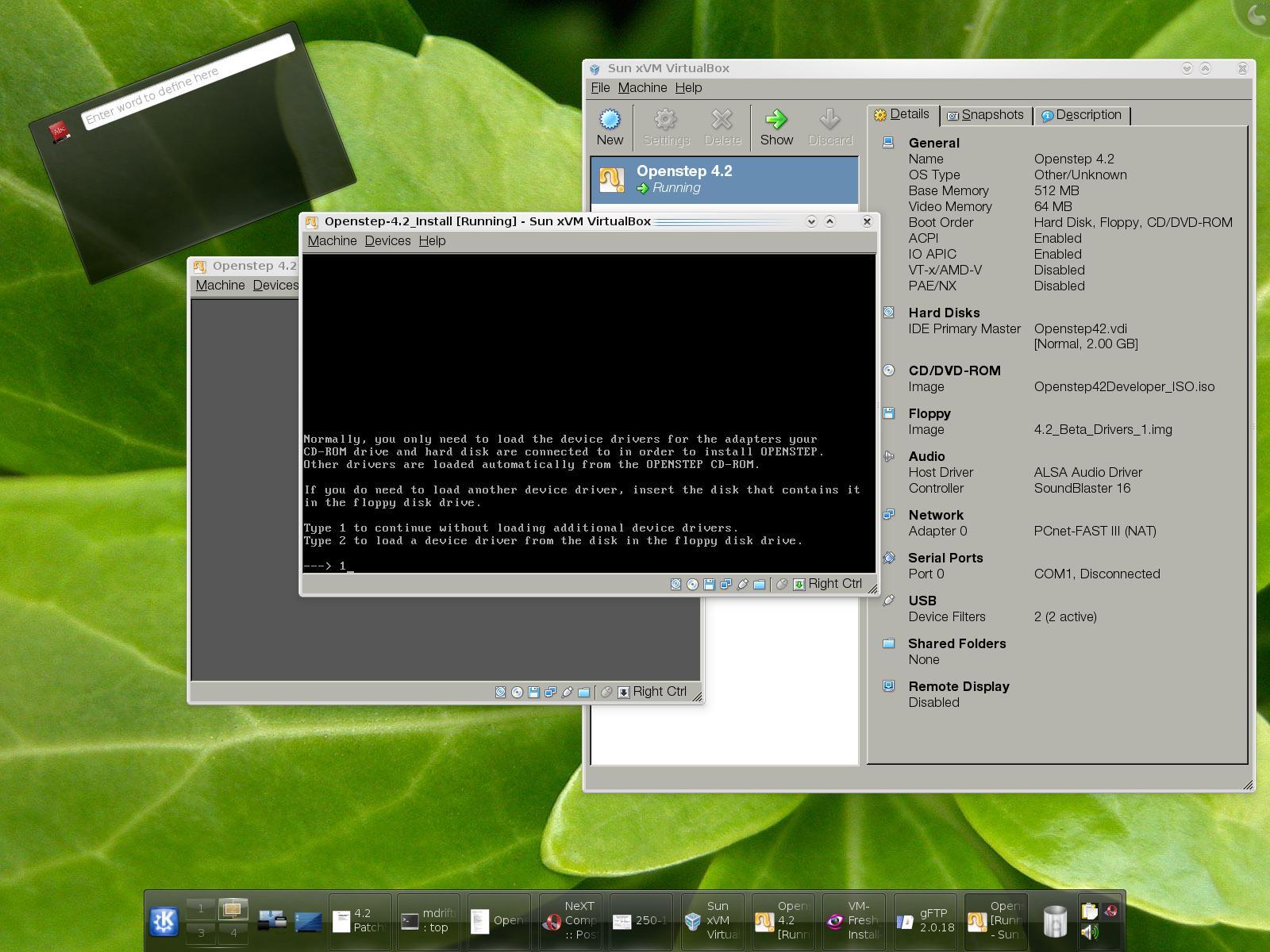
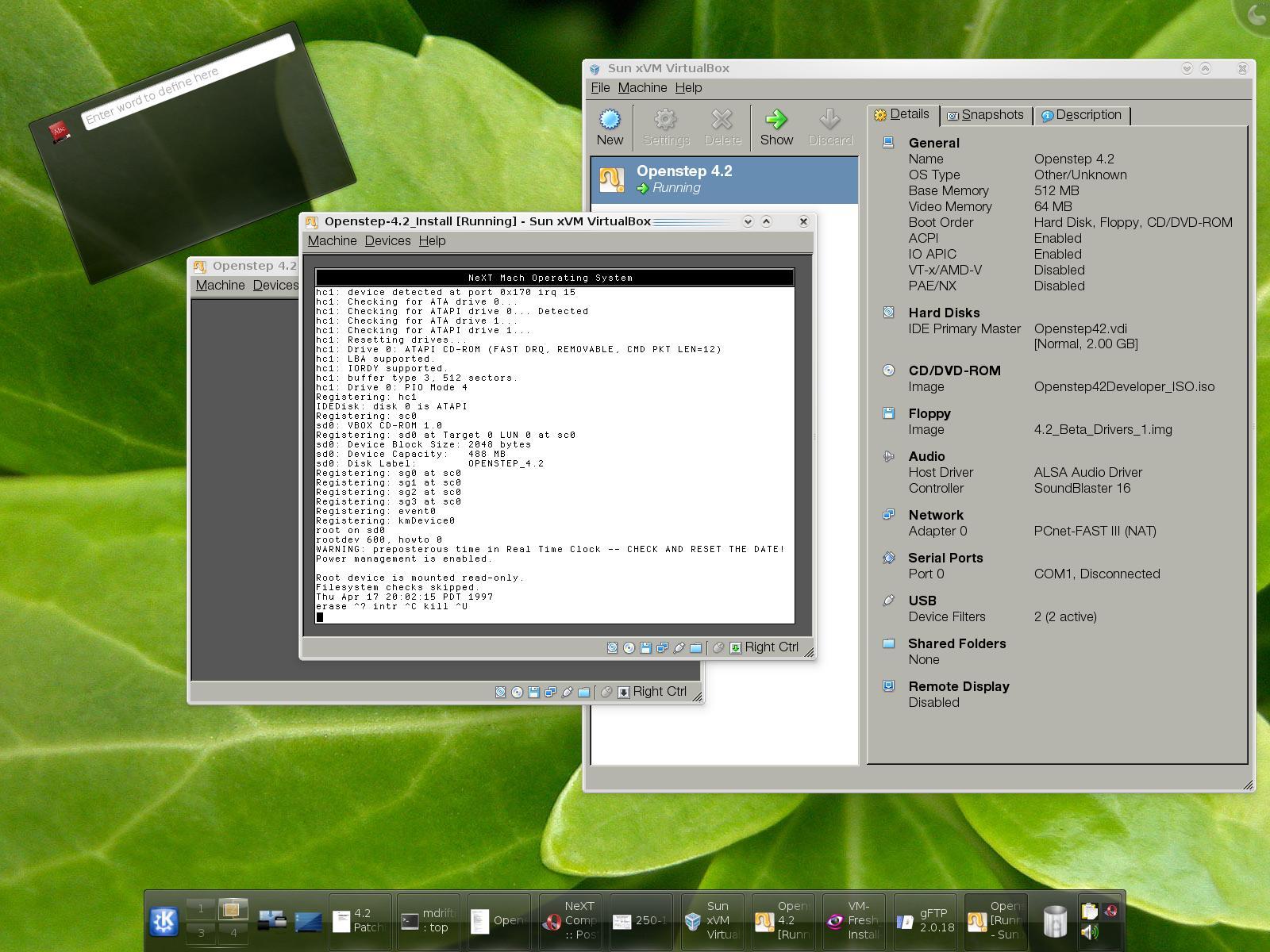
BASE INSTALLATION:
THE NEXT STEP IS TO INSTALL THE OPENSTEP BASE SYSTEM, THEN THE GENERAL PACKAGES, AND THEN REBOOT AND LOG-IN AND SET PASSWORDS FOR ME AND ROOT.
UNDER ROOT WITH THE SCSI VIRTUAL DRIVER INSTALLED [IT FAILED FOR ME WITHOUT IT] MOUNTING AND UNMOUNTING DISK ISO IMAGES ARE VISIBLE AND READY TO INSTALL DEVELOPER TOOLS AND ANY OTHER ISO PACKAGE YOU CREATE AND ADD TO THE LIST IN VIRTUALBOX.
POST-INSTALL DEVELOPER SETUP:
INTERFACE BUILDER:
Title: VirtualBox 1.6.4 on Debian [MULTIPLE SHOTS 1600x1280]
Post by: kb7sqi on August 22, 2008, 09:25:52 AM
Post by: kb7sqi on August 22, 2008, 09:25:52 AM
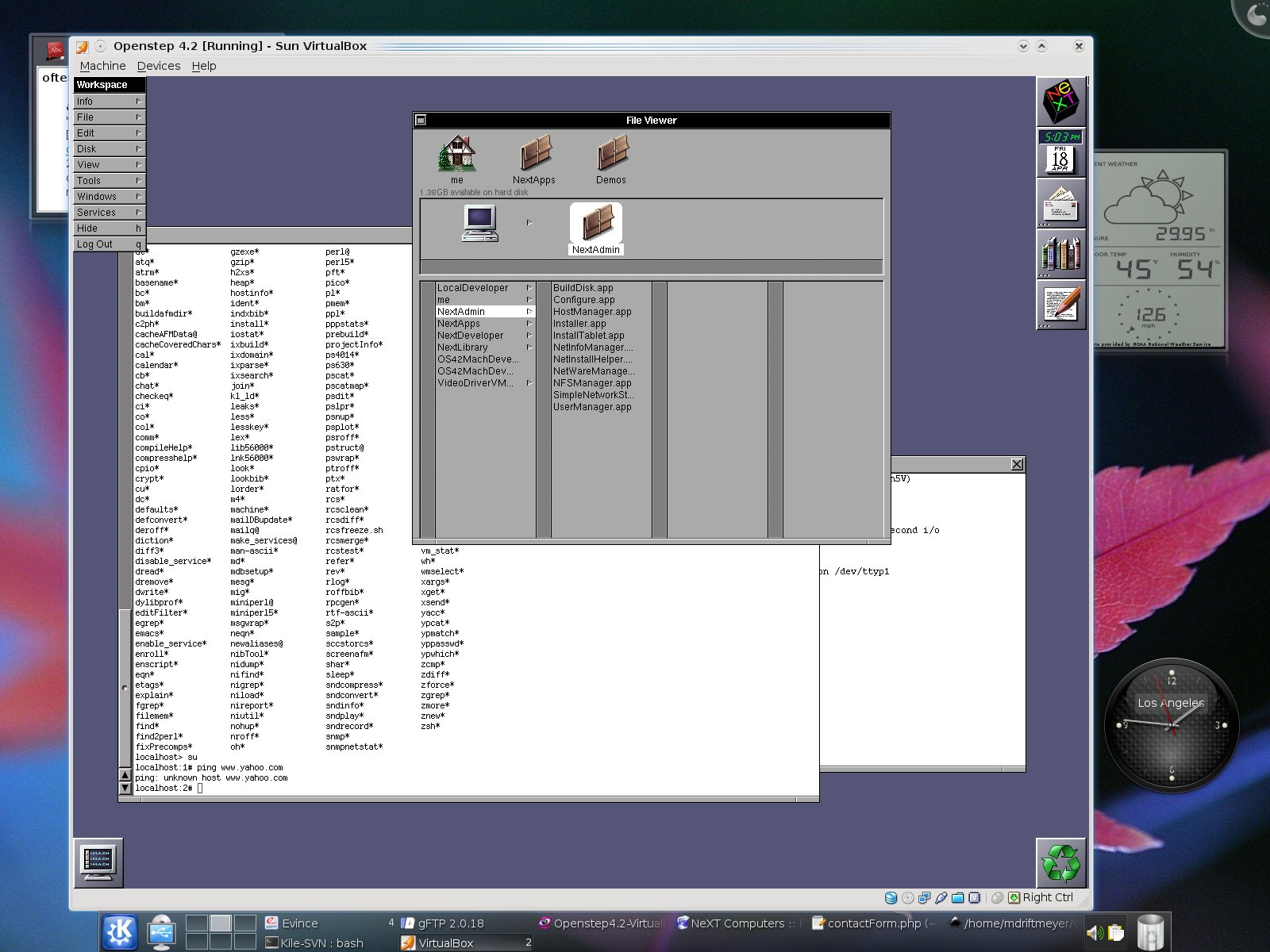
Nice screenshot step-by-step Marc! :-) Don't know if you're aware or not, but once you install the OS4.2 User Patch 3 or 4, the VESA driver will give you color video under Virtual Box. I've been dying to take the time & convert my QEMU setup over to Virtual Box under OpenSolaris, but I haven't had the time. I've setup few test images under Virtual Boxes & they ran fine. But I know VirtualBox 1.6.4 has quite a few improvements over the last releases. My XP Pro is rock solid running under it. I'm curious how well the sound works now under VirtualBox compared to VMWare. :-) Thanks again for the screenshots & take care.
Title: VirtualBox 1.6.4 on Debian [MULTIPLE SHOTS 1600x1280]
Post by: helf on August 22, 2008, 09:26:55 AM
Post by: helf on August 22, 2008, 09:26:55 AM
wow, nice screenshot set :) looks good.
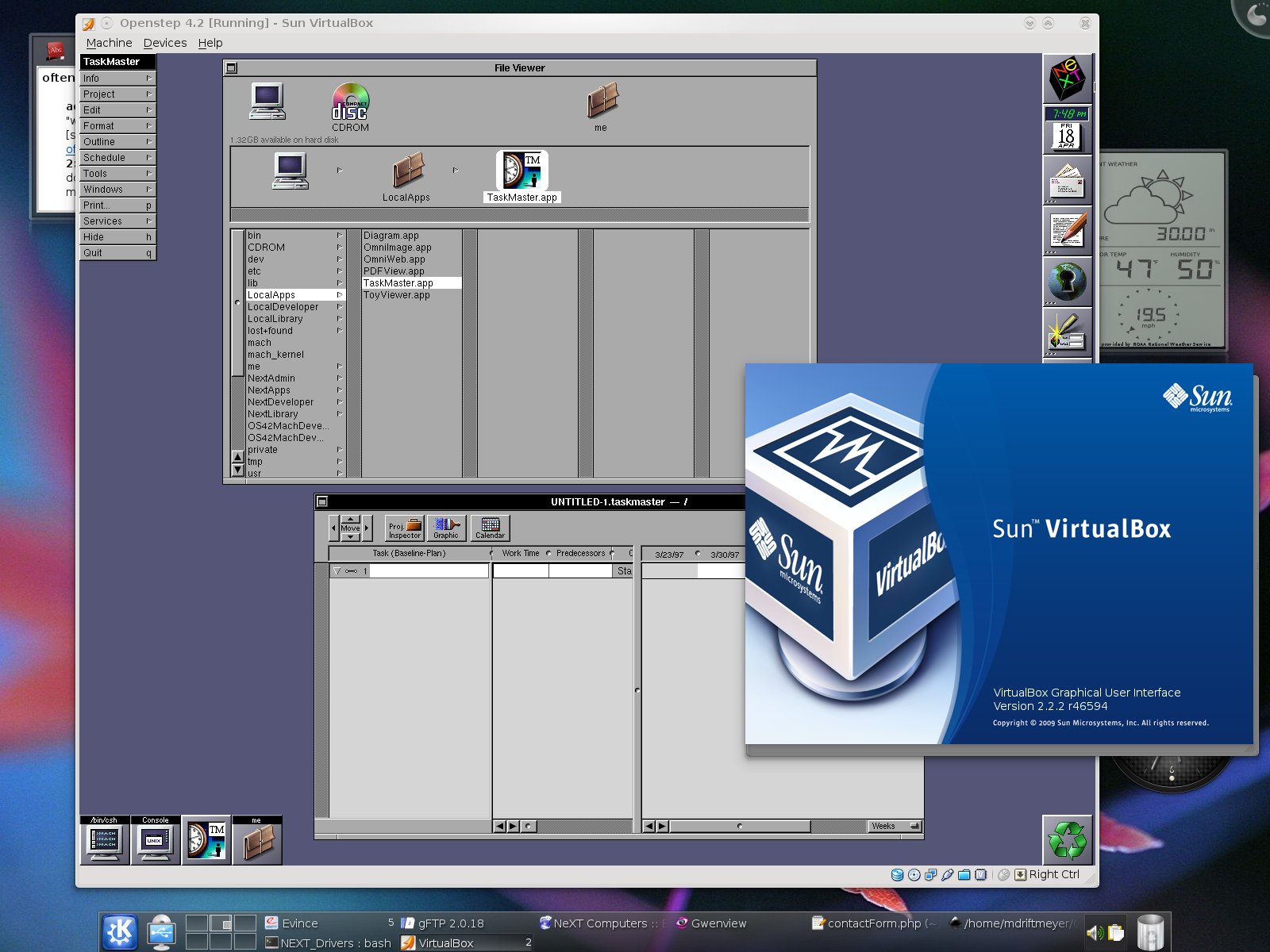
Title: Sun VirtualBox 2.2.2 r46594 on Debian Linux 2.6.29
Post by: mdriftmeyer on April 28, 2009, 07:32:35 PM
Post by: mdriftmeyer on April 28, 2009, 07:32:35 PM