Title: Showing current path in csh...
Post by: armus2112 on October 06, 2008, 04:26:32 PM
Post by: armus2112 on October 06, 2008, 04:26:32 PM
Put this at the end of your ~/.cshrc and when you're in Terminal, it will show you the current directory you are in.
alias setprompt 'set prompt = "`pwd` > "'
alias cd 'chdir \!* && setprompt'
alias pushd 'pushd \!* && setprompt'
alias popd 'popd \!* && setprompt'
setprompt
armus2112
alias setprompt 'set prompt = "`pwd` > "'
alias cd 'chdir \!* && setprompt'
alias pushd 'pushd \!* && setprompt'
alias popd 'popd \!* && setprompt'
setprompt
armus2112
Title: Re: Showing current path in csh...
Post by: cooltr6 on March 21, 2024, 03:30:01 AM
Post by: cooltr6 on March 21, 2024, 03:30:01 AM
A helpful hint here...but with a slight alteration. The above should go above the endif at the bottom of the ~/cshrc file [or the end of /etc/cshrc.std file.
Not to mention you can really spice up your prompt in Terminal. With a few bits of addition, you can have a user name displayed, along with the current directory. Screenshots attached.
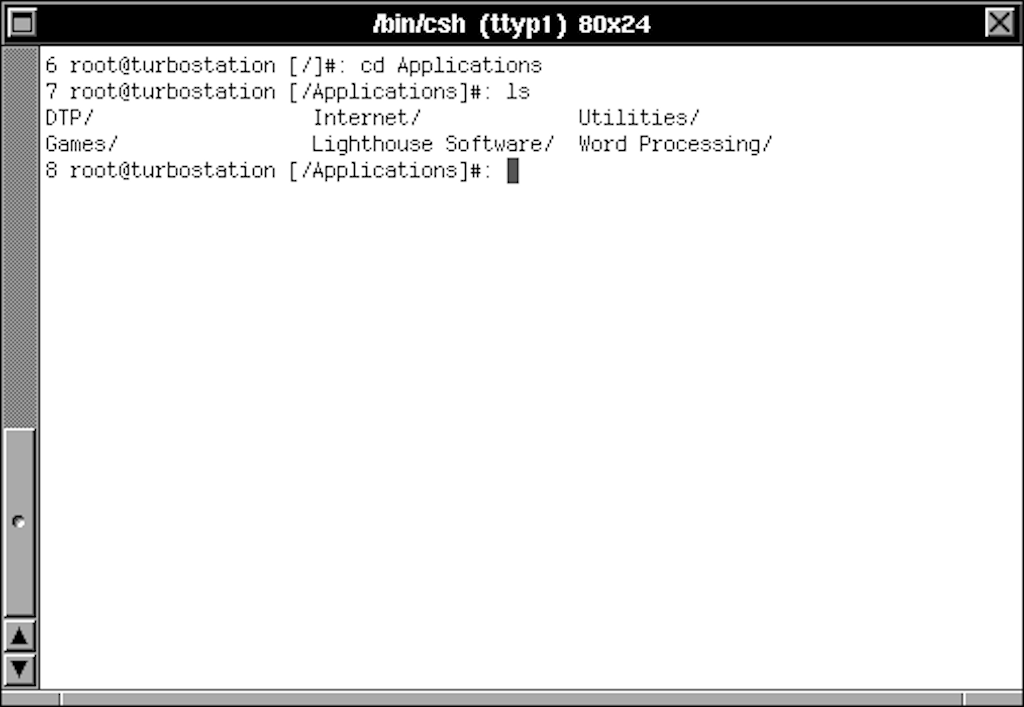
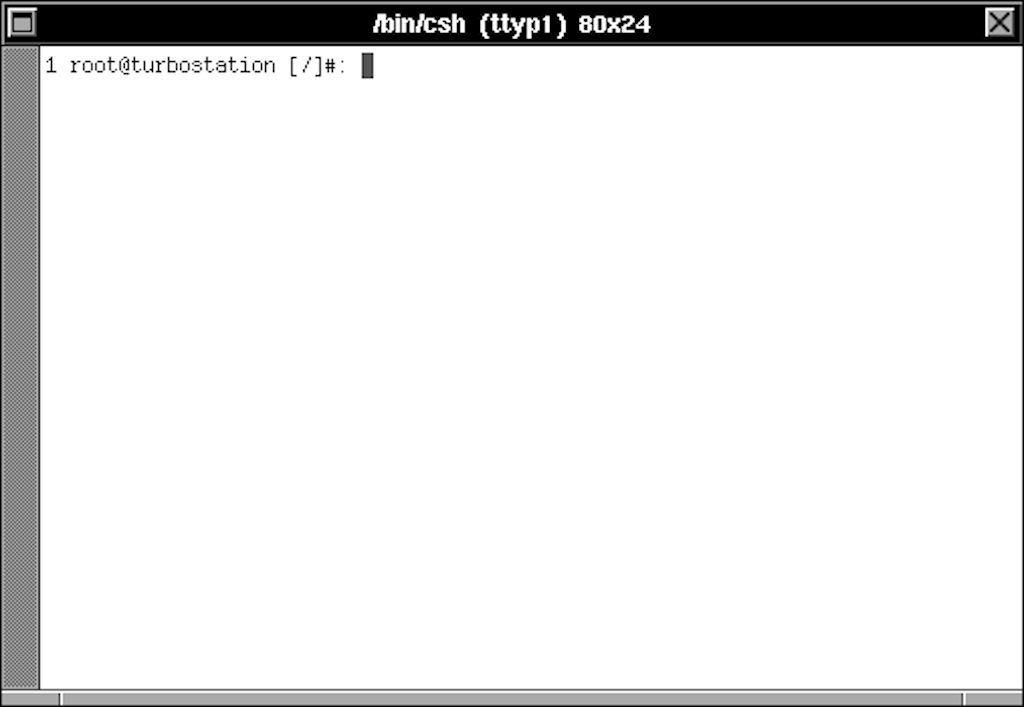
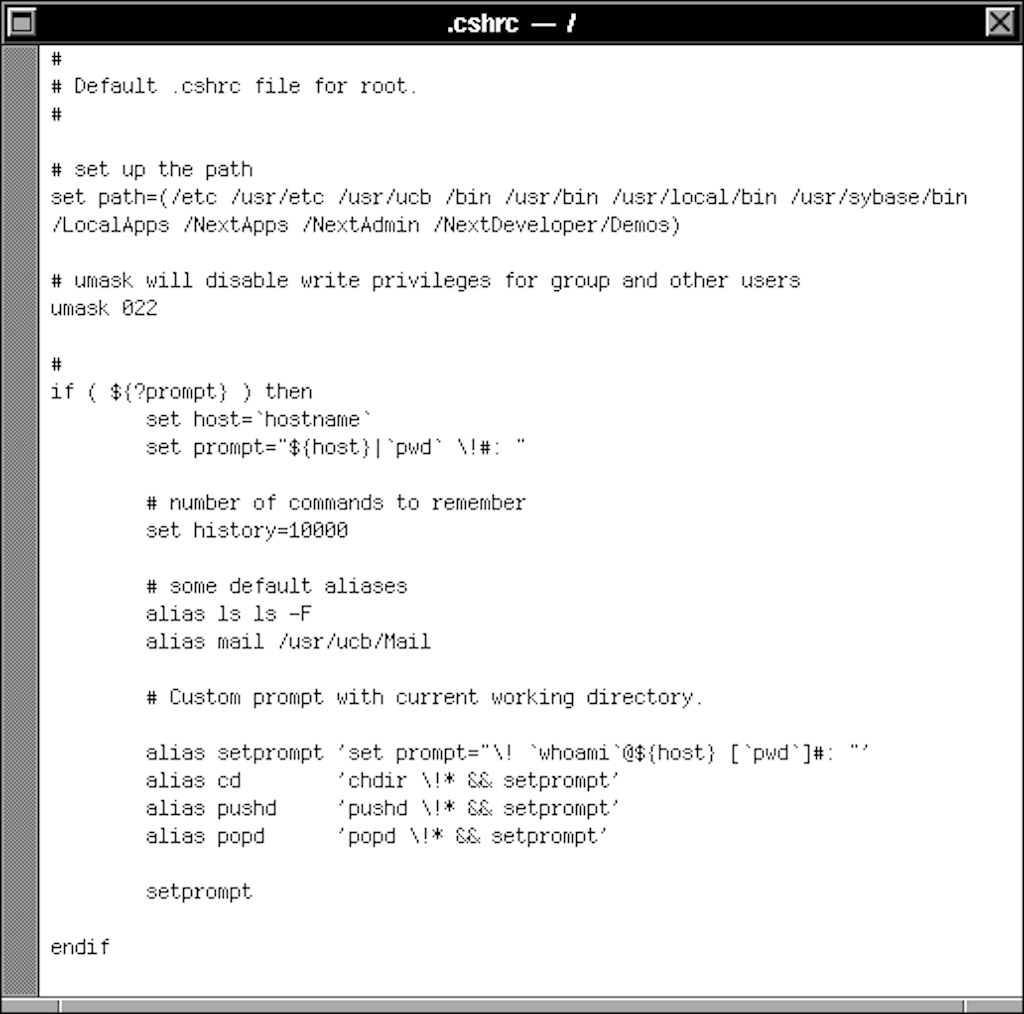
Not to mention you can really spice up your prompt in Terminal. With a few bits of addition, you can have a user name displayed, along with the current directory. Screenshots attached.
Title: Re: Showing current path in csh...
Post by: eagle on March 21, 2024, 09:50:31 AM
Post by: eagle on March 21, 2024, 09:50:31 AM
I still have these aliases -- from 1990 -- in my .cshrc file. And yes I still use tcsh.
I have a bunch of 30+ year old stuff in my shell config that I just can't bring myself to remove. :D
Code Select
    #alias cd 'set old=$cwd;chdir \!*;set prompt="[%n@%m:$cwd]"'
    #alias cd- 'set temp=$cwd;chdir $old;set prompt="[%n@%m:$cwd]";set old=$temp'
    #alias cd 'set old=$cwd;chdir \!*'
    #alias cd- 'set temp=$cwd;chdir $old;set old=$temp'
I have a bunch of 30+ year old stuff in my shell config that I just can't bring myself to remove. :D