Title: Let's document NeXTStep 1.0a
Post by: pl212 on April 24, 2012, 11:17:00 PM
Post by: pl212 on April 24, 2012, 11:17:00 PM
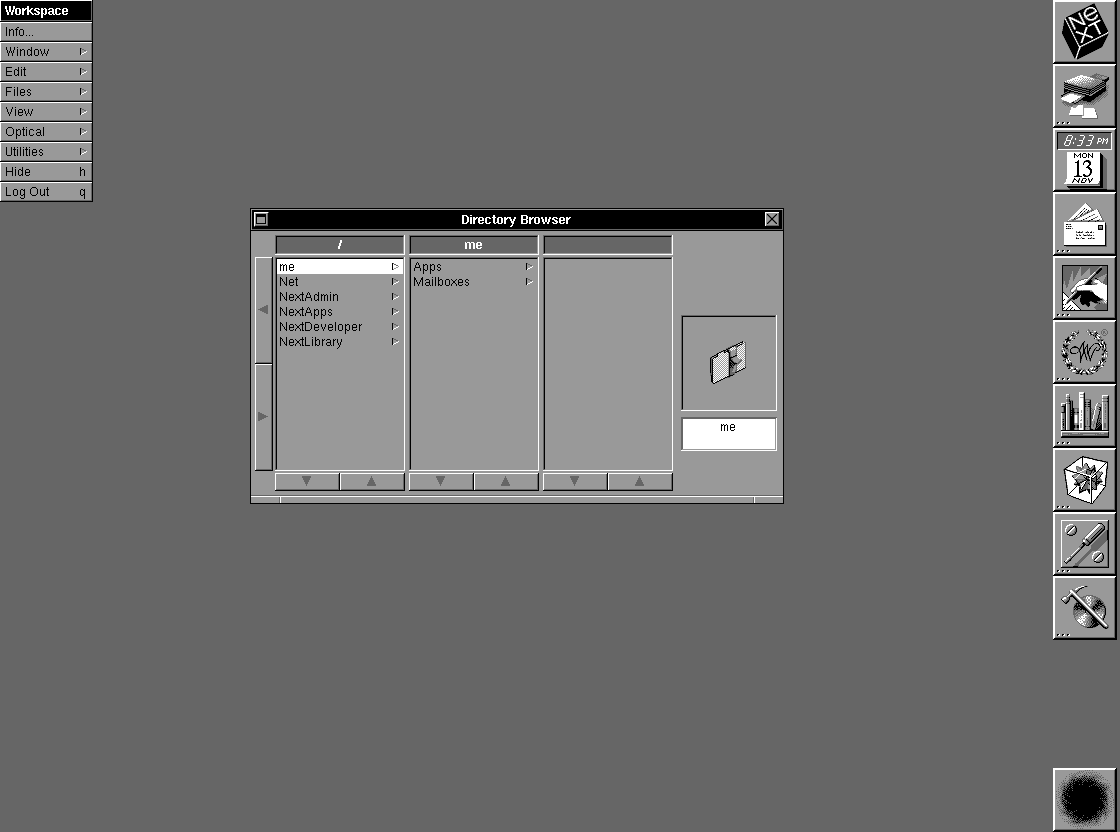
Gtnicol has a great set of photos (http://www.flickr.com/photos/15578792@N02/2463533826/in/photostream/) on Flickr that document some early versions of NeXTStep. I wanted to add to those by putting in direct, pixel-for-pixel screen captures. Let's start with 1.0a, which is a revision of 1.0 to fix a few bugs. The initial boot comes up with user "me" and no password, thus bypassing the login screen. The default desktop looks like this:
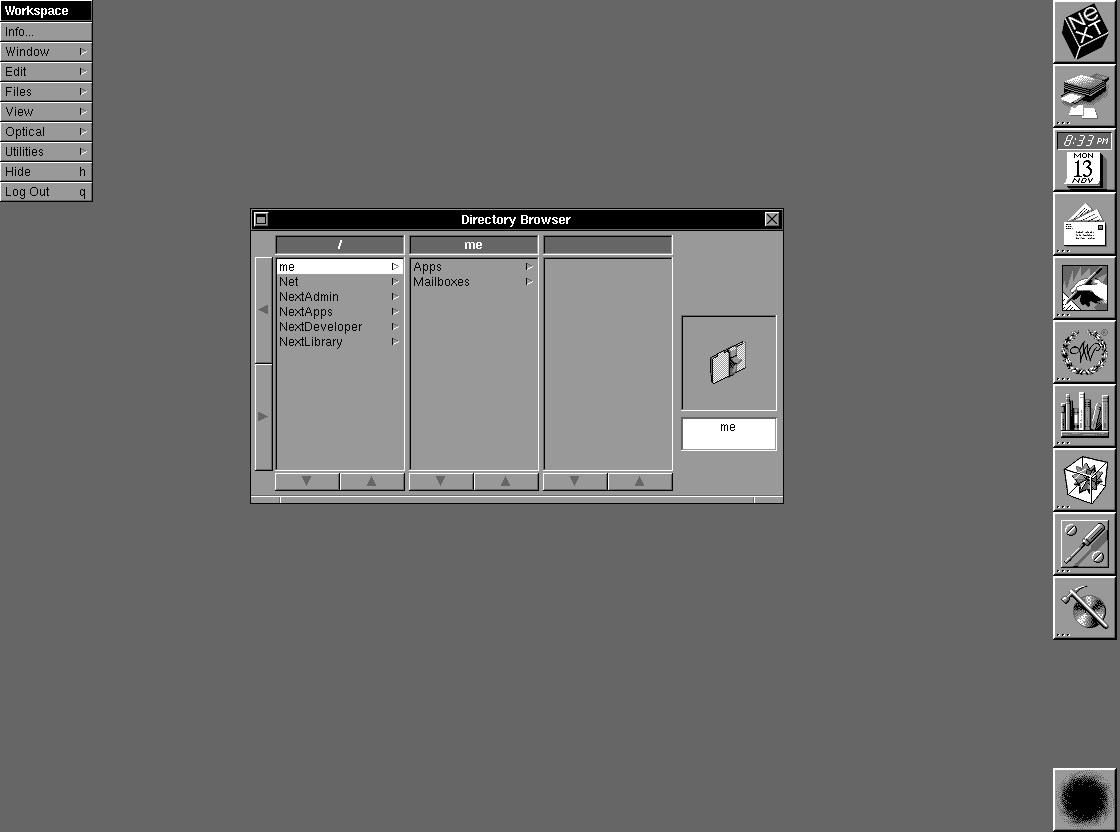 (http://www.flickr.com/photos/peterl/6965560422/sizes/o/in/pool-31049410@N00/)
 (http://www.flickr.com/photos/peterl/6965560422/sizes/o/in/pool-31049410@N00/)
Title: System Preferences
Post by: pl212 on April 24, 2012, 11:52:14 PM
Post by: pl212 on April 24, 2012, 11:52:14 PM
Let's move on to the System Preferences. In order of appearance:
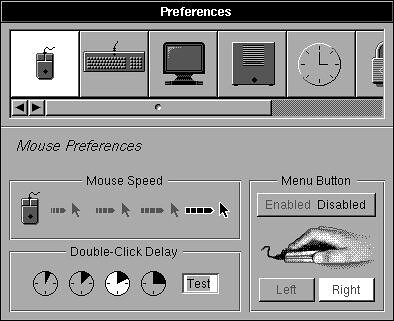 (http://www.flickr.com/photos/peterl/7111726345/)
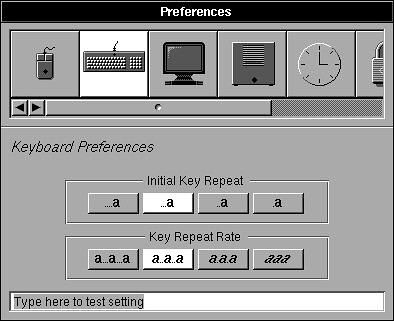 (http://www.flickr.com/photos/peterl/7111726341/)
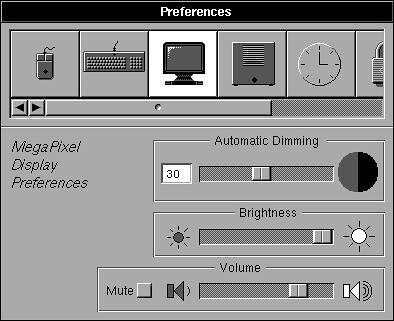 (http://www.flickr.com/photos/peterl/6965649730/)
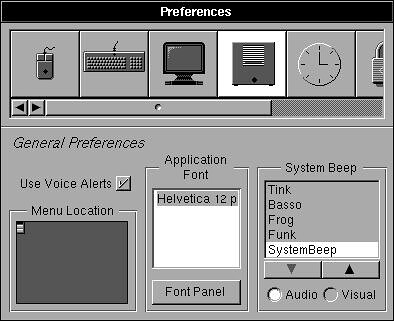 (http://www.flickr.com/photos/peterl/6965649728/)
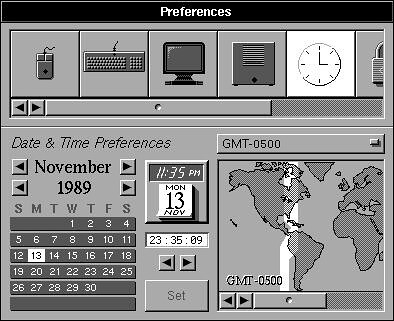 (http://www.flickr.com/photos/peterl/6965649710/)
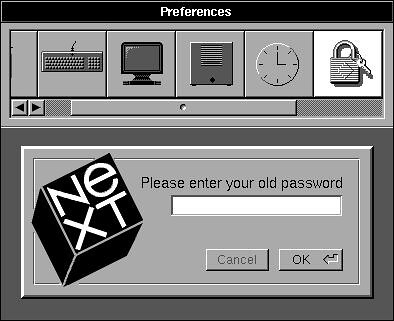 (http://www.flickr.com/photos/peterl/6965649708/)
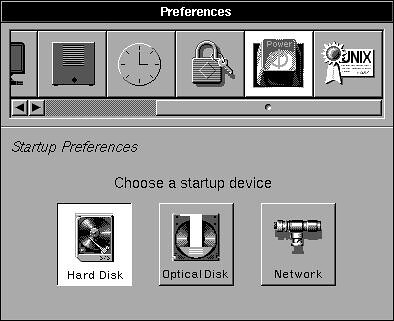 (http://www.flickr.com/photos/peterl/6965649694/)
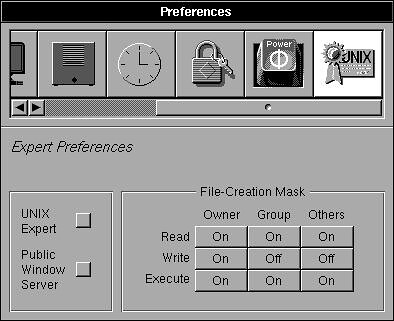 (http://www.flickr.com/photos/peterl/6965649686/)
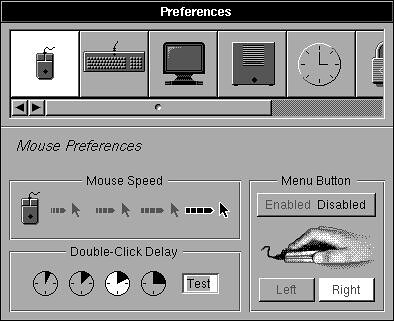 (http://www.flickr.com/photos/peterl/7111726345/)
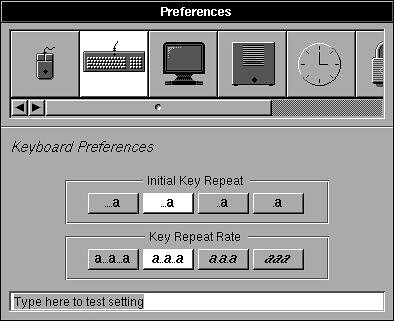 (http://www.flickr.com/photos/peterl/7111726341/)
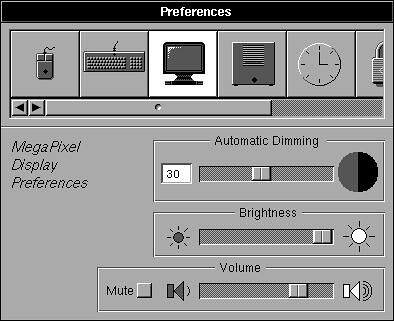 (http://www.flickr.com/photos/peterl/6965649730/)
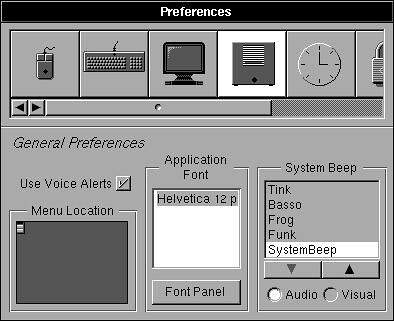 (http://www.flickr.com/photos/peterl/6965649728/)
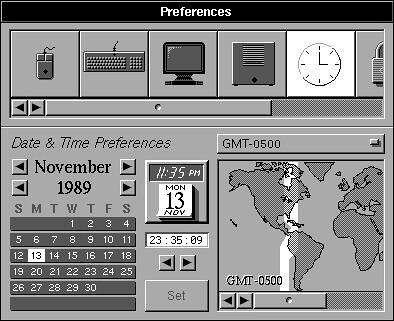 (http://www.flickr.com/photos/peterl/6965649710/)
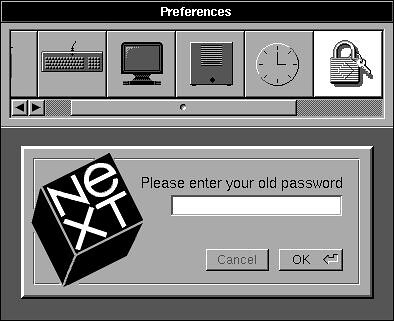 (http://www.flickr.com/photos/peterl/6965649708/)
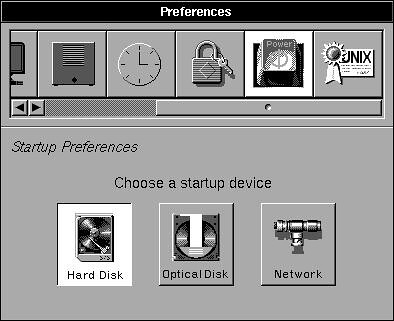 (http://www.flickr.com/photos/peterl/6965649694/)
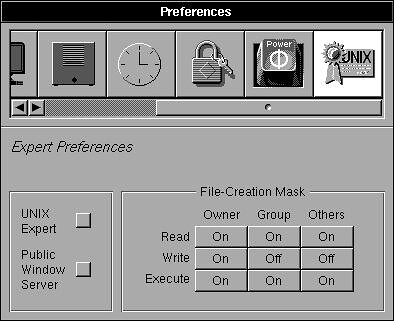 (http://www.flickr.com/photos/peterl/6965649686/)
Title: Let's document NeXTStep 1.0a
Post by: mcdermd on April 25, 2012, 12:32:03 PM
Post by: mcdermd on April 25, 2012, 12:32:03 PM
I like the "Black Hole".
Title: Let's document NeXTStep 1.0a
Post by: gtnicol on April 25, 2012, 12:53:09 PM
Post by: gtnicol on April 25, 2012, 12:53:09 PM
How are you grabbing these screen shots? If you don't have 0.8 and 0.9, I can create sets for them too.
Title: Let's document NeXTStep 1.0a
Post by: pl212 on April 26, 2012, 10:10:01 AM
Post by: pl212 on April 26, 2012, 10:10:01 AM
Hey all, thanks for the responses. Turns out there is a great way to get screenshots on these early versions -- I'll post the procedure once I'm home tonight and can give exact instructions.
Meantime, here's an interesting question. The images above are "exact", pixel-for-pixel representations of what was drawn to the screen. But the monitor itself was, of course, a CRT, and that technology introduces some interpretation to the resulting image. Even as sharp and crisp as a MegaPixel Display was on the first day, it was nowhere near as precise as modern LCDs.
Take a look at these two images below. The first is the actual pixel data, and the second has a opengl shader applied that tries to mimic some of the characteristics of a CRT:
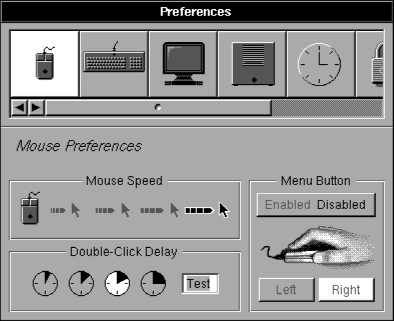
It's natural to prefer the first one, as it's "sharper" -- but if you think back to the way NextStep was actually used by people before LCD screens, I think the second image is closer. It softens some of the harsher transitions between pixels. Keith Ohlfs was designing for a 2-bit (4-color) display, and he only had two shades of gray between black and white to work with. I think the image on the right may be closer to what he was designing for.
Meantime, here's an interesting question. The images above are "exact", pixel-for-pixel representations of what was drawn to the screen. But the monitor itself was, of course, a CRT, and that technology introduces some interpretation to the resulting image. Even as sharp and crisp as a MegaPixel Display was on the first day, it was nowhere near as precise as modern LCDs.
Take a look at these two images below. The first is the actual pixel data, and the second has a opengl shader applied that tries to mimic some of the characteristics of a CRT:
It's natural to prefer the first one, as it's "sharper" -- but if you think back to the way NextStep was actually used by people before LCD screens, I think the second image is closer. It softens some of the harsher transitions between pixels. Keith Ohlfs was designing for a 2-bit (4-color) display, and he only had two shades of gray between black and white to work with. I think the image on the right may be closer to what he was designing for.
Title: Let's document NeXTStep 1.0a
Post by: Noth on April 28, 2012, 04:47:33 PM
Post by: Noth on April 28, 2012, 04:47:33 PM
I agree, the interface looks like it was designed for CRTs and looks better that way, especially for gradients. Ohlfs did a fantastic job, considering the limits of the soft+hardware of the day (this was 1986-88 right?).
Title: Let's document NeXTStep 1.0a
Post by: mikeboss on October 18, 2013, 10:20:02 AM
Post by: mikeboss on October 18, 2013, 10:20:02 AM
Quote from: "pl212"Turns out there is a great way to get screenshots on these early versions -- I'll post the procedure once I'm home tonight and can give exact instructions.
I really would like to know how to take screenshots in NS 1.0a :P