Title: Rhapsody v1.0 / Darwin 0.3 on VMWare ESX
Post by: neozeed on May 02, 2017, 12:29:25 AM
Post by: neozeed on May 02, 2017, 12:29:25 AM
Yes it runs!
I used the VMXnet driver from zeblog.co (http://zeblog.co/?p=1118)
And mangled my vmx config something like this:
I've taken my Darwin03_qemu090_01_5_2017.7z (https://sourceforge.net/projects/aapl-darwin/files/qemu-images/Darwin03_qemu090_01_5_2017.7z/download) image file, unpacked, then converted the qcow into a VMDK with the qemu-img tool:
And then copied the vmdk up to my ESXi server:
So yes, it runs!
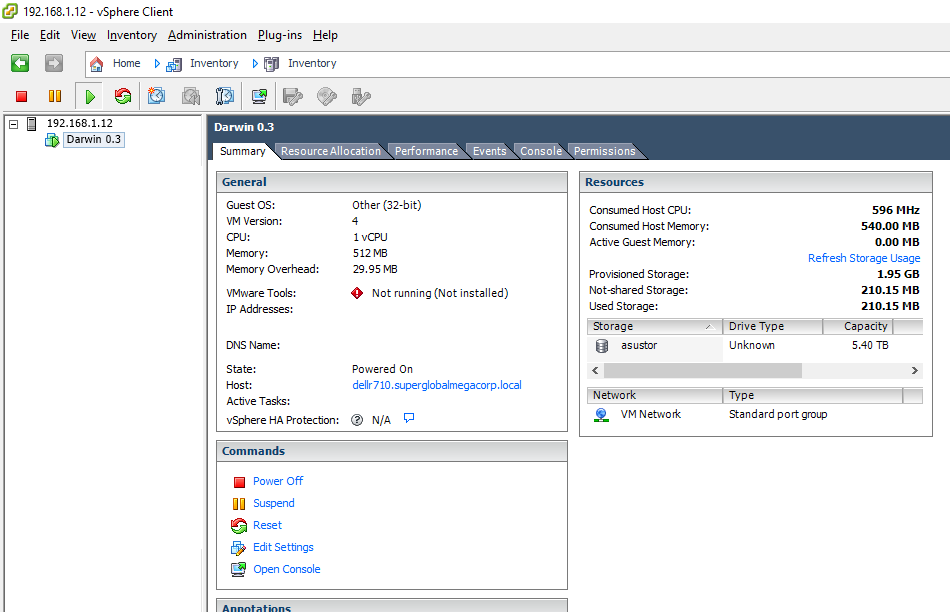
vcenter
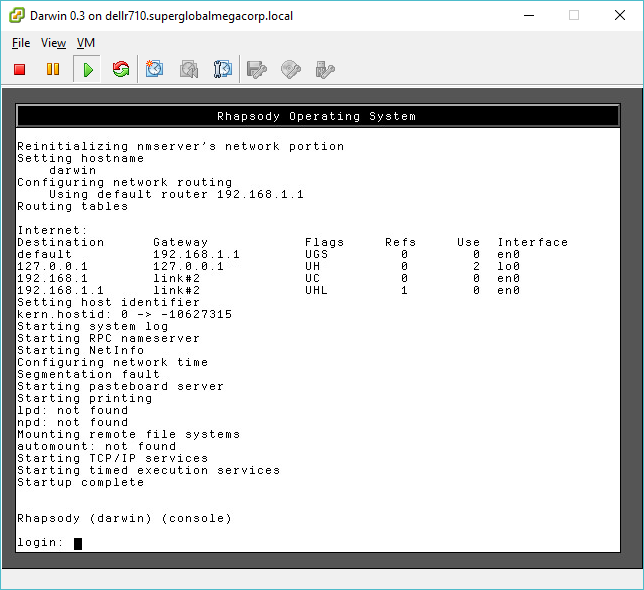
console
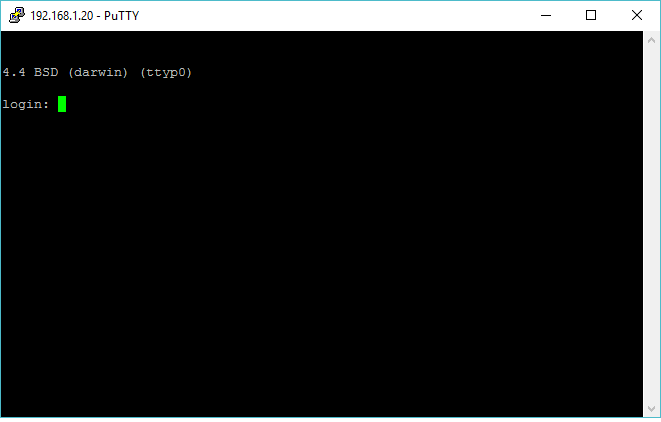
on the lan!
I used the VMXnet driver from zeblog.co (http://zeblog.co/?p=1118)
And mangled my vmx config something like this:
Code Select
.encoding = "UTF-8"
config.version = "8"
virtualHW.version = "4"
nvram = "Darwin 0.3.nvram"
displayName = "Darwin 0.3"
extendedConfigFile = "Darwin 0.3.vmxf"
virtualHW.productCompatibility = "hosted"
memSize = "512"
floppy0.startConnected = "FALSE"
floppy0.clientDevice = "TRUE"
floppy0.fileName = "vmware-null-remote-floppy"
ethernet0.networkName = "VM Network"
ethernet0.addressType = "generated"
#ethernet0.virtualDev = "Flexible"
ethernet0.present = "TRUE"
guestOS = "other"
toolScripts.afterPowerOn = "TRUE"
toolScripts.afterResume = "TRUE"
toolScripts.beforeSuspend = "TRUE"
toolScripts.beforePowerOff = "TRUE"
uuid.bios = "56 4d bc 6e bc d9 9f 35-c4 28 a3 af b7 58 1f 52"
uuid.location = "56 4d bc 6e bc d9 9f 35-c4 28 a3 af b7 58 1f 52"
vc.uuid = "52 b0 af 9f c9 38 ac a1-be f8 e2 22 85 a5 82 a7"
scsi0.present = "FALSE"
ide0:0.fileName = "darwin03.vmdk"
ide0:0.deviceType = "disk"
ide0:0.present = "TRUE"
sched.swap.derivedName = "/vmfs/volumes/56700b00-6d03a886/Darwin 0.3/Darwin 0.3-91c524d3.vswp"
replay.supported = "FALSE"
replay.filename = ""
ide0:0.redo = ""
ethernet0.generatedAddress = "00:0c:29:58:1f:52"
ethernet0.generatedAddressOffset = "0"
hostCPUID.0 = "0000000b756e65476c65746e49656e69"
hostCPUID.1 = "000106a510100800009ce3bdbfebfbff"
hostCPUID.80000001 = "00000000000000000000000128100800"
guestCPUID.0 = "0000000b756e65476c65746e49656e69"
guestCPUID.1 = "000106a500010800009822010fabfbff"
guestCPUID.80000001 = "00000000000000000000000128100800"
userCPUID.0 = "0000000b756e65476c65746e49656e69"
userCPUID.1 = "000106a510100800009822010fabfbff"
userCPUID.80000001 = "00000000000000000000000128100800"
evcCompatibilityMode = "FALSE"
vmotion.checkpointFBSize = "4194304"
cleanShutdown = "FALSE"
softPowerOff = "FALSE"
floppy0.present = "FALSE"
powerType.powerOff = "soft"
powerType.powerOn = "hard"
powerType.suspend = "hard"
powerType.reset = "soft"
I've taken my Darwin03_qemu090_01_5_2017.7z (https://sourceforge.net/projects/aapl-darwin/files/qemu-images/Darwin03_qemu090_01_5_2017.7z/download) image file, unpacked, then converted the qcow into a VMDK with the qemu-img tool:
Code Select
qemu-img.exe convert -f qcow -O vmdk darwin03.qcow darwin03.vmdkAnd then copied the vmdk up to my ESXi server:
Code Select
pscp darwin03.vmdk "[email protected]:/vmfs/volumes/asustor/Darwin 0.3/"
So yes, it runs!
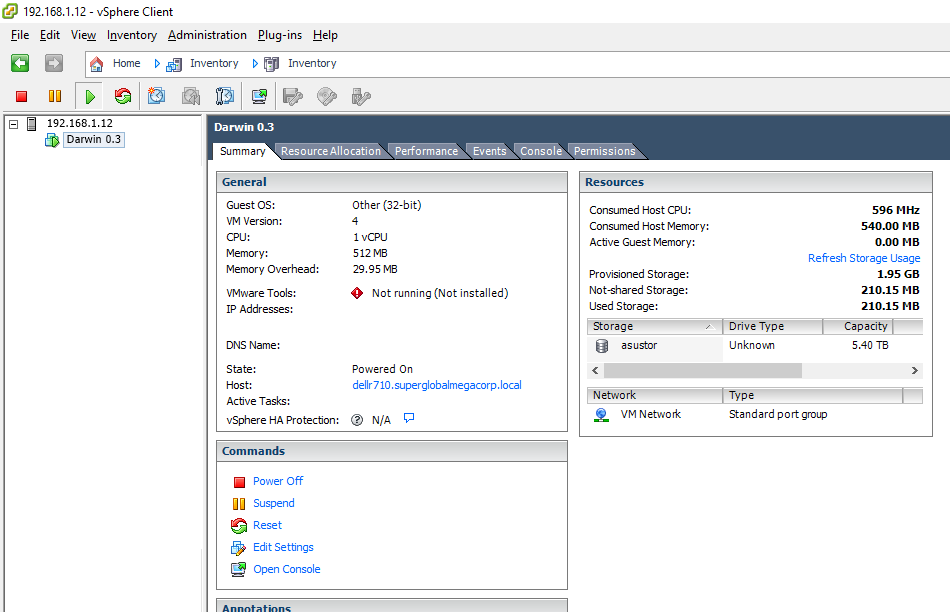
vcenter
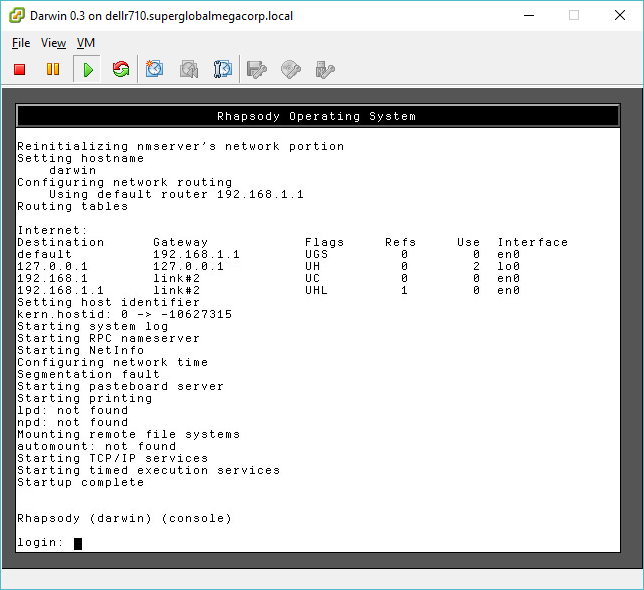
console
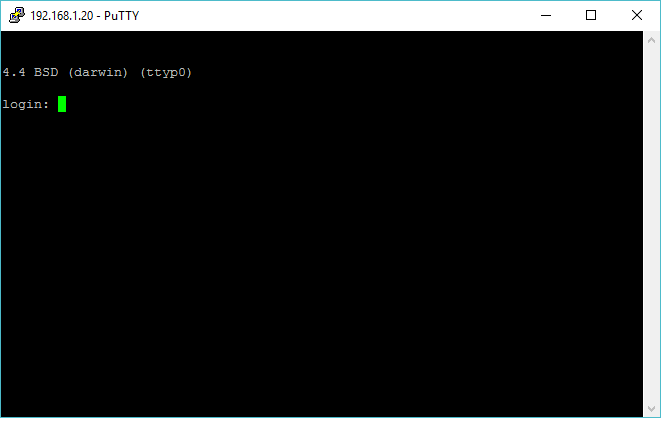
on the lan!
Title: Rhapsody v1.0 / Darwin 0.3 on VMWare ESX
Post by: Noth on May 06, 2017, 08:34:28 PM
Post by: Noth on May 06, 2017, 08:34:28 PM
Great job!
Title: Rhapsody v1.0 / Darwin 0.3 on VMWare ESX
Post by: neozeed on May 06, 2017, 08:46:09 PM
Post by: neozeed on May 06, 2017, 08:46:09 PM
Quote from: "Noth"Great job!
Even better it's still up!
Code Select
# telnet 192.168.1.20
Trying 192.168.1.20...
Connected to 192.168.1.20.
Escape character is '^]'.


4.4 BSD (darwin) (ttyp0)

login: root
[darwin:~] root# uptime
 6:44PM  up 4 days, 19:56, 2 users, load averages: 0.84, 1.04, 1.04
[darwin:~] root# hostinfo
Mach kernel version:
         Kernel Release 5.5:
Sun Apr 30 10:53:53 SGT 2017; root(rcbuilder):kernel-7/BUILD/RELEASE_I386
Copyright (c) 1988-1995,1997-1999 Apple Computer, Inc. All Rights Reserved.


Kernel configured for a single processor only.
1 processor is physically available.
Processor type: pentium (Intel Pentium)
Processor active: 0
Primary memory available: 512.00 megabytes.
Default processor set: 36 tasks, 61 threads, 1 processors
Load average: 0.86, Mach factor: 0.13
[darwin:~] root#
I'm amazed it's working as well as it is!