Title: Troubleshooting 68030 Cube
Post by: smyke on November 21, 2019, 01:14:01 PM
Post by: smyke on November 21, 2019, 01:14:01 PM
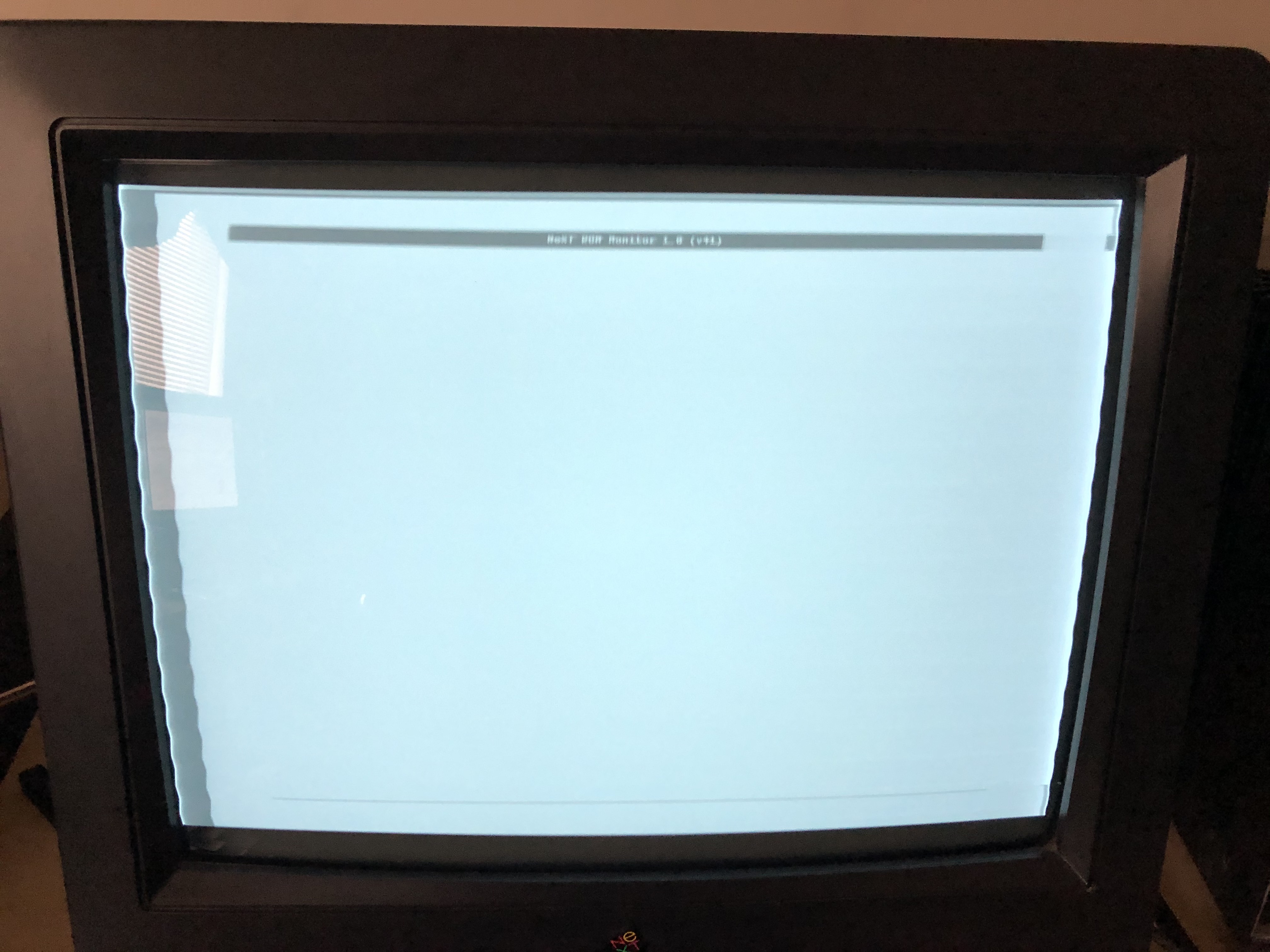
I was recently loaned a 68030 NeXT Computer for cleaning/troubleshooting (it was in unknown condition). As this is my first experience with NeXT, all technical aspects of booting it were new to me. I dis-assembled the cube and cleaned all components. After re-assembly, I powered it on for the first time. The screen came on, I heard a sound out of speakers connected to the monitor, a 'plop' sound. NeXT logo on the screen, and nothing else. I researched and found that after removing the PRAM battery, it defaults to netboot. The battery is bad, only reading 2v. Further reading had me boot to rom monitor by Command + ~ during power on. This brought me to a screen showing "NeXT ROM Monitor 1.0 (v41)" at the top of the screen. This never goes away and I do not see anything else; no keypresses do anything either. I do not see any NeXT prompt, nothing. Holding the power button on the keyboard does not power off the system. If I press Command + ~ again, the 'NeXT ROM Monitor..." banner flashes. To troubleshoot, I first disconnected the MO drive, same issue, then disconnected the hard drive, same issue.
Does anyone have any idea what to try next to troubleshoot this issue? I am not sure how to continue.
Thanks!
Does anyone have any idea what to try next to troubleshoot this issue? I am not sure how to continue.
Thanks!
Title: Re: Troubleshooting 68030 Cube
Post by: barcher174 on November 21, 2019, 08:13:56 PM
Post by: barcher174 on November 21, 2019, 08:13:56 PM
Based on your description I think it's failing now before the POST. A pic might help. Unplug everything from the board and try swapping RAM. You need a minimum of 4 sticks starting at the outer edge. Capacitor replacement is usually the next step.
Title: Re: Troubleshooting 68030 Cube
Post by: smyke on November 22, 2019, 12:54:55 PM
Post by: smyke on November 22, 2019, 12:54:55 PM
Thanks for the suggestions. I removed all RAM sticks (8 original, 4 aftermarket). I re-installed 4 modules starting at the outer edge of the board. There was no change to this behavior, swapped in 4 different modules, no change. What capacitors usually need changed? I see a mix of SMD and through hold electrolytics. None of them seem to be leaking. The board actually looks brand new. Here is a picture of what I see when the system turns on, when on this screen, I cannot do anything, seems frozen. 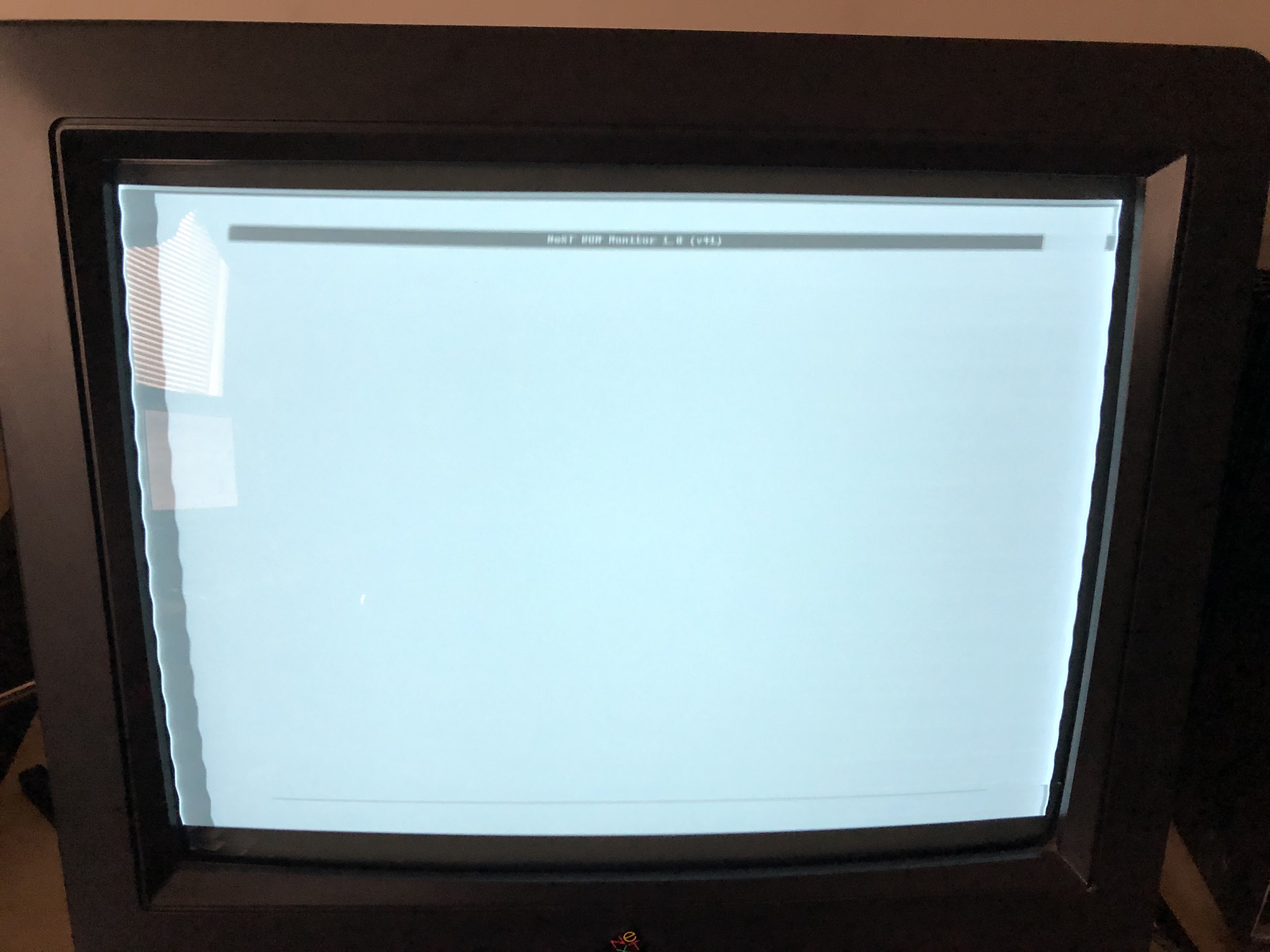
Title: Re: Troubleshooting 68030 Cube
Post by: barcher174 on November 22, 2019, 01:12:21 PM
Post by: barcher174 on November 22, 2019, 01:12:21 PM
All of the electrolytics should be replaced. They can look fine and still cause these problems. Maybe also try reseating and cleaning the ROM chip. My guess is the caps.
Title: Re: Troubleshooting 68030 Cube
Post by: smyke on November 23, 2019, 12:46:58 PM
Post by: smyke on November 23, 2019, 12:46:58 PM
Yeah, I did pull the ROM and re-seat it, no change. I will gather all of the capacitor values and replace them. Thanks for the help!
Title: Re: Troubleshooting 68030 Cube
Post by: smyke on December 08, 2019, 09:22:49 AM
Post by: smyke on December 08, 2019, 09:22:49 AM
I finally received the replacement capacitors and got around to replacing them. I am pleased to say that this fixed the system. It boots just fine now from the original hard drive! Thanks for all your help. The optical drive does not work; panics the system when connected. Also the megapixel display needs some work, its wobbly and the contrast goes in and out, settles down once warmed up for 20-30 minutes. I suspect it needs some capacitor work as well.