Title: Resurrecting the slab
Post by: jscott on August 28, 2023, 08:35:32 PM
Post by: jscott on August 28, 2023, 08:35:32 PM
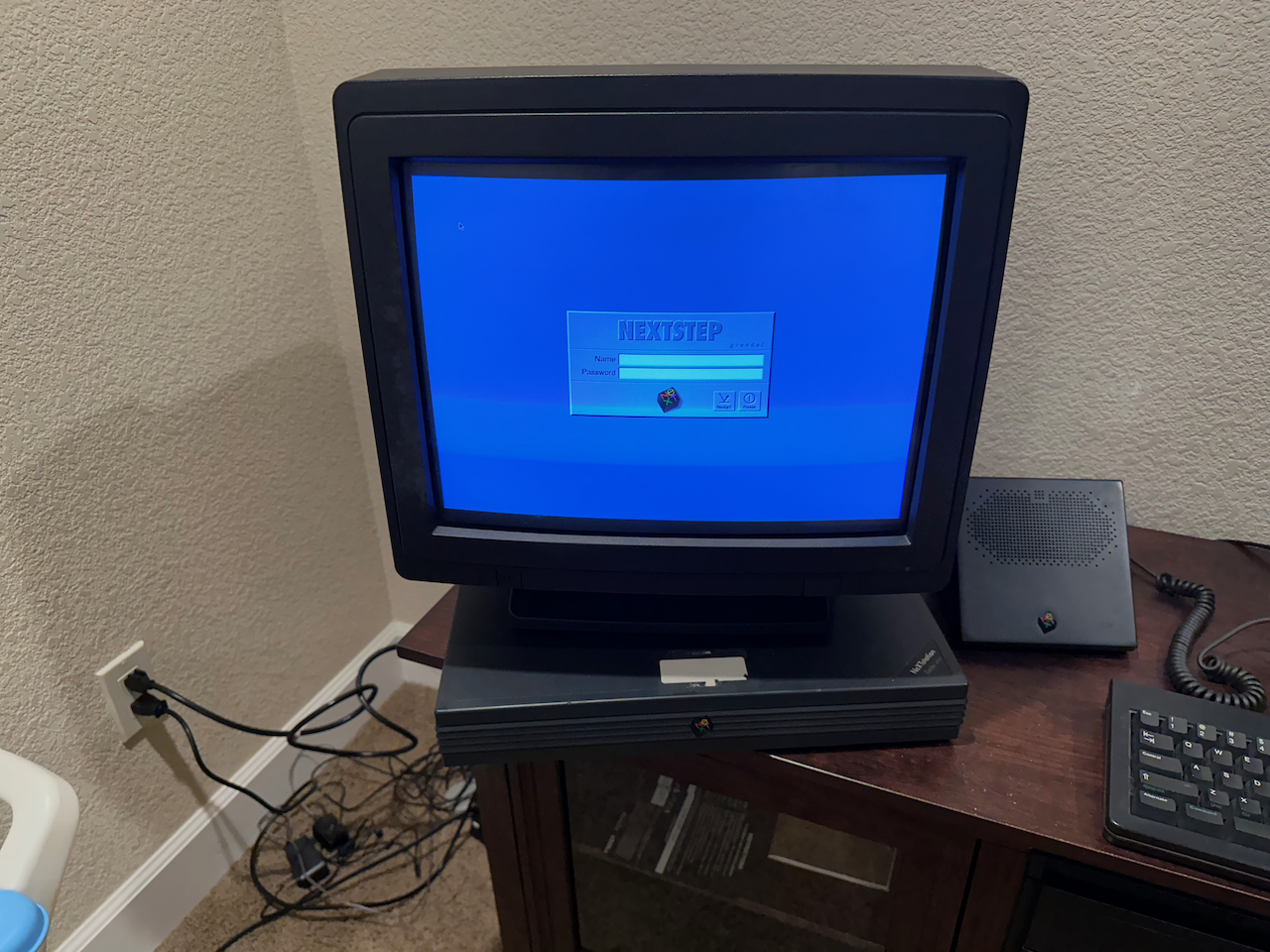
Hi gang. I'm the original owner of a NeXTstation Turbo Color. Well, sort of. I was a Campus Consultant as an undergraduate from fall of 1992 to spring of 1993 when NeXT ended the program. When I came on board as a CC, NeXT sent me a mono station. I managed to hang onto that slab after I was laid off, and then I swapped it for a Turbo Color when my school traded its NeXT hardware in for SPARCstations.
The slab was my primary desktop machine from 1992 until 1999 or so. I packed it up in June of 2000 when I moved house, and it sat in its boxes until last week. So it's something of a time capsule for me.
One new clock battery and it booted right up.
My current challenge is re-establishing the boot from the external hard drive, shown here just for kicks:
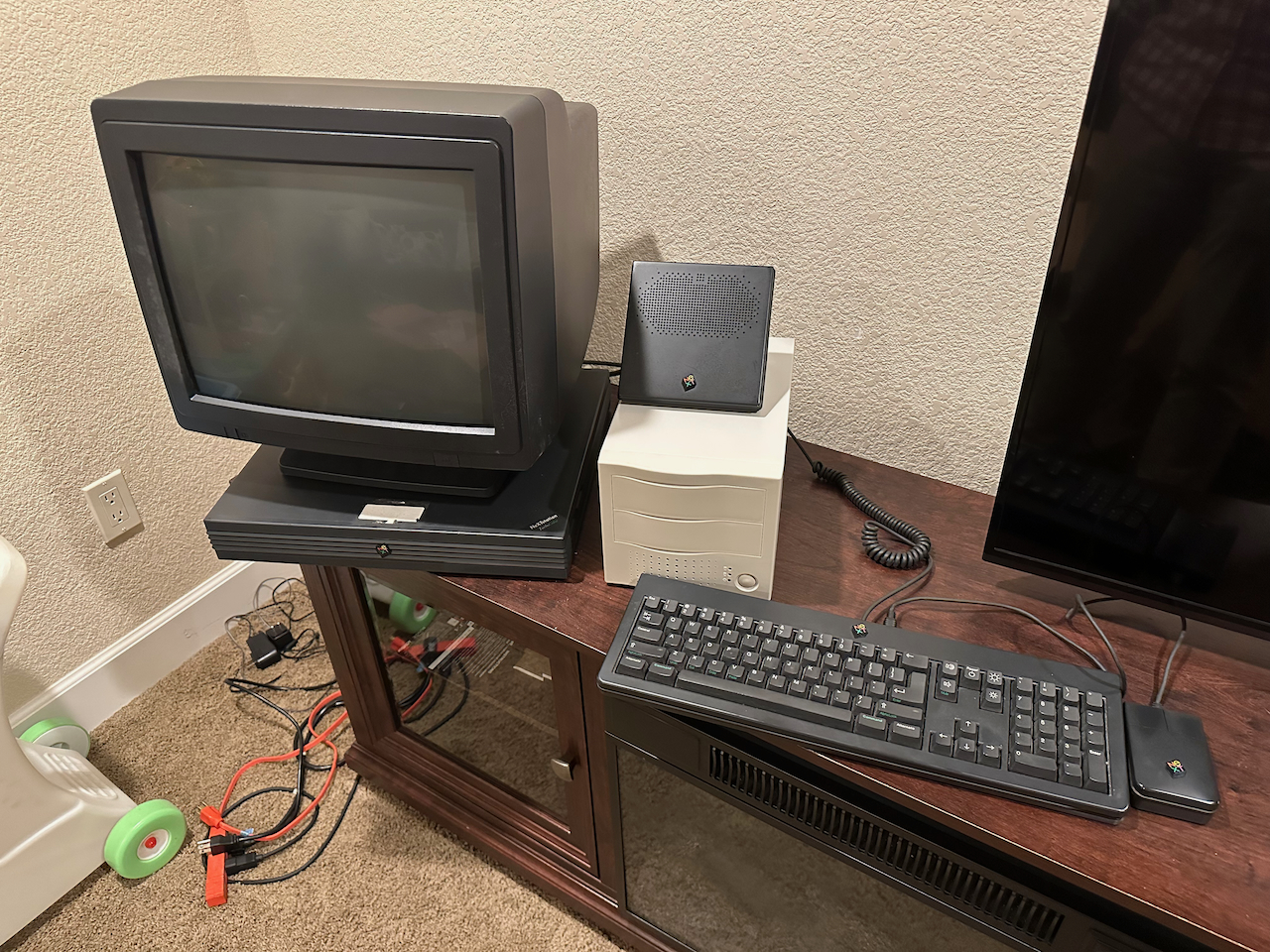
My memory is fuzzy but at some point I switched to booting from the giant 2GB external drive. When I boot from the internal drive, it shows up as a mount, so the drive looks to be functional. However, when I try bsd(1,0,0) from the ROM monitor, it looks like it switches to booting from the internal drive. You'll have to take my word for it that I'm doing bsd(1,0,0), but in the screenshot below you can see the "root on sd0" status message.
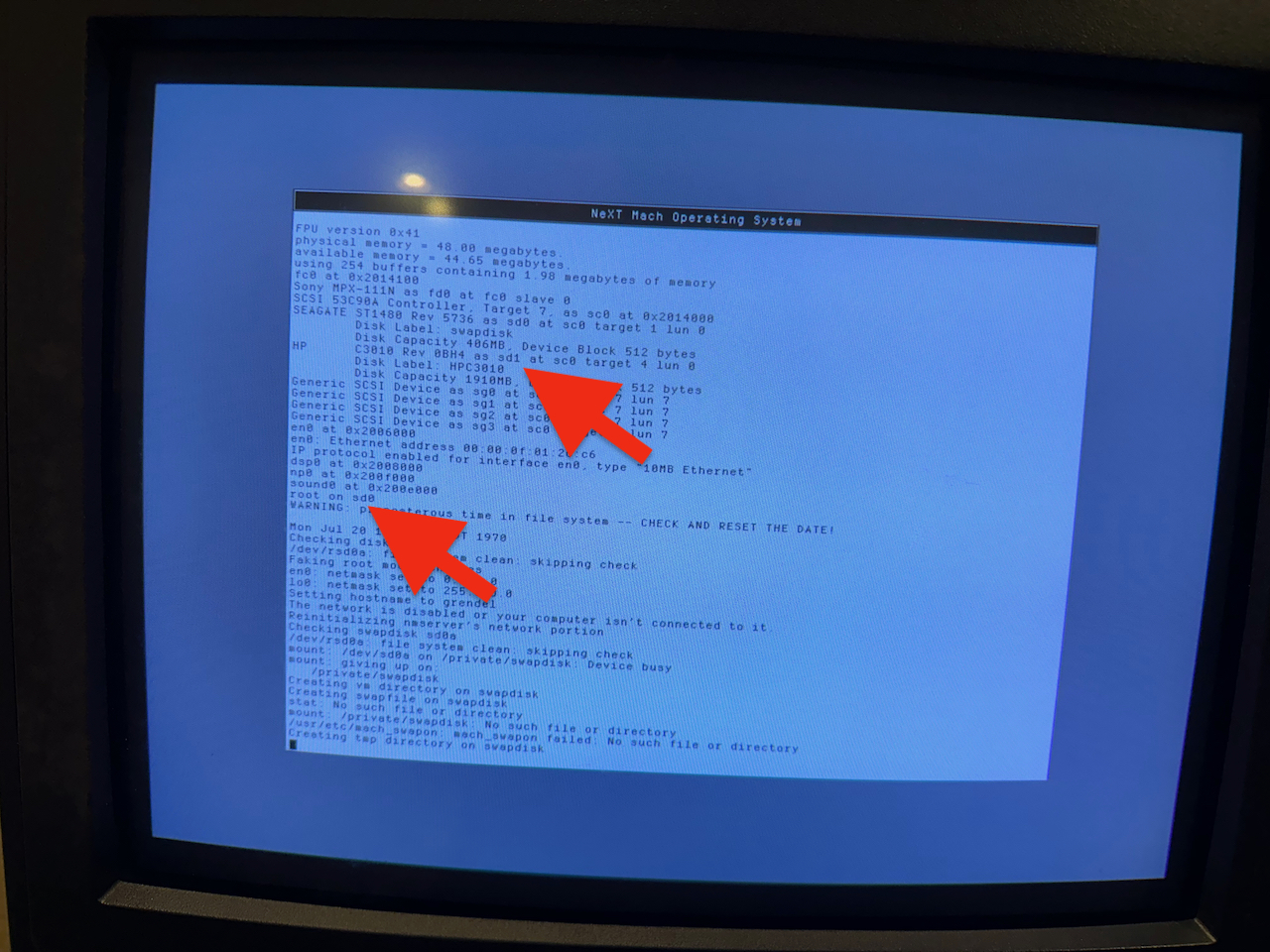
Any ideas what I'm doing wrong here?
Next step is to find the SCSI2 to SCSI2 cable I'm sure I have so that I can connect my Sun CD-ROM drive and maybe upgrade to NeXTSTEP 3.3 and apply the Y2K patch ;D
The slab was my primary desktop machine from 1992 until 1999 or so. I packed it up in June of 2000 when I moved house, and it sat in its boxes until last week. So it's something of a time capsule for me.
One new clock battery and it booted right up.
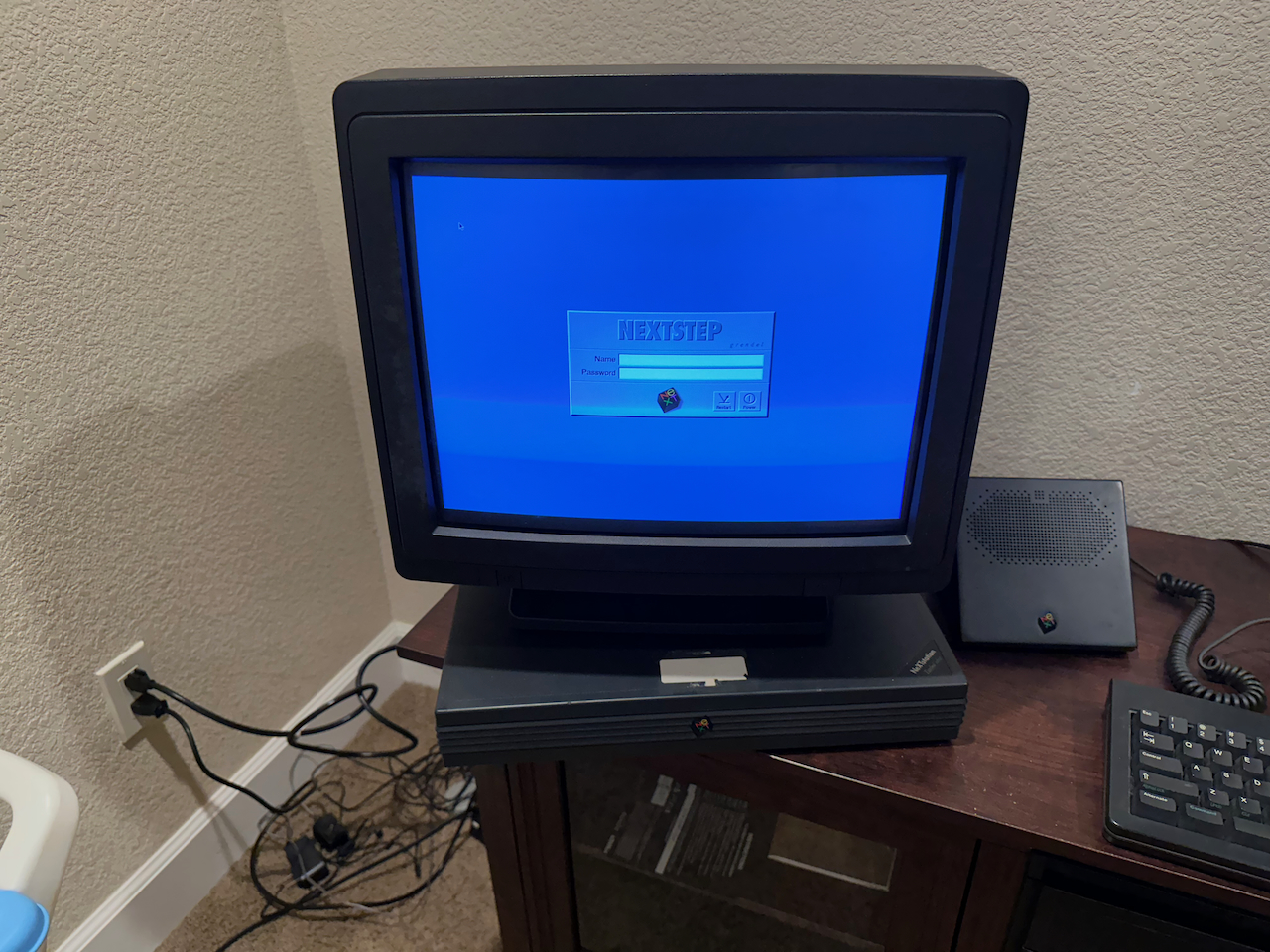
My current challenge is re-establishing the boot from the external hard drive, shown here just for kicks:
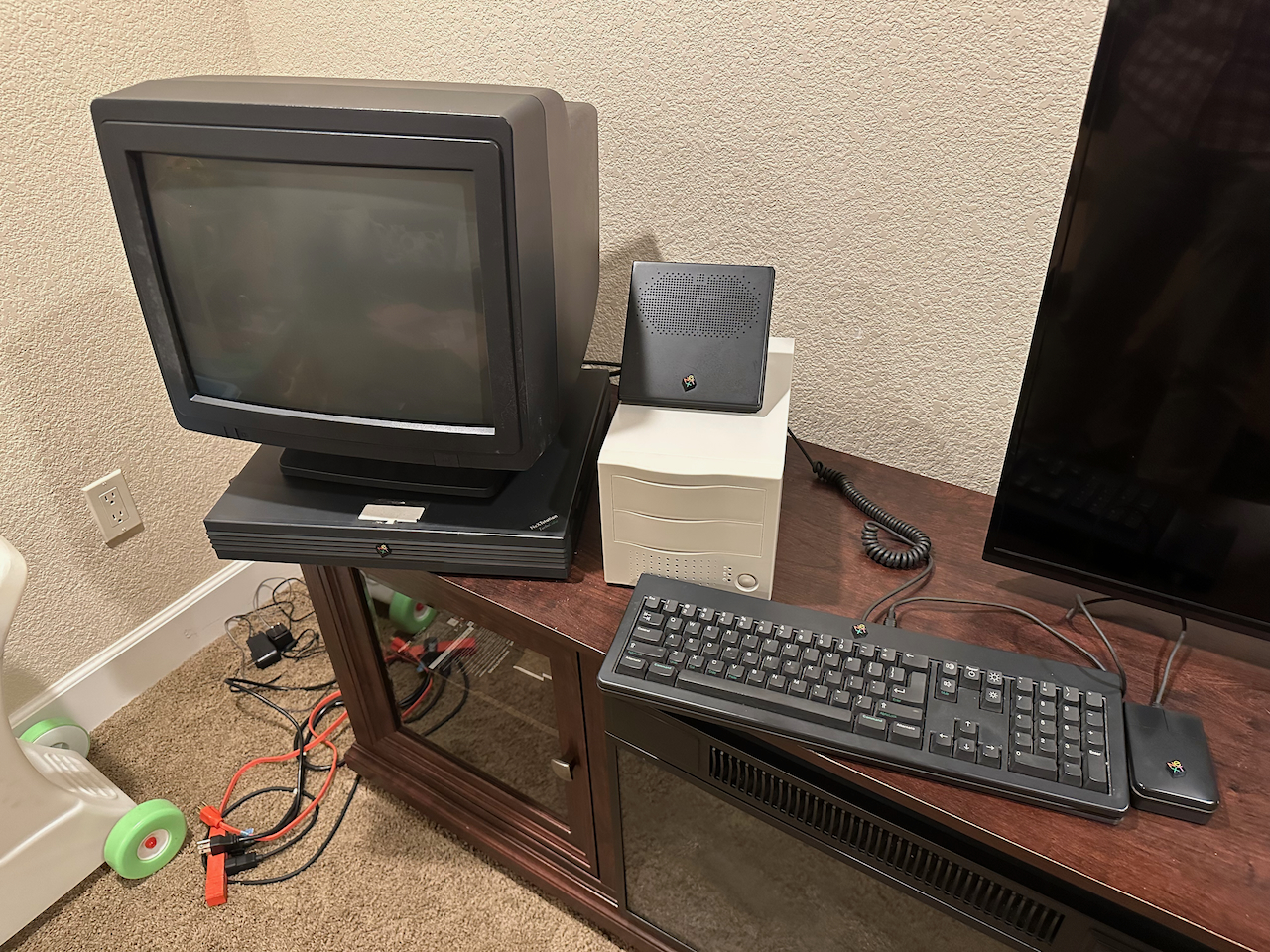
My memory is fuzzy but at some point I switched to booting from the giant 2GB external drive. When I boot from the internal drive, it shows up as a mount, so the drive looks to be functional. However, when I try bsd(1,0,0) from the ROM monitor, it looks like it switches to booting from the internal drive. You'll have to take my word for it that I'm doing bsd(1,0,0), but in the screenshot below you can see the "root on sd0" status message.
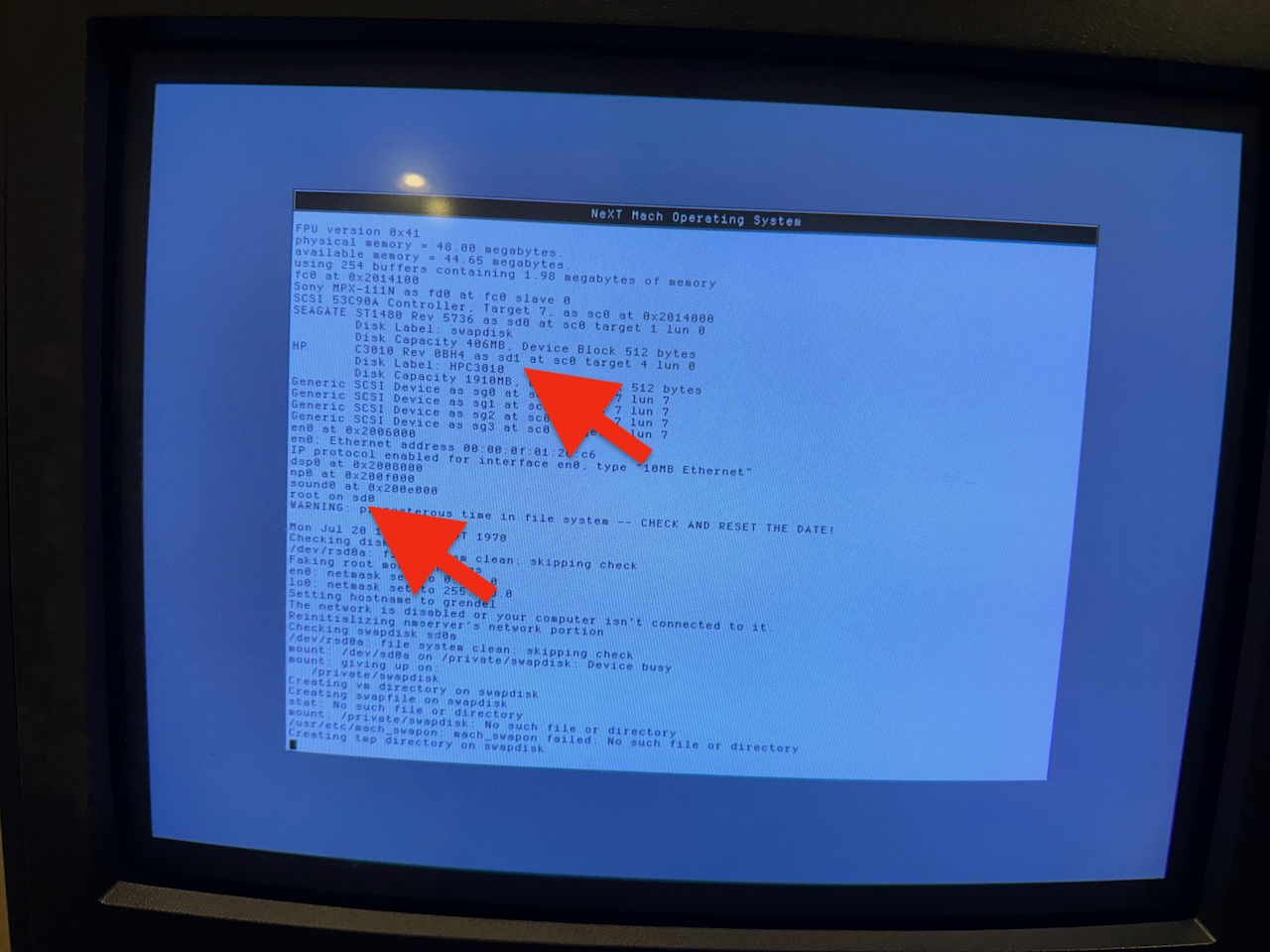
Any ideas what I'm doing wrong here?
Next step is to find the SCSI2 to SCSI2 cable I'm sure I have so that I can connect my Sun CD-ROM drive and maybe upgrade to NeXTSTEP 3.3 and apply the Y2K patch ;D
Title: Re: Resurrecting the slab
Post by: Apple2guy on September 25, 2023, 11:23:01 AM
Post by: Apple2guy on September 25, 2023, 11:23:01 AM
try: bsd(1,0,0) rootdev=sd1
http://www.nextcomputers.org/NeXTfiles/Docs/NeXTStep/3.3/nsa/09_StartShut.htmld/index.html
http://www.nextcomputers.org/NeXTfiles/Docs/NeXTStep/3.3/nsa/09_StartShut.htmld/index.html
Title: Re: Resurrecting the slab
Post by: kohlman on December 20, 2023, 02:37:20 AM
Post by: kohlman on December 20, 2023, 02:37:20 AM
thanks for this.
I had the same problem and used the -a with the boot command to get prompted.
Is it possible to boot from a different partition or is next locked to the first partition?
I had the same problem and used the -a with the boot command to get prompted.
Is it possible to boot from a different partition or is next locked to the first partition?
Title: Re: Resurrecting the slab
Post by: Apple2guy on December 22, 2023, 02:33:48 AM
Post by: Apple2guy on December 22, 2023, 02:33:48 AM
I believe you can.
Check out the "Booting from a Device" section on http://www.nextcomputers.org/NeXTfiles/Docs/NeXTStep/3.3/nsa/09_StartShut.htmld/index.html
Check out the "Booting from a Device" section on http://www.nextcomputers.org/NeXTfiles/Docs/NeXTStep/3.3/nsa/09_StartShut.htmld/index.html
QuoteThe optional device selectors are:
ctrl Controller number (default 0).
unit SCSI logical unit number (default 0). Almost always set to 0.
part Partition number (default 0). These are 0-7, corresponding to partitions a-h.